Guides for running your repair shop
Read about customer updates, payment records, mail-in repairs, and choosing software that fits the work at your counter.
Read about the work ahead
The guides are grouped around choosing software, switching systems and running the shop.
-
 01
01 Choosing software
Evaluate software, understand AI's uses and limits, and check who can change payment records.
-
 02
02 Switching systems
Plan a move from your current system or spreadsheets, then check the records and relationships you bring over.
-
 03
03 Running the shop
Read about mail-in repairs, customer status updates, review requests and preparing chargeback responses.
All articles
-
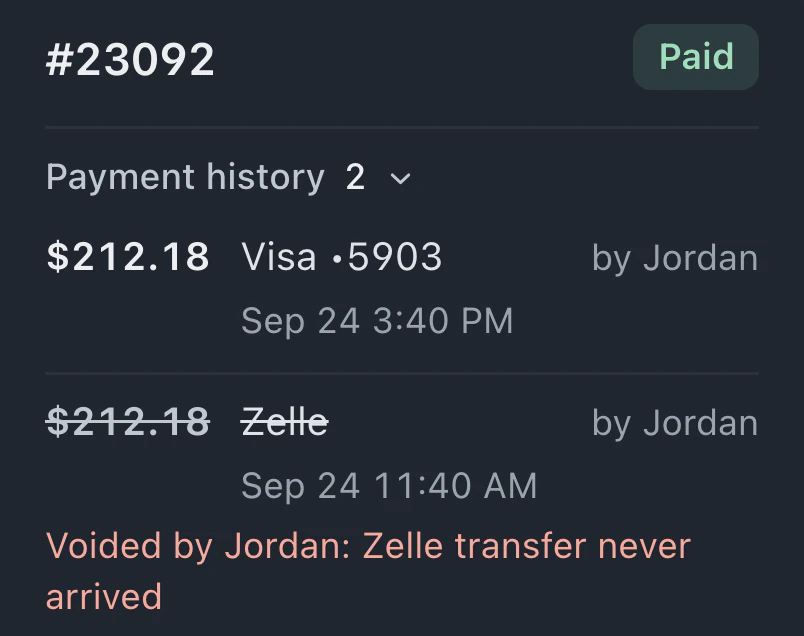 Keep a record of payment corrections in your shop Understand the risks of editable payment history in a repair shop and how append-only records preserve a clear trail of payments, refunds, and corrections.
 -
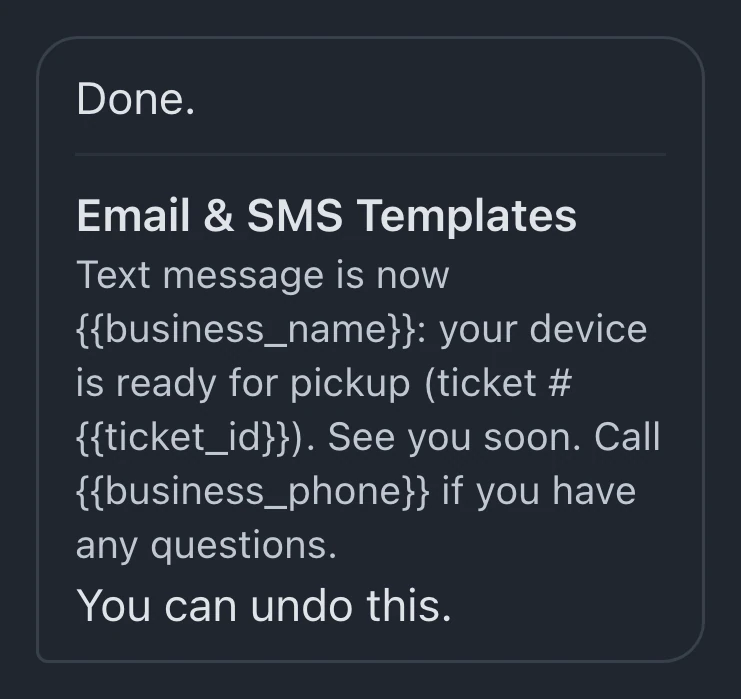 AI repair shop software: what it should do Evaluate AI for repair-shop setup, customer-message drafts, ticket summaries, and product questions, with clear provider requirements and human review.
 -
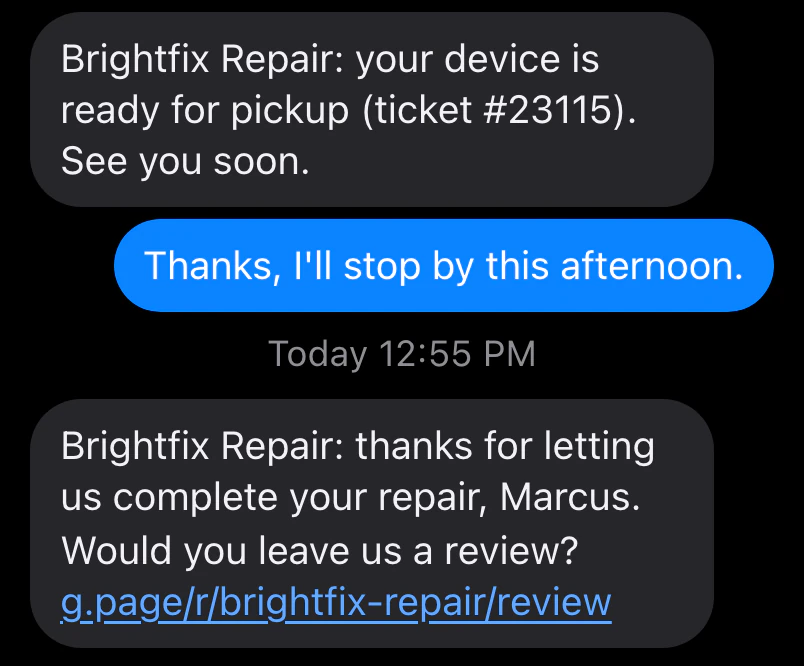 How repair shops ask for Google reviews Set up consistent review requests with a clear message, a direct review link, suitable timing, and respect for customer preferences.
 -
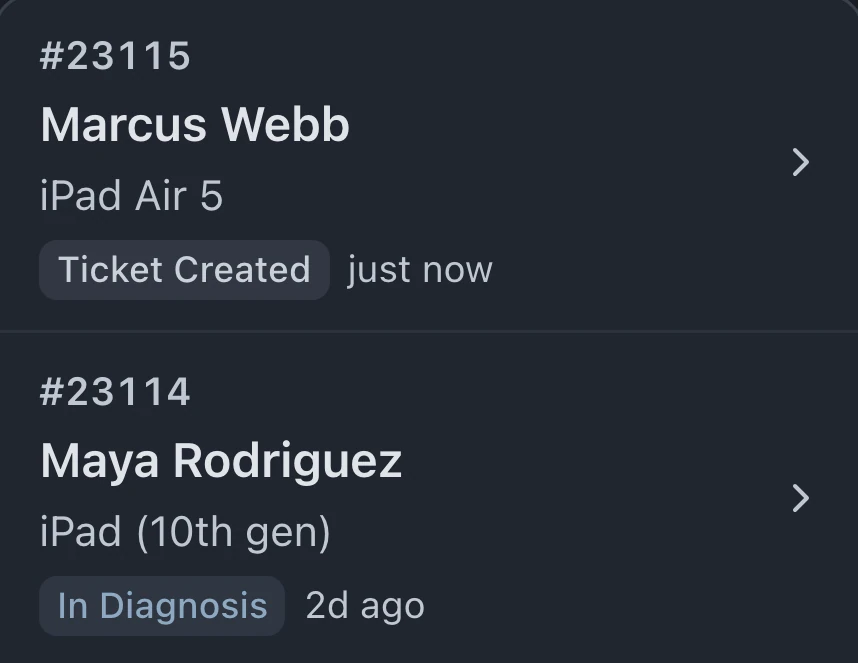 Running a repair shop on spreadsheets Many repair shops begin with a spreadsheet. These counter examples show where separate files, paper notes and shared access can make the work harder.
 -
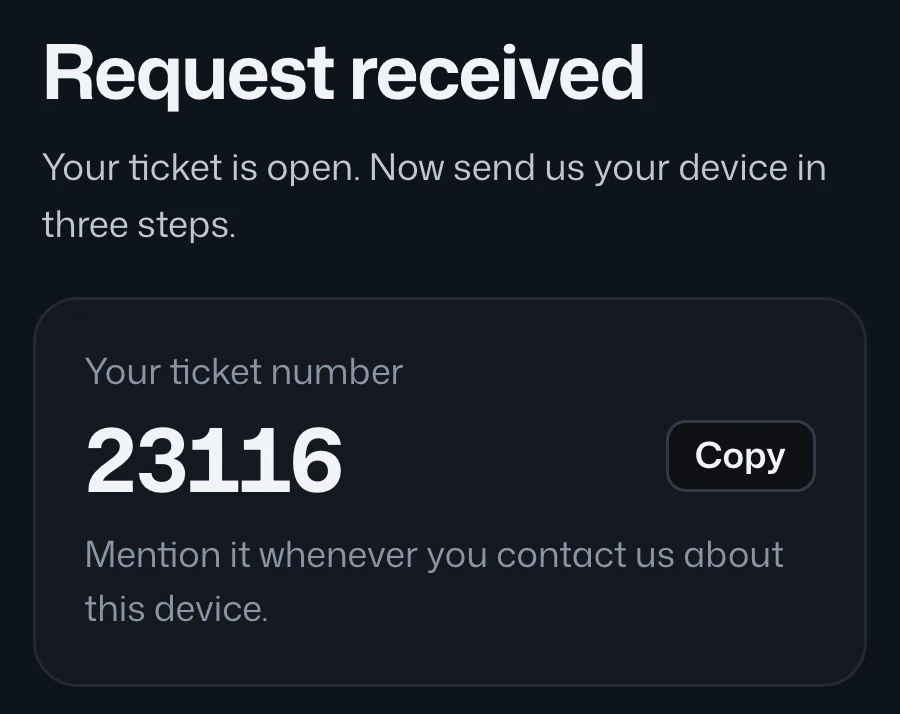 How to run a mail-in repair business Plan a mail-in repair workflow with intake forms, shipping both directions, recorded approvals, customer updates and configured follow-ups.
 -
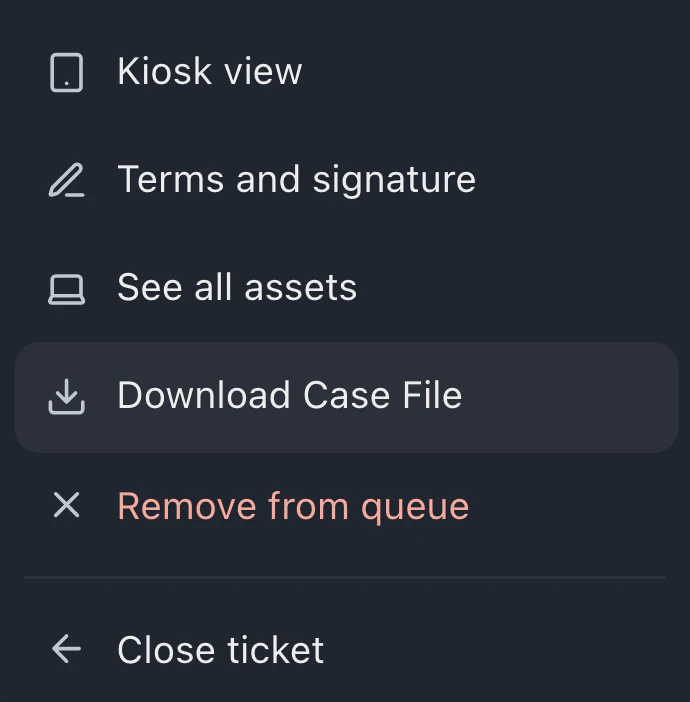 How repair shops prepare a chargeback response Build a clear chargeback response from recorded estimates, approvals, messages, payments, and delivery records. Follow your processor’s evidence requirements.
 -
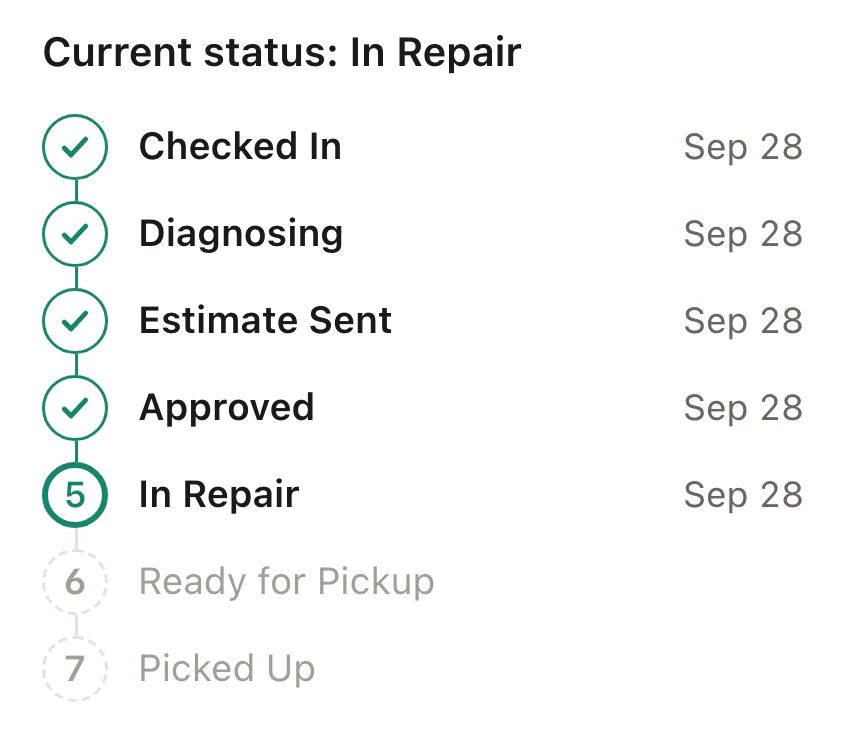 Help customers check their repair status Use status messages and a customer portal to share repair progress, set expectations, and give customers a place to check before calling.
 -
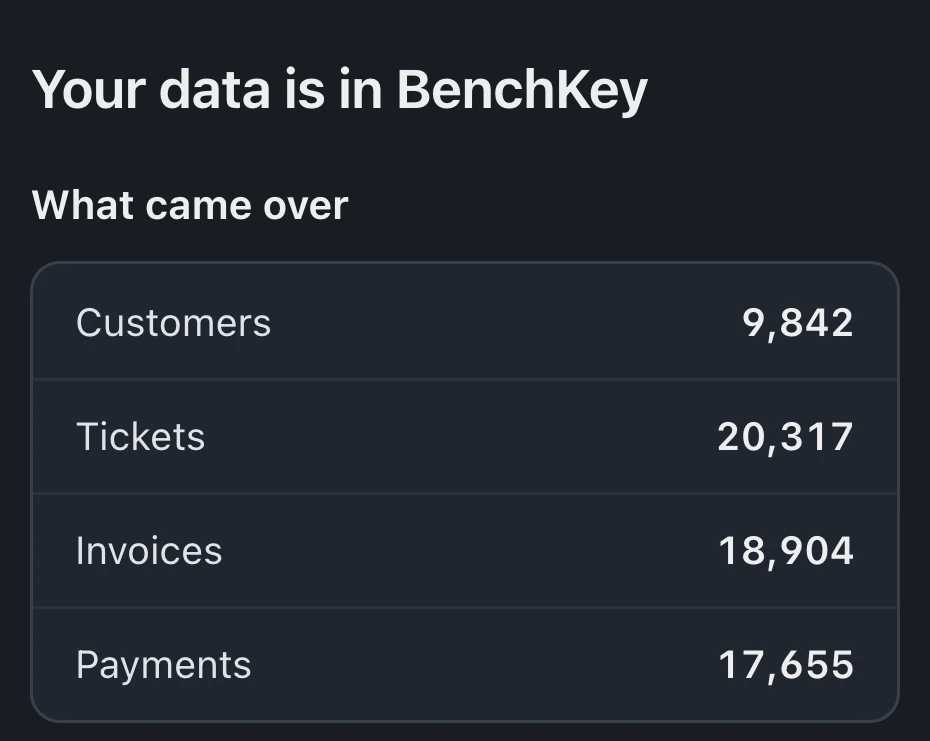 Plan your repair shop software migration Plan a repair-shop software migration with source exports, sample imports, relationship checks, rollback review, and a clear cutover date.
The waitlist is open for repair shops
Leave your email for access updates. Your name and shop name are optional.
 Watch the product tour 3:34 Follow a repair from check-in to pickup in BenchKey