Estimate approval in the customer's language
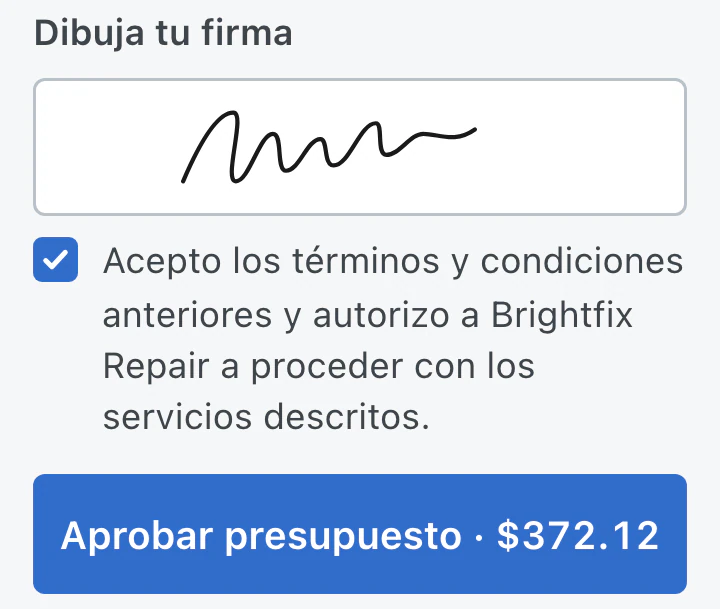
Estimate headings and approval controls can appear in the customer's preferred language. Listed repair items retain the wording entered by the shop.
BenchKey offers 33 languages with separate settings for the app and customer communications. Staff members can choose personal language preferences. Languages other than English are in beta.
An owner or admin opens Languages in Settings and chooses the team app language. Teammates see the change when BenchKey next loads.
Each person can open the language option in My Profile and choose a different language. That choice applies only to their own screen.
Customer communications have a default language. A preferred language on an individual customer record overrides that default when needed.
Built-in text follows the language settings. Wording entered by the shop is preserved, and some screens still contain English.
Estimate headings and approval controls can appear in the customer's preferred language. Listed repair items retain the wording entered by the shop.
Receipts, invoices and estimates include fonts for supported writing systems, including Japanese, Korean, Chinese, Thai and Hindi, so names and notes can print correctly.
Custom status names, your own message templates and ticket items retain the wording you entered. Changing a language setting does not rewrite them.
Your team has a default app language, while each person can use a personal preference. Changing that preference leaves the customer's communication language unchanged.
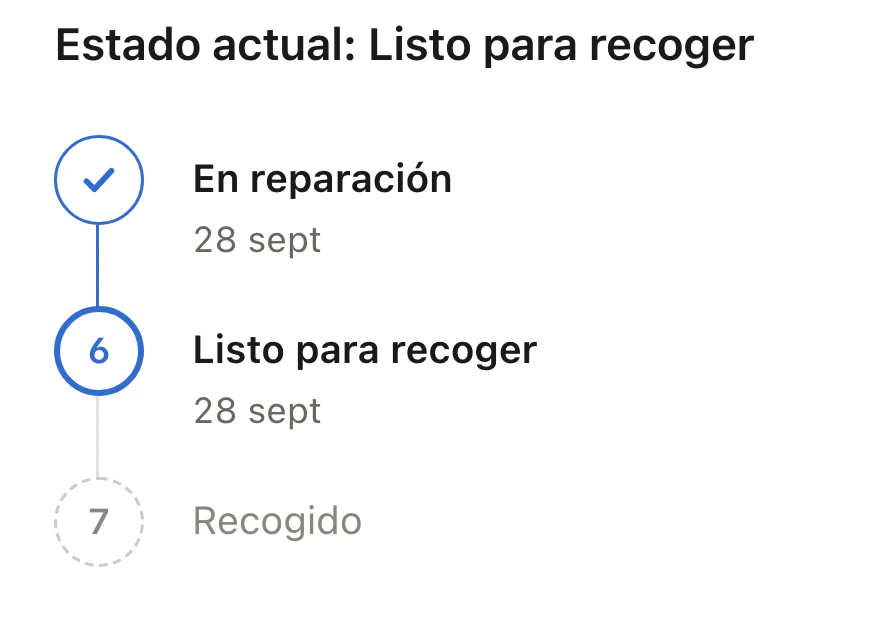
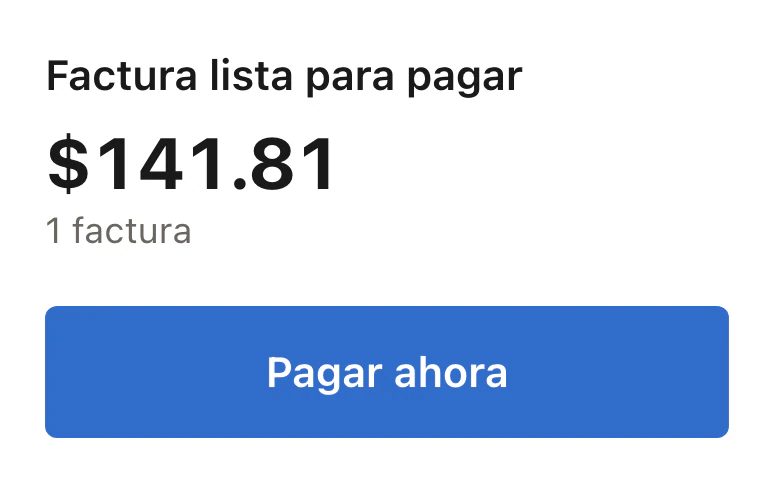
Customer emails, texts and estimates follow their preferred language when it is set. Your default customer language also controls receipts, invoices and the repair status page.
Language settings are included on Standard, Pro and Business.
Compare plans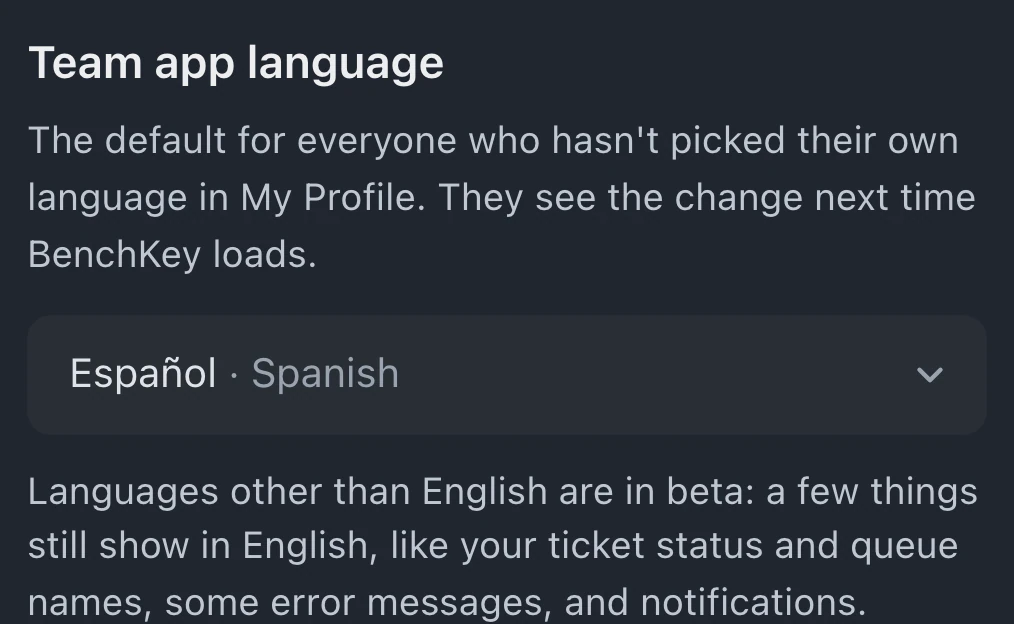
Sign-up and sign-in use English; setup starts in your browser's language when supported and lets you choose Team app language. App and customer-message settings have 33 options, with non-English languages in beta. Portuguese has Brazil and Portugal options, French has France and Canada options, and Chinese has Traditional and Simplified options. Coverage varies by screen and message.
Some status and queue names, errors and notifications can still appear in English. Team invitations use the inviter's app language or Team app language; some billing emails remain in English or Spanish. Booking and on-site visit pages use Customer language.
Personal language preferences change only the staff member's app display. Customer communications follow separate language settings, so a technician's screen language does not change what customers receive.
Leave your email for access updates. Your name and shop name are optional.
 Watch the product tour 3:34 Follow a repair from check-in to pickup in BenchKey