Fields you can change
Custom questions can be added, reordered or marked as required. The form builder also lets you remove questions you do not need.
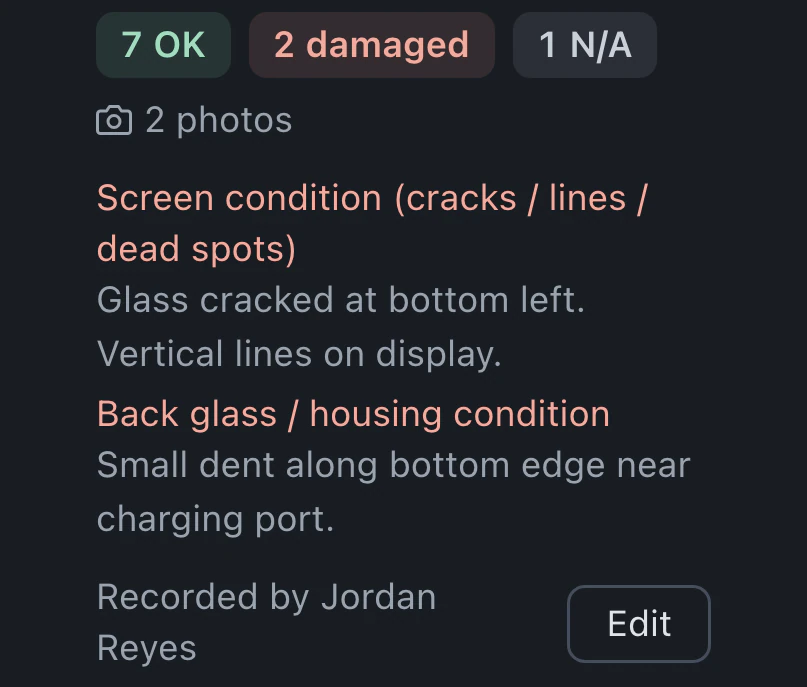
Staff record the customer's details and repair request, then create the ticket in the right queue. The customer reviews the agreement on the kiosk and signs for that ticket. Staff can also record device condition on the ticket.
Watch it work 0:55Included in StandardProBusiness
Check-in and kiosk guideA new ticket starts with a customer search by phone or email. Select an existing record or create a contact for a new customer.
Device details, category and requested service tell the bench what arrived and why. Enter those details with the customer's repair request.
Before submitting intake, confirm the details and choose a queue. The new repair ticket appears there with the customer and device attached.
Adapt the form to your counter, with information for each device saved in the drop-off record.
Custom questions can be added, reordered or marked as required. The form builder also lets you remove questions you do not need.
On Pro and Business, staff can print a device label from the ticket after check-in and send it to the configured label printer.
Choose the waiting message, agreement heading and thank-you text in kiosk settings. Add the service agreement points customers read before signing.
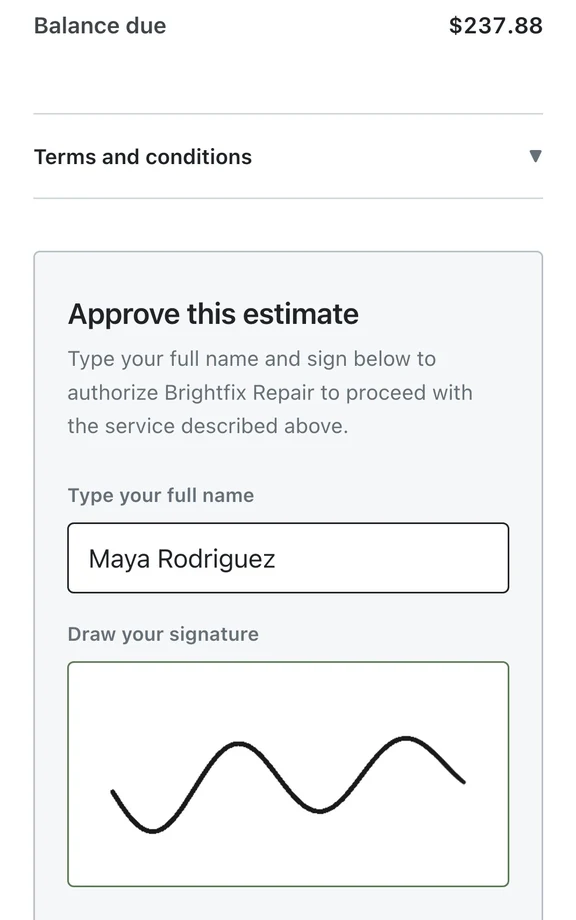
After staff create the ticket, the kiosk shows its agreement. The customer reads it and signs with a finger, and the signed agreement is saved with that repair ticket.
Check-in and the signature kiosk are included in Standard, Pro and Business.
Compare plans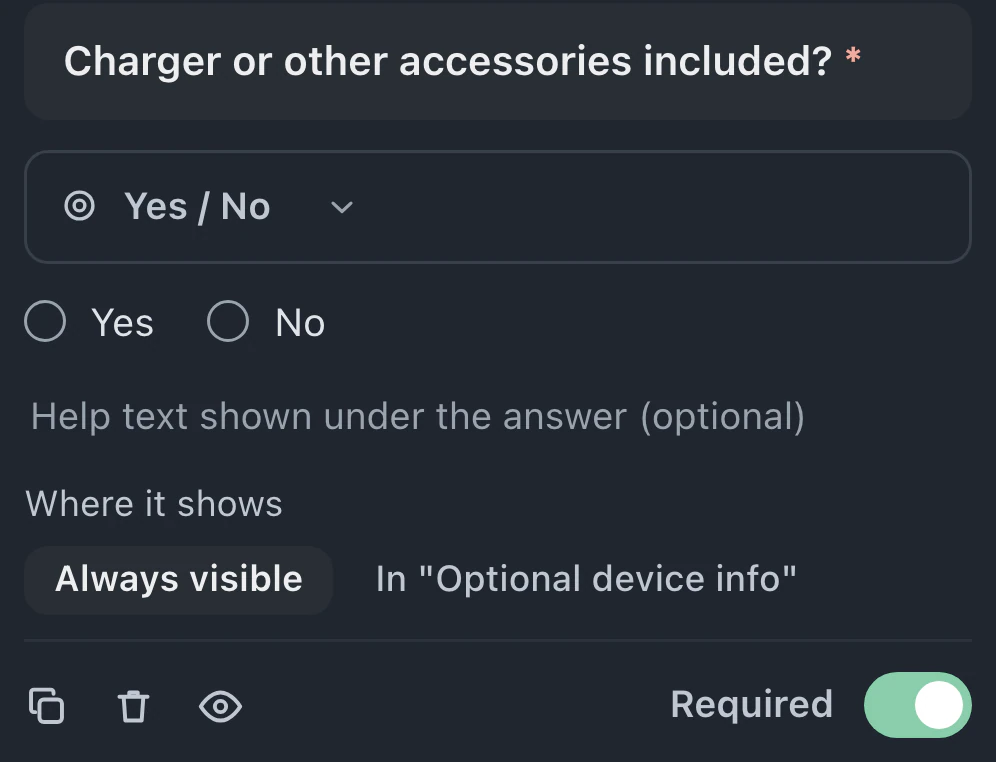
The kiosk runs in a browser on a tablet or spare laptop. Staff create the intake ticket first. On the customer-facing screen, the customer reviews the agreement and recorded condition, then signs for that ticket.
BenchKey matches customers by phone and email during intake. Selecting an existing match links the new ticket to that customer's prior history. For a new customer, create a contact.
Intake supports an access code for each device. Questions about chargers or other accessories can be added in the form builder, where you set their order and decide which answers are required.
Leave your email for access updates. Your name and shop name are optional.
 Watch the product tour 3:34 Follow a repair from check-in to pickup in BenchKey