Online booking on your website
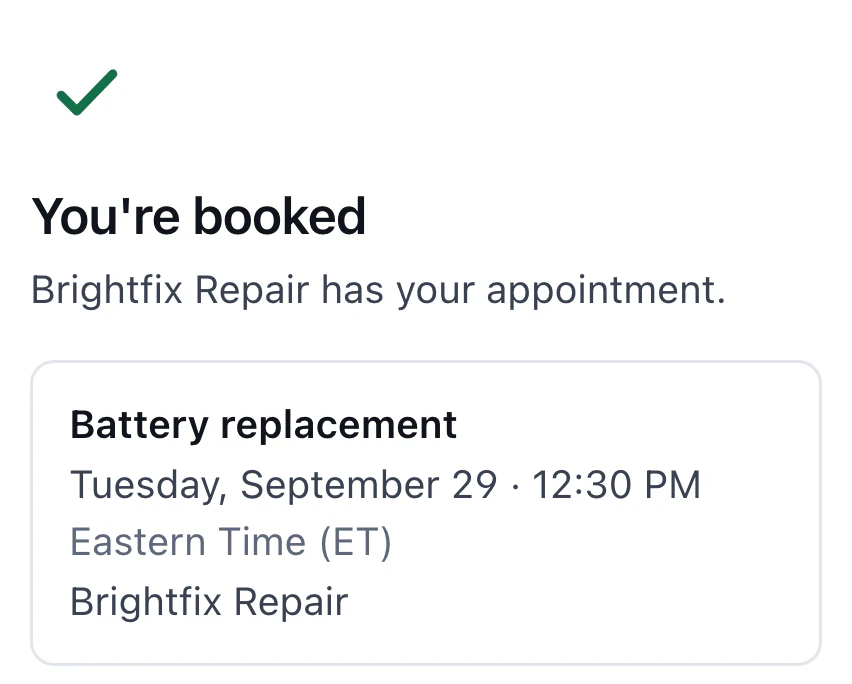
Pro and Business include a customer booking page and website embed. Share the link so customers can choose a time themselves.
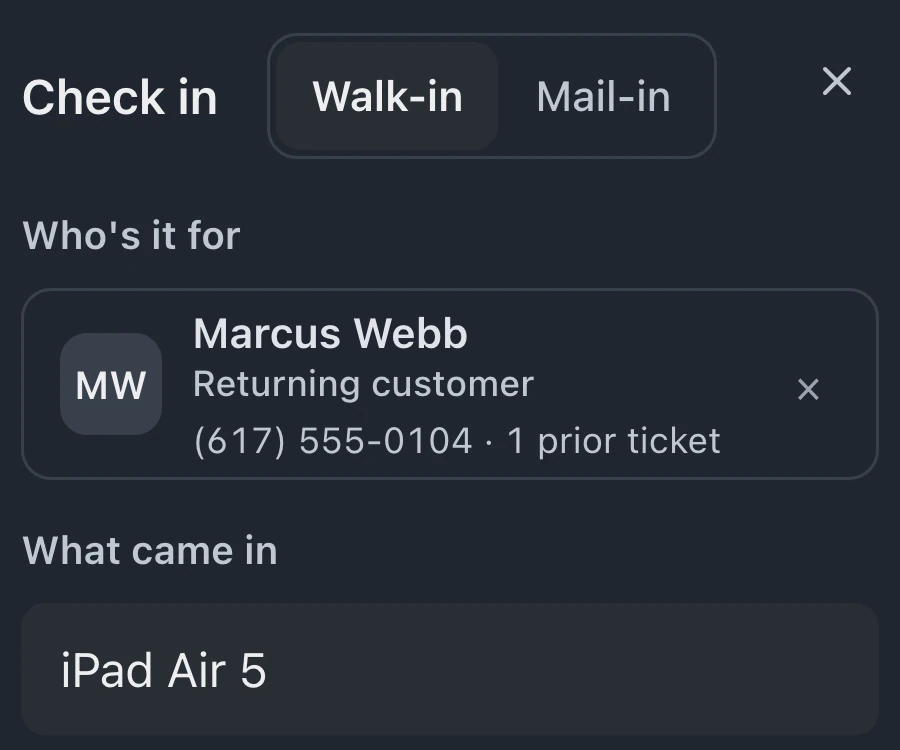
Staff can book customers into the Calendar on every plan. At arrival, Create ticket opens Check in with the customer's name, phone and email. Online bookings also carry over the device and reported problem.
Starts on Standard
Appointments guideCreate the appointment with the customer's details, requested service and chosen time. Save it to the calendar so the counter can see the booking.
The Calendar's Day and Agenda views show the day's appointments, with Next up at the top. Each booking shows the customer's name, phone and service.
When the customer arrives, choose Create ticket on the appointment. Check in opens with their name, phone and email. Online bookings also fill in the device and reported problem. The ticket links to the appointment.
Online booking is available on eligible plans, with configurable reminders and a record of missed appointments for follow-up.
Pro and Business include a customer booking page and website embed. Share the link so customers can choose a time themselves.
Your opening hours and chosen slot length determine the times offered on the public booking page once setup is complete.
Configure automatic appointment reminders by email or text. Texts need Pro or Business and a connected texting provider, and respect STOP replies, allowed texting hours and daily limits per number. Email reminders need an email address on the appointment.
No-shows remain visible on the schedule. Staff can review missed bookings and decide which customers to contact about another visit.
Review appointments on the Calendar before arrival. Create ticket carries over the customer's name and contact details. Online bookings also carry over device and problem details; staff-entered service descriptions and notes stay on the appointment.
With online booking on Pro or Business, customers choose a time and describe what needs repair. Your configured reminder channels can send an update before the appointment.
Standard, Pro and Business include the staff appointment calendar; Pro and Business also include the online booking page and website embed.
Compare plans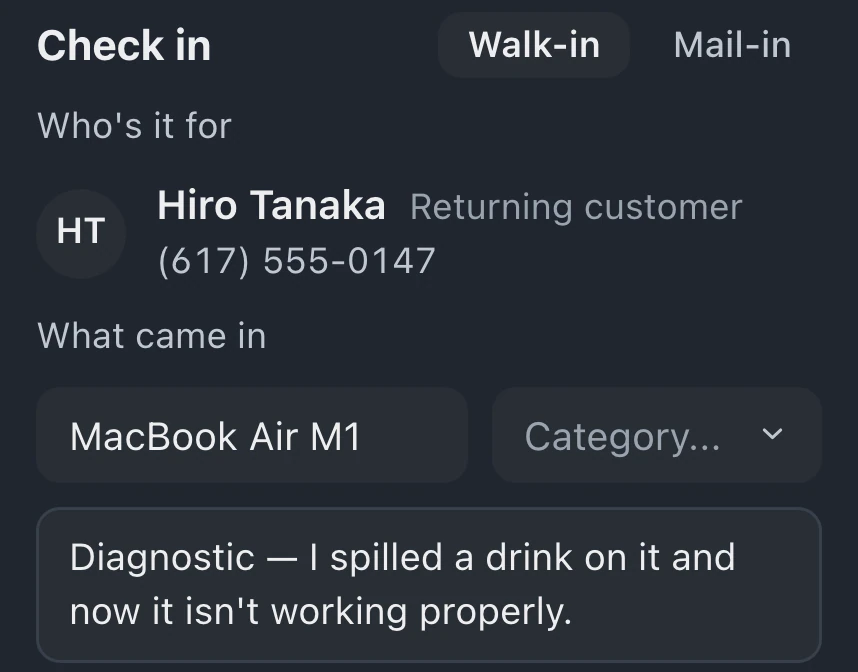
Create an appointment on the calendar with the service and time, then save it. Staff can review the booking on the schedule before the customer comes in. The calendar is included on Standard, Pro and Business.
Pro and Business include the booking page and website embed. Set the opening hours and slot length, complete setup and share the link. Standard provides the calendar for staff to book customers in.
Choose Create ticket on the appointment and finish Check in. The new ticket links to the appointment, which stays on the Calendar with View ticket. Customer names, phone numbers and email addresses carry over. For online bookings, the device and reported problem carry over too.
Leave your email for access updates. Your name and shop name are optional.
 Watch the product tour 3:34 Follow a repair from check-in to pickup in BenchKey