Estimate decisions on record
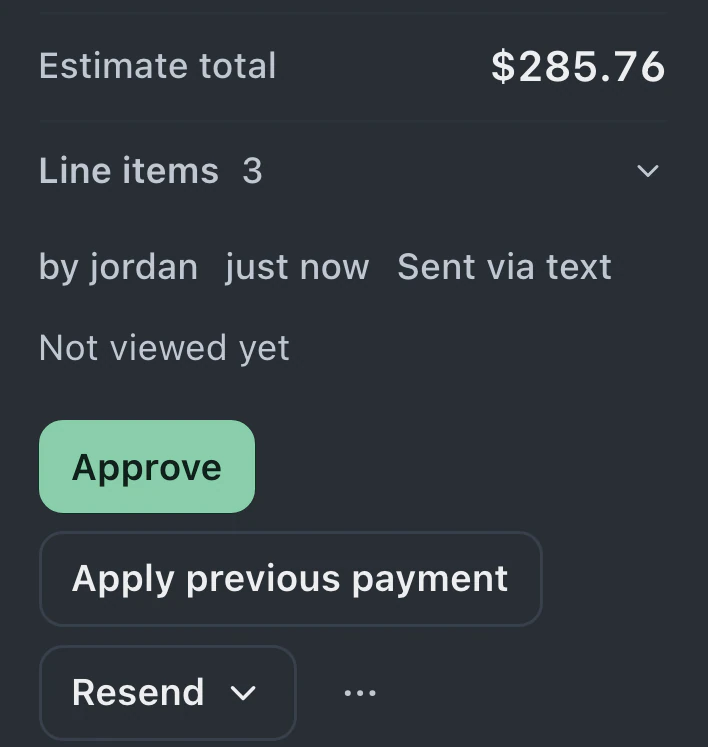
An estimate can be approved or declined through the customer's page. Approval records include the required name, signature and acceptance of your terms.
Send a private link with the repair's progress, estimate and invoice. Customers can open it on their phone without creating an account, while staff control the updates shared from the ticket.
Watch it work 1:11Starts on Standard
Customer status page guideMap your internal statuses to the steps customers should see. Set a timeline for each ticket type to reflect how that work moves through the shop.
Include the ticket's link in your intake or status messages. The customer can open their repair page in a browser without installing an app.
Change the ticket status as work progresses and select attachments to share. Internal notes stay with the team; the customer's page shows recorded progress.
Choose light or dark for invoice, estimate and receipt pages, and send emails from your shop's address. Pro and Business include custom domains for the portal and status email links.
The estimate, invoice and shared files stay with the repair's progress so customers can review the work and respond.
An estimate can be approved or declined through the customer's page. Approval records include the required name, signature and acceptance of your terms.
With your Stripe or Square account connected, the status page provides a link for customers to pay their repair invoice.
A portal logo and buttons in your business colors give the repair page the shop's identity.
Enable messages and customer uploads to keep replies and files with the repair. Customer messages join the ticket conversation.
Internal ticket notes stay with the team. Sharing photos and attachments requires a customer email on file. Staff manage the repair status from the ticket.
Through the private link, customers see that ticket's progress, estimate and invoice. They review the work, give their decision and pay online when a payment provider is connected.
Standard, Pro and Business include status tracking, estimate approval and online payment; Pro and Business add portal messages and customer file uploads.
Compare plans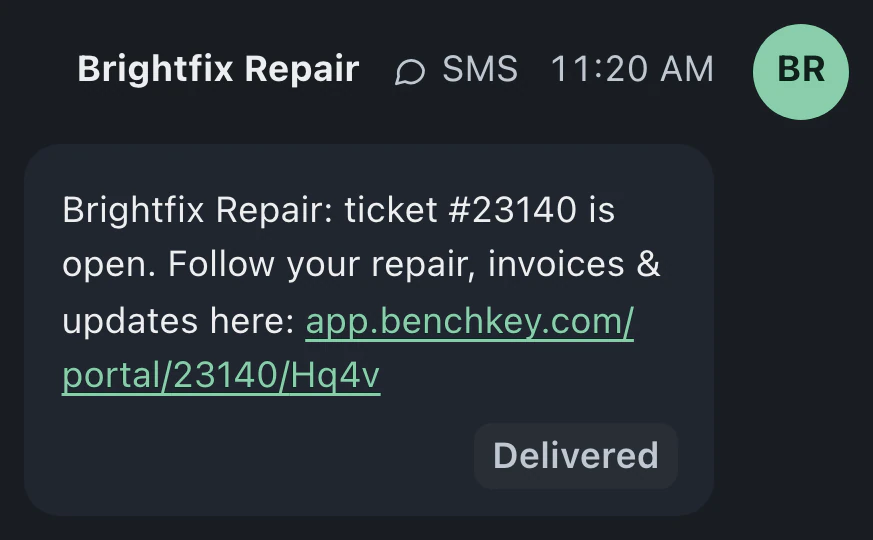
Customers open their ticket's private link in a browser without setting up an account or app. Include the link in intake and status messages, or resend it from the ticket.
Each private link is limited to its own repair ticket. It does not give access to other tickets. Staff choose which photos and attachments are visible; internal ticket notes stay with the team.
Mail-in tickets on Business can have a timeline with package arrival and return shipping stages. Customers follow progress and review the estimate through their repair link, where they can also pay online when a provider is connected.
Leave your email for access updates. Your name and shop name are optional.
 Watch the product tour 3:34 Follow a repair from check-in to pickup in BenchKey