Warranty window
Set "Warranty length (days)" in your service agreement; 0 means no warranty. Coverage starts when the ticket's latest invoice is paid in full. Customers see "Covered until …" on their on-site visit page.
When a repaired device returns, find its earlier ticket. The original work and your service terms inform the coverage decision. Record the rework with a reference to that repair.
Starts on Standard
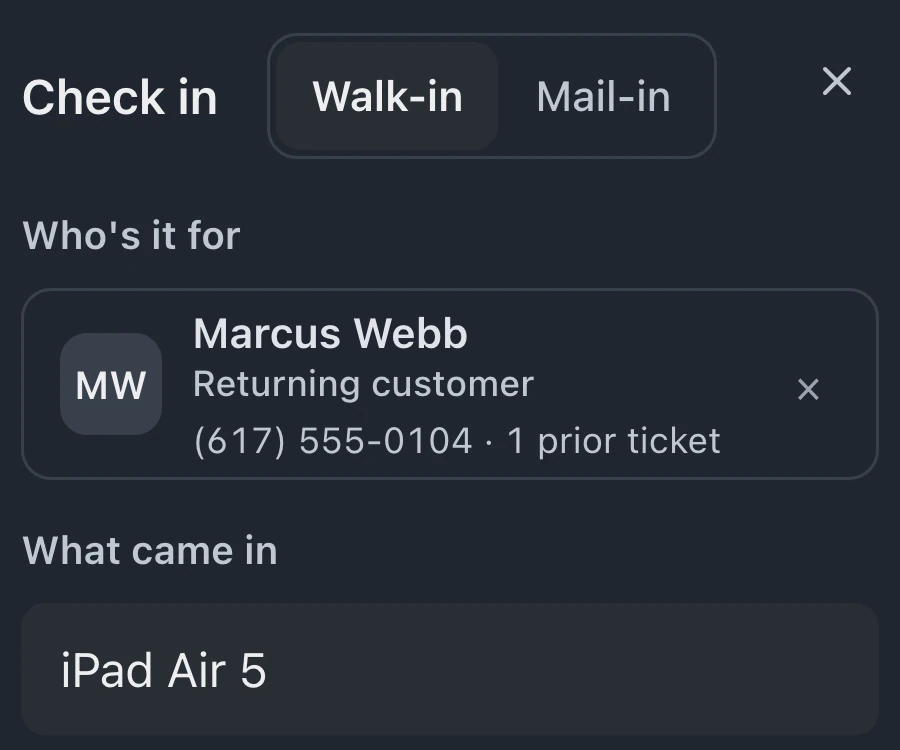
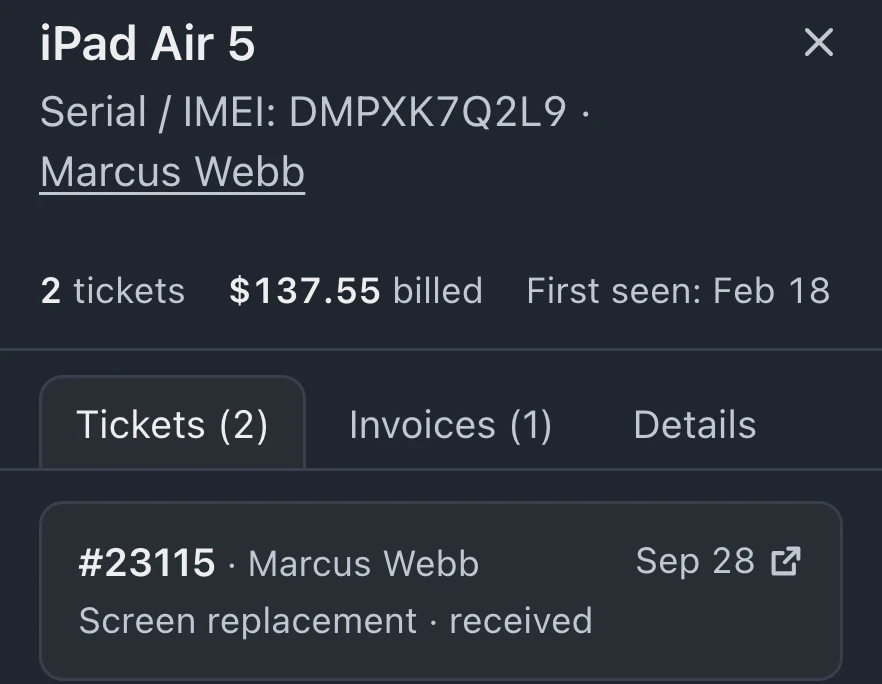
Warranty and rework guideSelect the returning customer and open their repair history. Identify the device and original work before preparing a new ticket for the return.
Compare the reported problem with the original repair and your service terms. Staff make the coverage decision after reviewing that context.
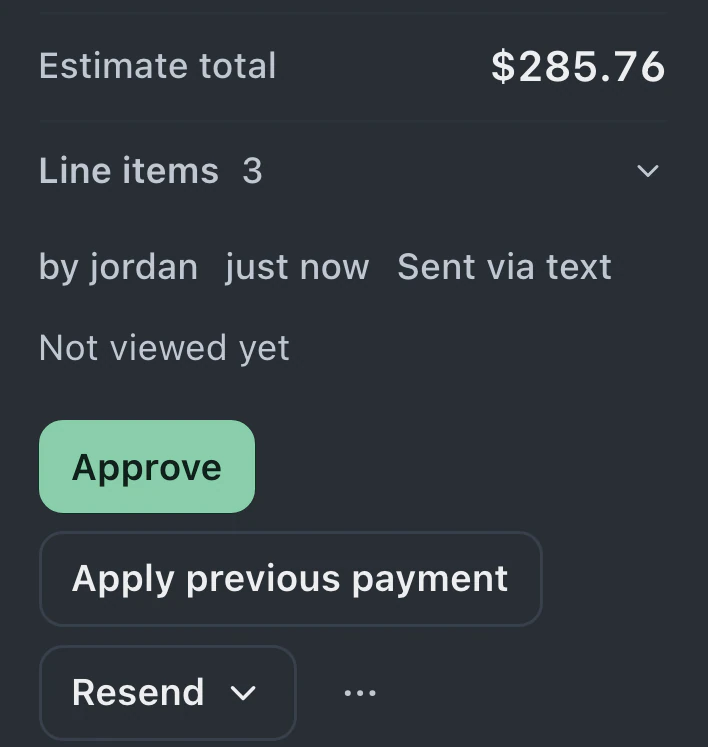
A rework ticket records the issue, device identifiers, store and queue. Reference the original repair in intake notes, and enter a no-charge estimate when the shop approves covered work.
Returning-customer recognition provides context. Coverage dates and any formal claim record have their own requirements.
Set "Warranty length (days)" in your service agreement; 0 means no warranty. Coverage starts when the ticket's latest invoice is paid in full. Customers see "Covered until …" on their on-site visit page.
Without a paid invoice or configured warranty period, a ticket has no calculated coverage window.
When a matching device identifier belongs to hardware previously brought in by another customer, check-in can show an ownership warning for staff to review.
With enabled API access on Business, integrations can open claims for actively covered tickets, record decisions, link rework and save resolution notes.
Ticket history and rework are included on Standard, Pro and Business; formal claims through the API require Business.
Compare plans
BenchKey calculates the coverage window from the ticket's latest paid invoice using the warranty period in your business service terms. Without that paid invoice or a configured period, there is no calculated coverage.
Selecting a returning customer or recognizing a device does not approve the return. Staff still review the original repair, the reported problem and the shop's service terms before deciding whether to cover the work.
Formal claim records are available through enabled API access on Business. An integration can open a claim against active coverage, approve or reject it, attach a rework ticket and record resolution notes. Access also depends on permissions and workspace configuration.
A matching serial number or device identifier can reveal earlier repair history and an ownership warning. Recognition does not replace the saved customer or automatically combine customer records. Staff review the history before accepting the return.
Leave your email for access updates. Your name and shop name are optional.
 Watch the product tour 3:34 Follow a repair from check-in to pickup in BenchKey