Appointment changes before your cutoff
Confirmation links allow rescheduling and cancellation within your rules. After the cutoff, customers are directed to call the shop.
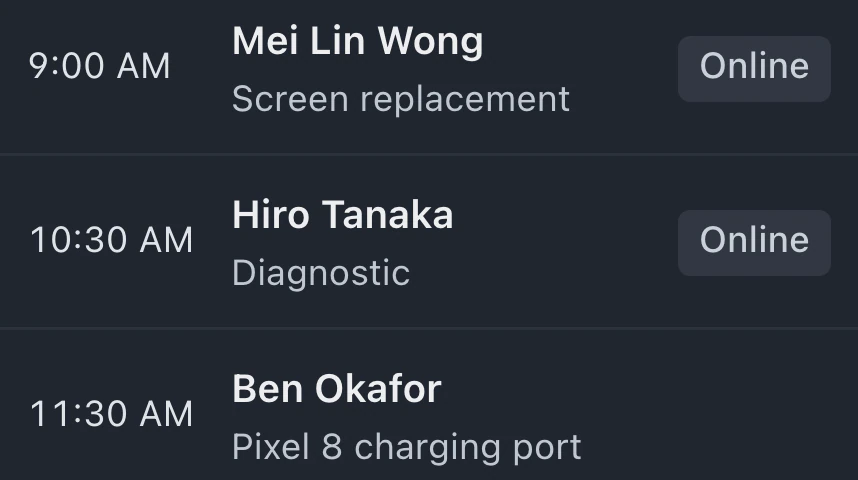
Your opening hours determine the appointments offered on the booking page. Share the link for customers to choose an available time and provide repair details. Bookings appear on the calendar used by counter staff.
In Settings, enable appointment booking, choose a slot length and save your opening hours. Preview the available times on the page.
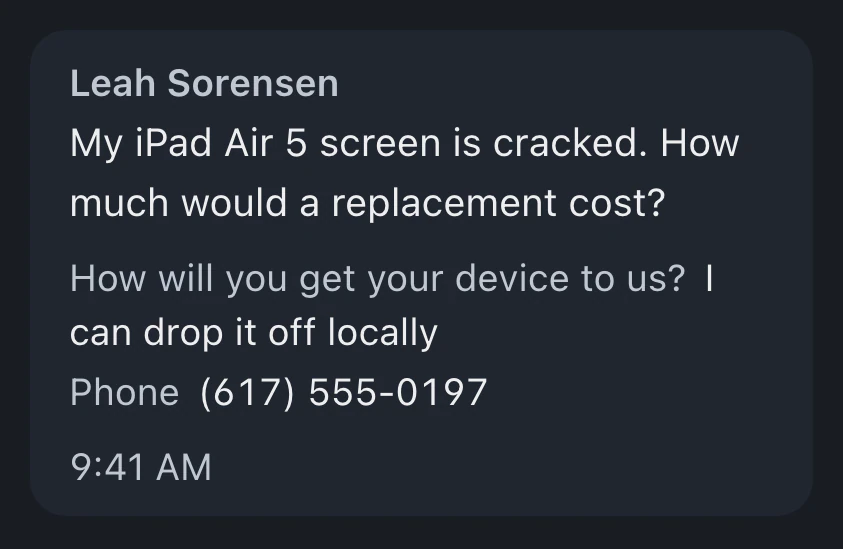
A booking link, printable code or website booking block gives customers access. They choose a slot and enter repair details.
Find the booking on your calendar when the customer arrives. Convert it to a ticket with the customer, device and problem details attached.
Rules govern booking changes and visit requests, with reminder channels you can configure for upcoming appointments.
Confirmation links allow rescheduling and cancellation within your rules. After the cutoff, customers are directed to call the shop.
Configure automatic email or text reminders for confirmed bookings. Texts need Pro or Business and a connected texting provider, and respect quiet hours and STOP. Emails need an email address on the booking.
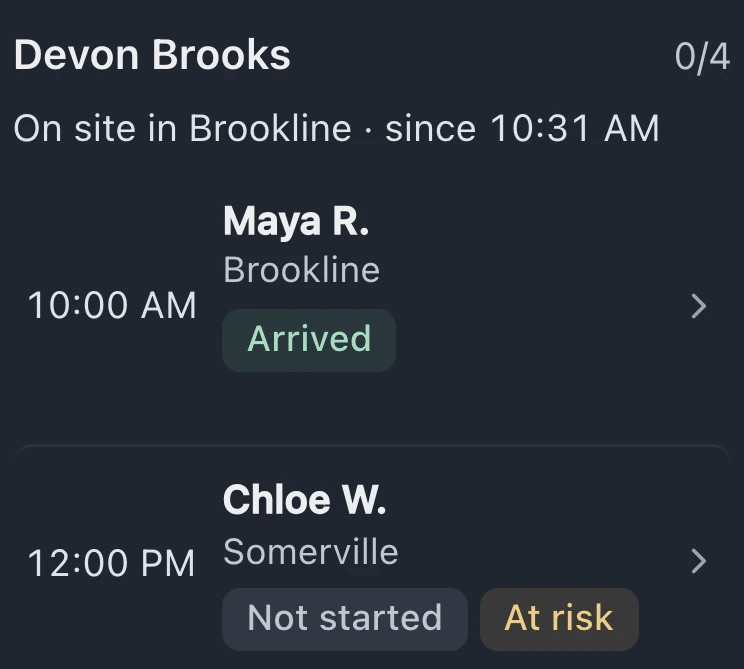
The page shows your trip fee before booking. Customers enter a ZIP or postal code to check whether you come there. Requests wait for approval by default; shops serving a list of ZIP or postal codes can choose Confirm automatically.
Your logo, color and contact details appear on a page designed for phones. Booking is available in English or Spanish.
Bookings made by customers share the Calendar with staff-entered appointments. Opening hours, slot length, minimum notice, Max per slot and prep and cleanup buffers determine the in-shop times customers can choose.
Service and available time are selected before customers enter their details and receive confirmation. Until your cutoff, the link lets them manage the booking.
Online booking and the website embed are included on Pro and Business, while Standard includes a calendar for staff-entered appointments.
Compare plans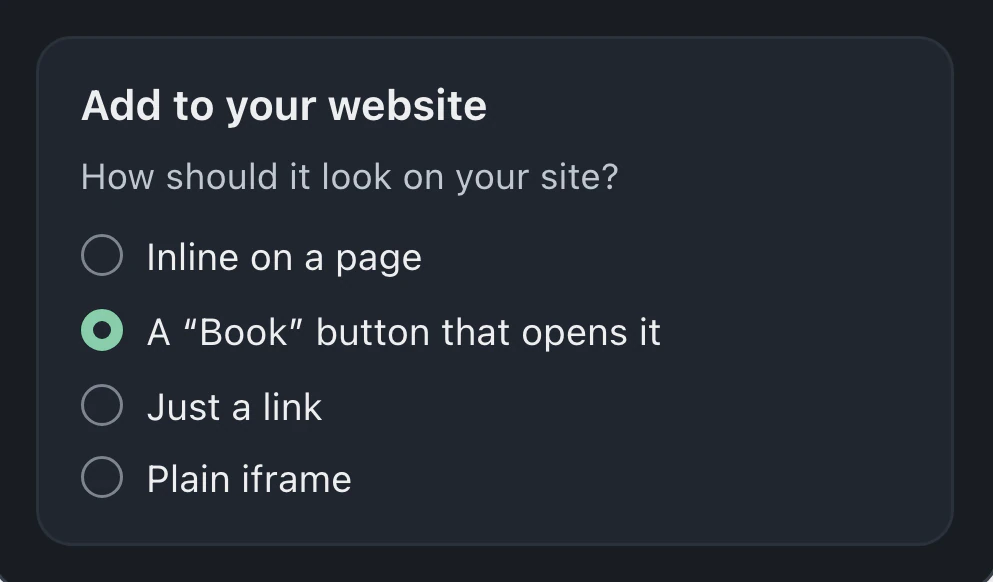
Add a booking block to a page, use a button that opens booking, or link to the booking page. BenchKey includes instructions for supported website builders, and you can send the code to the person who maintains your site.
Booking does not collect a payment. Customers reserve a time and provide their repair details. You collect payment for the repair through your usual shop process.
In-shop appointments can confirm automatically or wait for approval. Home visit requests normally need approval, with an option to confirm automatically for the postal codes you serve.
English and Spanish are available on the booking page for customers to choose. Spanish is part of BenchKey's non-English language support, which is labeled beta.
Leave your email for access updates. Your name and shop name are optional.
 Watch the product tour 3:34 Follow a repair from check-in to pickup in BenchKey