A RepairDesk alternative for your phone counter
Walk through a screen repair with the staff who take the phone in and hand it back. Before planning the move, test intake details, part pricing, approval and payment.
Follow a repair through BenchKey
-
Counter intake
Start with the customer and device in a ticket that holds the repair's later records.
-
Request approval
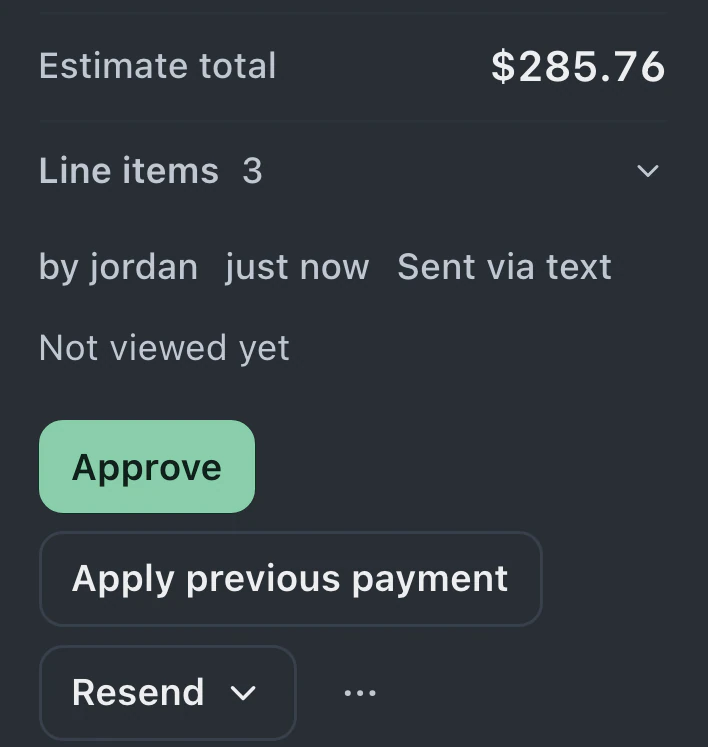
Send the ticket's estimate link by text. The customer reviews it on their private page.
-
Customer approval
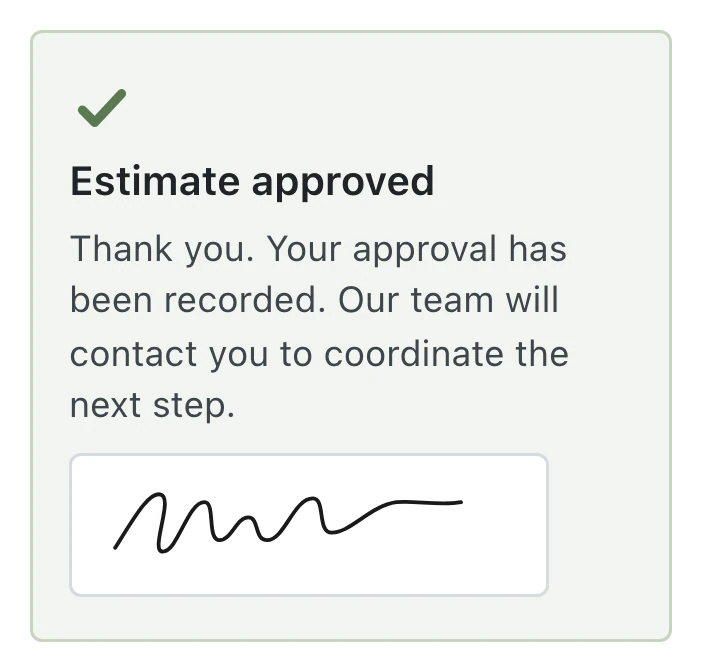
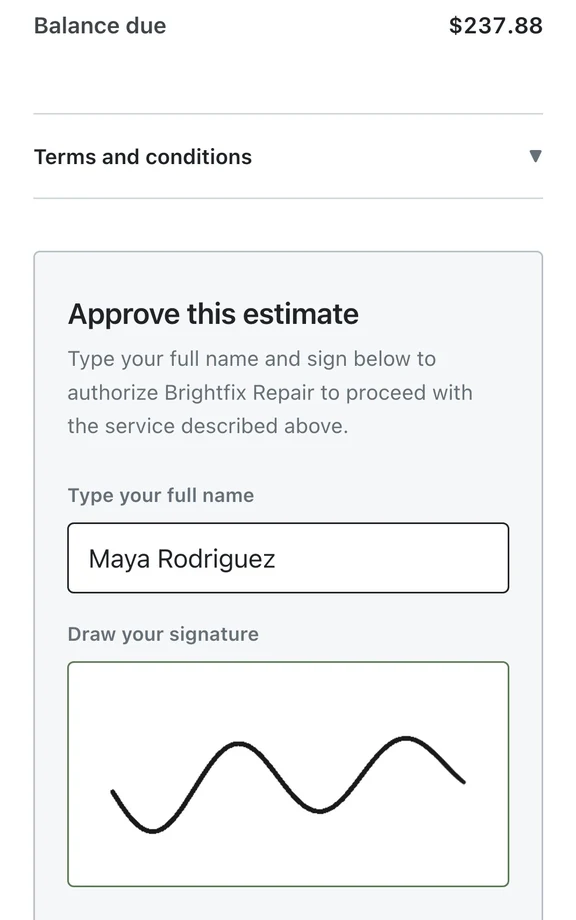
The customer approves on their phone without an account, and the ticket's status updates automatically.
-
Record payment
Approved lines become the invoice. Cash payments stay recorded, and corrections are new entries.
Plan limits and counter tools in BenchKey
- Standard
Solo owners handling intake, repairs and pickup
$29
a month
- One person, one store, 75 new tickets monthly
- Tickets you import are excluded from the monthly count.
- Repair timeline with customer approval and online invoice payment
- Collect payments at checkout, close the drawer and issue receipts
- Import RepairShopr, RepairDesk or files, and request a workspace export
- Pro
Staffed shops handling bookings, customer texts and on-site visits
$79$59$79a month
Founders pricing
All of Standard, plus:
- Up to 8 people, one store, unlimited tickets
- Add people within your allowance without a separate per-person charge.
- Full customer portal for messages and files
- Shop texting via Quo, Twilio or RingCentral; Quo call records and RingCentral incoming-call pop-ups
- Sync your records to QuickBooks Online
- Business
Operators running multiple stores, mail-in repairs or business customer accounts
$149$99$149a month for your first store
+
$79$59$79 monthly per additional storeFounders pricing
All of Pro, plus:
- All stores, unlimited people and tickets
- The full Business plan applies at every store.
- Run several stores with tools for managing them together
- Mail-in forms, carrier rates, shipping labels and customer follow-ups
- Have our team move your shop's data with paid Business
Phone counter work in BenchKey
-
Returning customers at intake
Match customers by phone or email, then capture the device, serial number, passcode and reported issue. Assign the store and queue while creating the repair ticket.
-
Condition captured for each device
Complete a separate condition checklist for each device in the drop-off. Damage notes and supported photo attachments are saved for the bench to review in the ticket.
-
Part prices carried into billing
Attach catalog parts to the repair and review quantities and prices on the estimate or invoice. Stock movement follows the invoice workflow, so attaching a part alone does not complete a sale.
-
Approval saved with the estimate
Customers review and sign the estimate through a private link. Saved approval accompanies the estimate, and approved line items carry into the ticket's invoice.
-
Resale costs by device
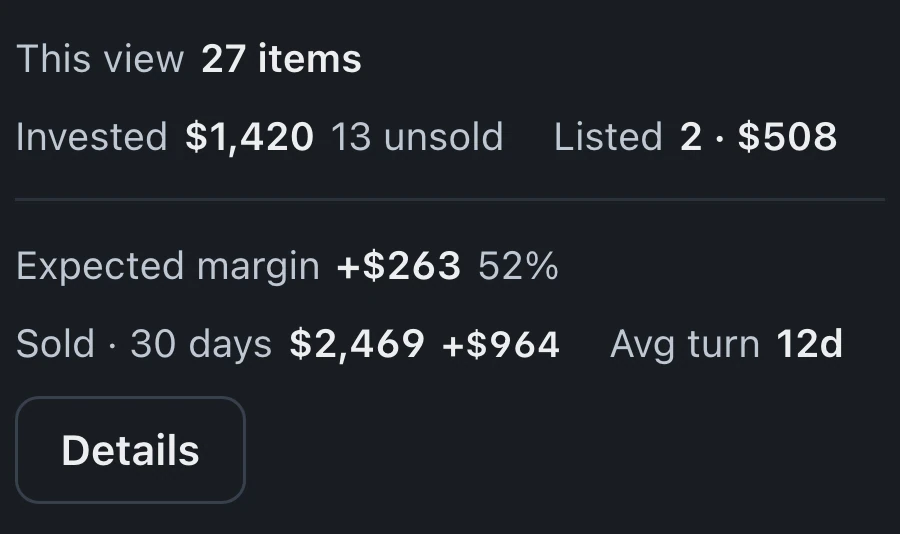
Buy/Sell tracks purchased devices through refurbishment and resale, with costs recorded against each unit. It is in beta and stays off until enabled in Settings.
-
Pickup messages in the repair record
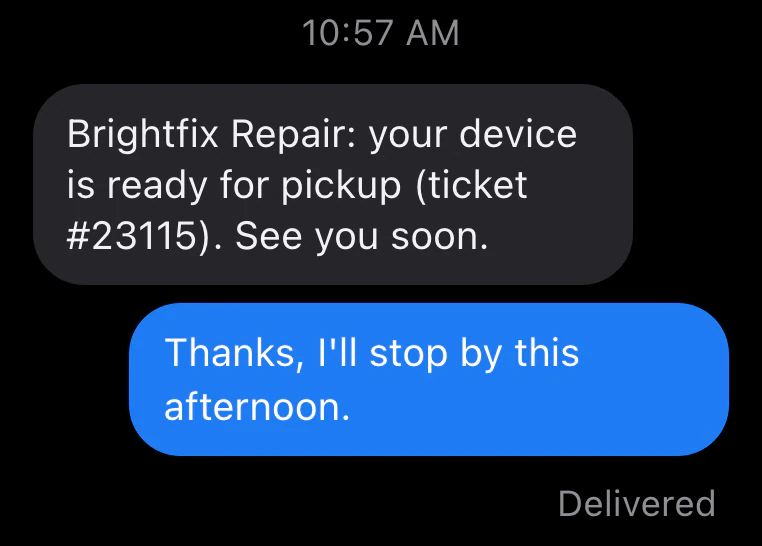
A connected texting provider sends automatic status messages and receives replies. Inspect the ready-for-pickup template so the customer knows what to do next.
Phone counter evaluation
Rehearse the drop-off with your staff
Have counter staff complete intake for a familiar screen or battery repair. BenchKey matches returning customers by phone or email and records serial numbers, passcodes and reported issues. Existing damage can be captured in the condition checklist and photos where enabled. Then let the technician open the ticket. Verify that the bench has the details it needs without asking the customer to repeat them. Compare that handoff in RepairDesk.
Follow the part into the paid invoice
For a repair with a catalog part and labor charge, BenchKey carries parts and prices into the estimate, records approval and converts approved line items into the ticket's invoice. Inspect the total, collect the balance and verify stock movement after checkout. Attaching a part alone does not complete a sale. Include a payment correction in your evaluation.
Include work beyond the screen repair
If the counter buys used devices, evaluate the work between purchase and resale. Buy/Sell records purchase and refurbishment costs against each unit and reports its margin when sold. If you also accept repairs by mail, the workflow includes intake forms, shipping labels and return tracking. Test those workflows with familiar shop examples before choosing a plan, including beta availability and provider setup in the decision.
Moving your counter records from RepairDesk
Direct import
-
01Current system
RepairDesk
RepairDesk Offline Token -
02Connection
Connect RepairDesk
Settings System Migrate Data -
03Preview
Coming over
- Customers
- Tickets
- Invoices
- Products
-
04Import
Start import
Nothing comes into BenchKey until you press Start import. -
05Results
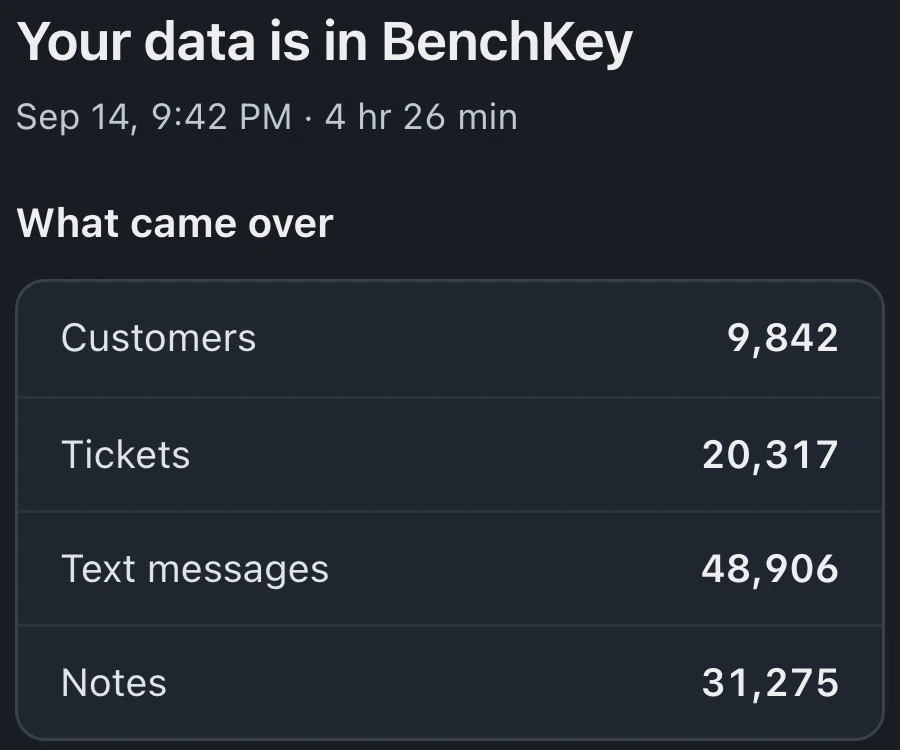
Your data is in BenchKey
Open your ticketsImport something else -
06Cutover
Start repairs in BenchKey
Rerun before cutover for new records; imported records are skipped. Review unclear matches, then revoke your token.
Direct imports accept one store. Accounts with multiple stores are refused before writing any records; export each store's records, then import its files separately into the matching BenchKey store.
Follow the import guide: RepairDesk import guide
-
01
Connection credentials or export files
Connect with an Offline Token, or choose Use RepairDesk sign-in instead. Old-style API keys do not work.
-
02
Preview the records
Select record types and inspect the preview. For files, verify column mappings and amounts before starting, and retain the original exports for your own checks.
-
03
Inspect the saved history
Compare familiar customers, ticket details, invoice totals and payment dates, methods and split payments. Check the row report and review any unclear matches before cutover.
-
04
Counter setup and staff practice
Configure intake forms, statuses and customer messages. Rehearse a phone drop-off, estimate approval and pickup with staff before sending new repairs into BenchKey.
RepairDesk imports and counter setup
What happens to my RepairDesk payment history?
Ticket invoice payments import directly with actual dates, methods and split payments. Invoices sold without a ticket arrive with one summary payment each. Estimates need a RepairDesk CSV in the Migrate Data file option because its API has no estimates endpoint.
How do I move a RepairDesk account with several stores?
Follow the per-store file instructions above, then check the saved records with staff at each destination store.
Does BenchKey handle buybacks and resale?
Buy/Sell is in beta on Pro and Business. When enabled, it tracks devices through purchase, refurbishment and resale, records costs against each unit and provides a profit report. PDF or emailed buyback receipts and wholesale batches are included.
How do I prepare automatic pickup texts?
Connect your texting provider, configure the status template and confirm the customer's messaging permissions. Send a test update and review its wording and delivery before using it with a live repair.
What can be undone after a wrong import?
Open the import under Your imports in Migrate Data. For 7 days after an eligible import finishes, Undo can remove unchanged records it created, including unused customer profiles. Customer profiles already used or changed, shared with another import, or that existed before stay, along with used or moved stock. Imports that brought in invoices, estimates or payments can't be undone. Changed or used imported tickets also block Undo. Inspect the preview before proceeding.
How can my staff evaluate the counter workflow?
Join the waitlist for invitation-based beta access. Once invited, have counter staff and technicians work through the practice lessons, then review a small import sample. Include the phone repairs and pickup steps they handle each day.
The waitlist is open for repair shops
Leave your email for access updates. Your name and shop name are optional.
 Watch the product tour 3:34 Follow a repair from check-in to pickup in BenchKey