Missed calls with their arrival time
The card shows Missed call with its arrival time for about eight seconds, then clears. For follow-up, find the caller under Recently called in the top search box.
A connected phone line brings the caller's details and open repairs into BenchKey. Counter staff can open the relevant ticket while answering, with the device and repair status already in view.
Quo and RingCentral connect through your integration settings. Their incoming-call connection lets BenchKey show the caller and linked open repairs in the navigation.
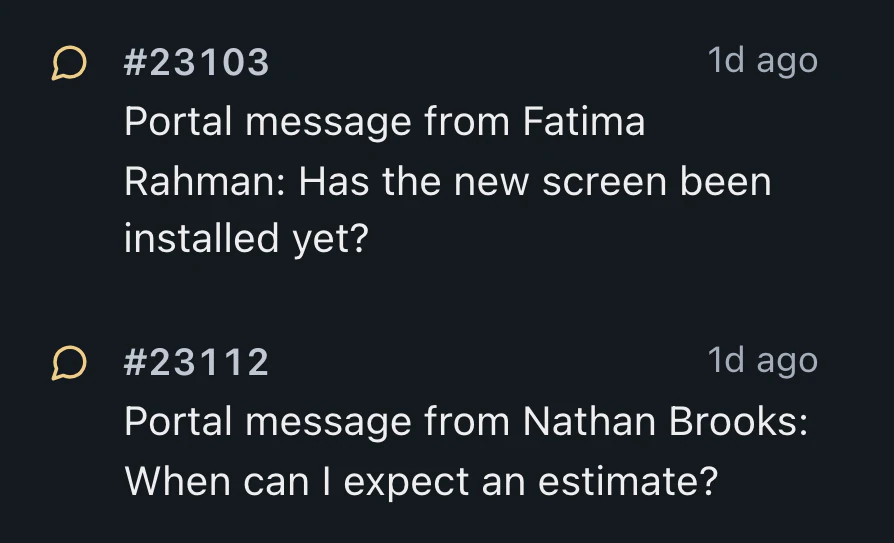
When a customer calls, review their name, number and open repairs. Each repair shows its device and status, with the latest repair identified.
Select the repair from the card to open its ticket. The ticket header shows the active call while you review the job.
Call cards provide a place to begin follow-up, with supported call records attached to the repair.
The card shows Missed call with its arrival time for about eight seconds, then clears. For follow-up, find the caller under Recently called in the top search box.
For an unfamiliar number, begin a customer record, ticket or lead from the card. The caller's number is already entered for the new record.
With Quo and recording enabled under your phone line's consent settings, recordings attach to the ticket with timestamps, alongside the repair's messages and notes.
The card stays silent and opens beside a collapsed sidebar. On a phone, it appears automatically at the top of the screen. Calls are also listed first in Menu.
Calls through your connected phone provider are included on Pro and Business, with the provider charging its normal rates.
Compare plans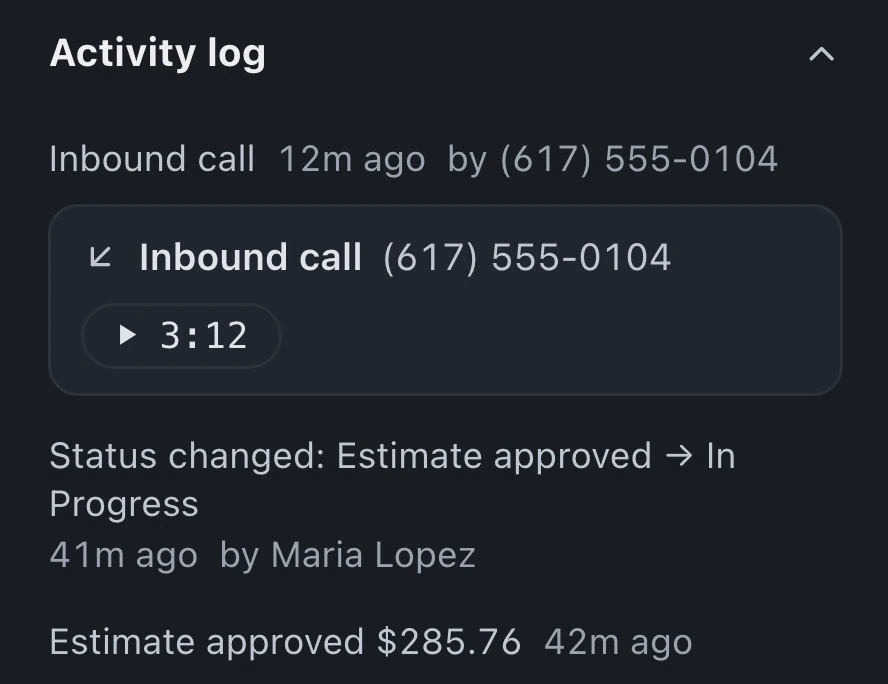
Quo and RingCentral support incoming-call cards showing the customer and their open repairs. Both bring call recordings and voicemail onto tickets. Quo adds full-call transcripts as internal notes; RingCentral includes voicemail transcripts.
With Quo and recording enabled, the recording attaches to the ticket with a timestamp. Recording follows your phone line's consent settings, and staff can review it beside the repair's messages and notes.
On a phone, the card appears automatically at the top of the screen when someone calls. View the caller and open repairs; tap a repair to open its ticket. Calls also appear first in Menu.
Leave your email for access updates. Your name and shop name are optional.
 Watch the product tour 3:34 Follow a repair from check-in to pickup in BenchKey