Software for the work around every repair
Tools for your counter, bench and office cover repair records, customer approval and updates, and payment collection.
Find features for how you work
Follow the steps for walk-in repairs, mail-in repairs, on-site visits or several stores. Each stop opens the feature page for that part of the work.
Walk-in repair
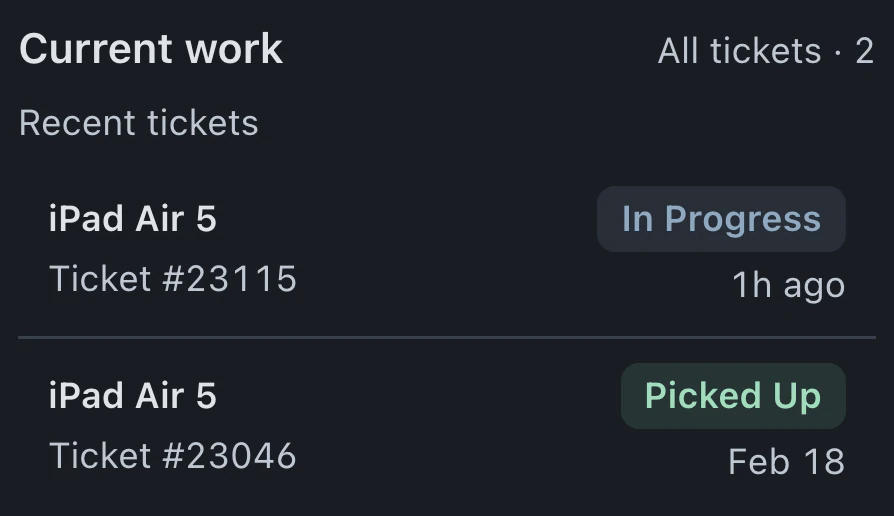
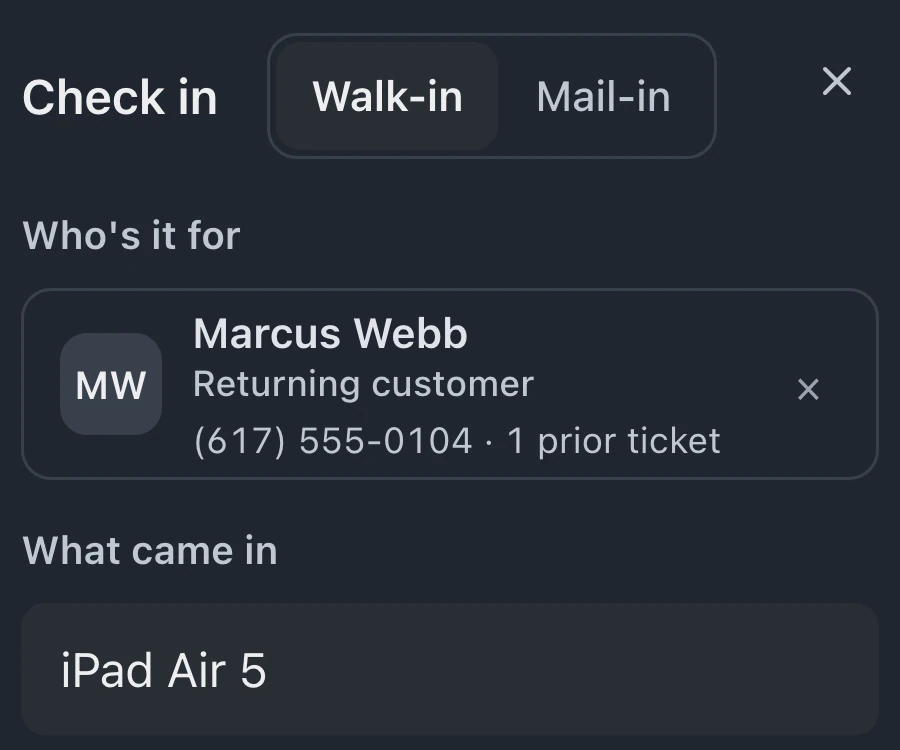
Check in a device at the counter, then keep the estimate, customer updates and pickup payment on the same ticket.
- Check-in and kiosk Create the ticket with customer and device details
- Repair tickets Record the diagnosis, bench notes and photos
- Estimates and approvals Send the estimate link and record the customer's approval
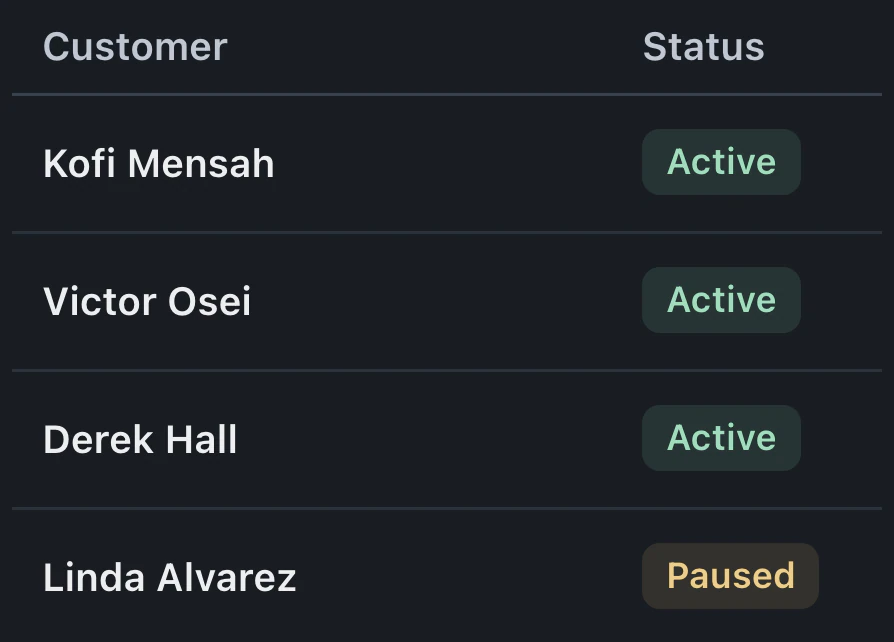
- Status automations Mark ready for pickup to send the status email
- Invoices and payments Invoice approved work and collect the balance at pickup
Mail-in repair
Customers submit the form, ship their device, follow and approve the repair online, then pay by link before you ship it back.
- Mail-in repairs The form creates the ticket before the device ships
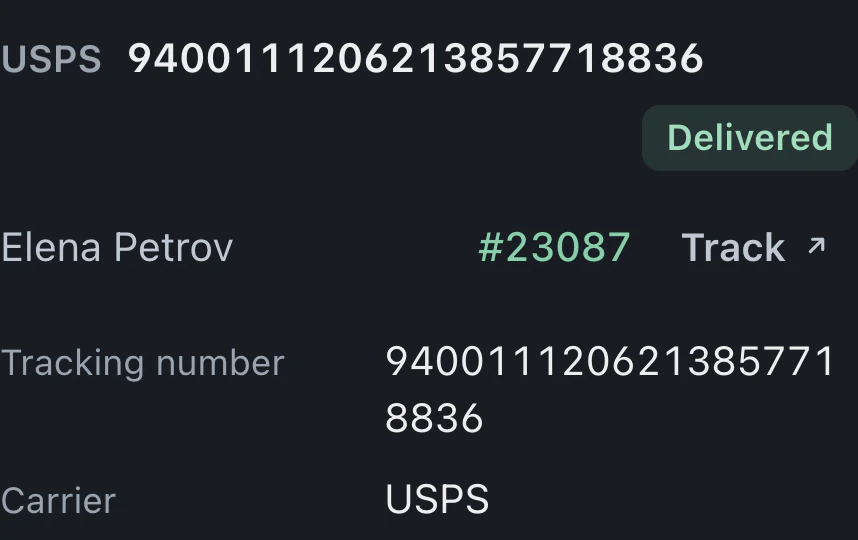
- Shipping and tracking Create shipping labels with tracking saved on the ticket
- Customer status page Follow shipping and repair progress; approve the estimate online
- Invoices and payments Pay by link before the device ships back
- Review requests Send a review request after return delivery, when enabled
See how to run mail-in repairs, from the customer's request through return shipping. Mail-in operations
On-site visit
Customers book a visit at their address. Technicians follow stops on their phones and handle estimates and payments at the visit.
Several stores
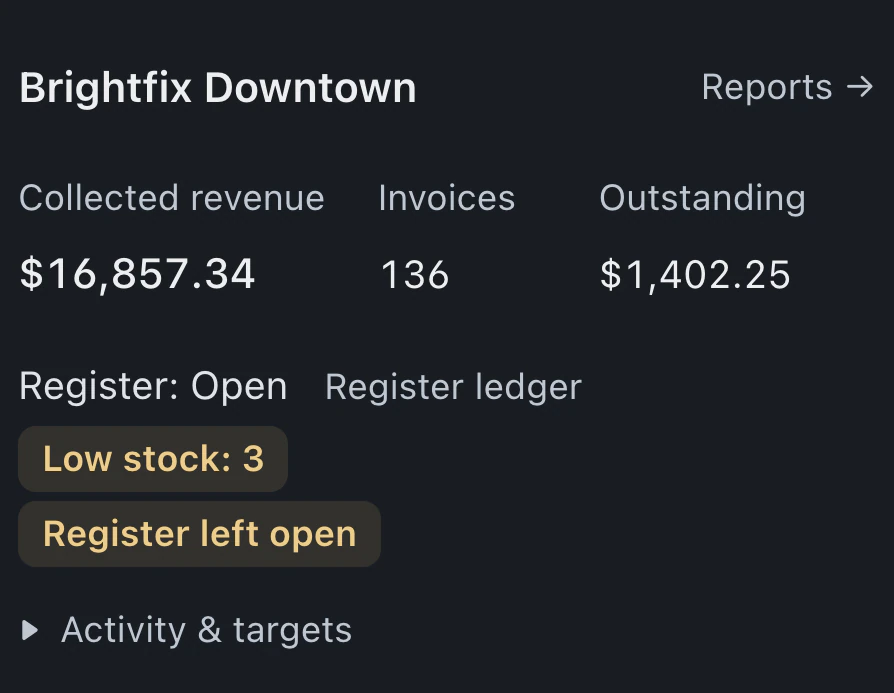
Company-owned stores share a workspace, customers and staff. Each keeps its own queue, register, stock counts and reports.
- Multi-store operations Add stores, assign staff and check the Stores dashboard
- Inventory and parts Count stock per store and transfer parts between stores
- Checkout and register Open and close each store's own register and drawers
- Reports Compare stores and open each store's reports
Franchisees use separate workspaces and plans, with a brand console for the network. Franchise operations
At the bench
Intake details, assigned repairs and an up-to-date queue follow work through the shop.
- Repair tickets Repair records and billing together in one ticket
- Check-in and kiosk Record the customer and device before the repair reaches the bench
- Condition checklists Capture device condition and damage before repair work begins
- Mail-in repairs Create the repair ticket before the device arrives by mail
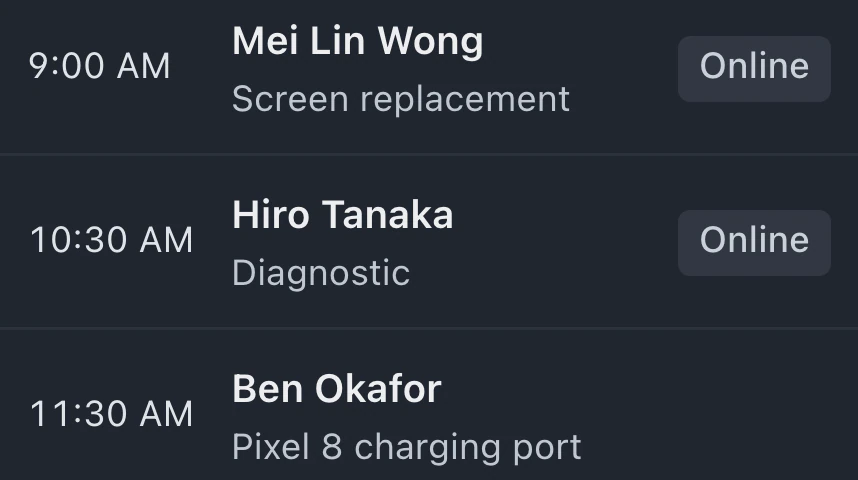
- Appointments Book the drop-off and carry customer details into a ticket
- On-site repairs Book visits with updates for technicians, customers and the office.
- Status automations Send customer updates when repairs enter the statuses you choose.
- Shipping and tracking Buy labels and find packages by their repair ticket
- Warranty and rework Consult the original repair before accepting warranty rework
- Queues and turnaround See each technician's queue by status, with turnaround timers on the board.
Customer communication
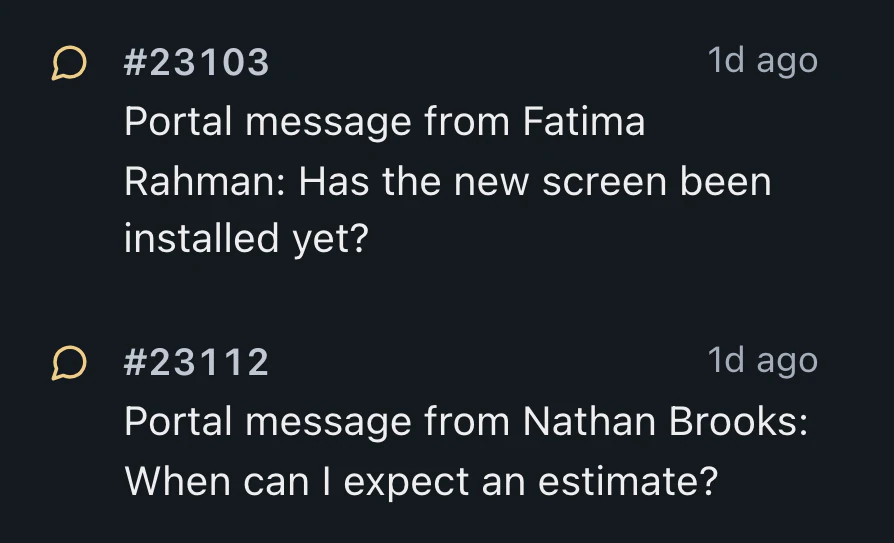
Customers book a time and follow repair progress, with their messages saved alongside the job.
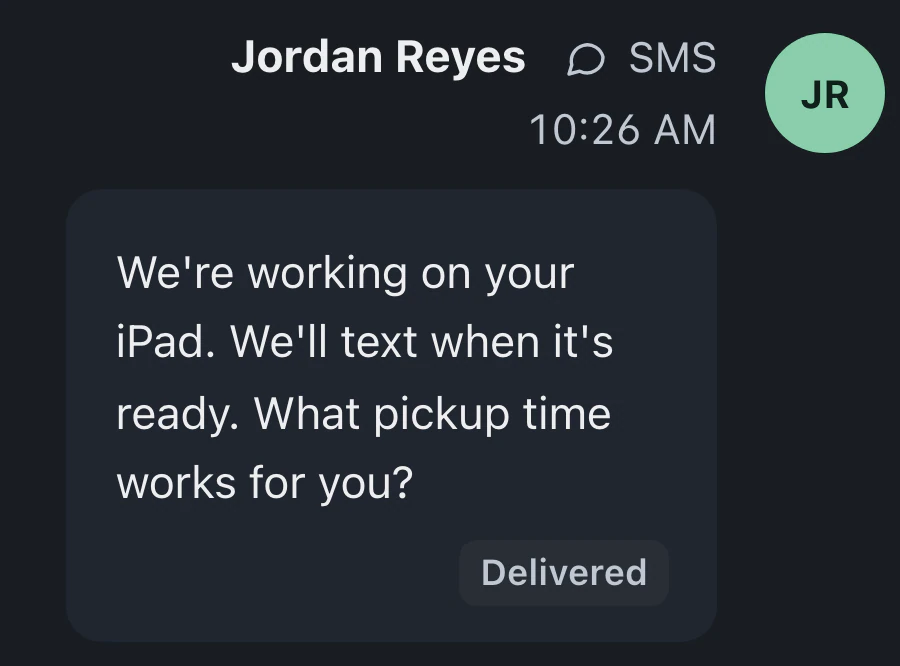
- Customer status page Let customers follow repairs through a private link
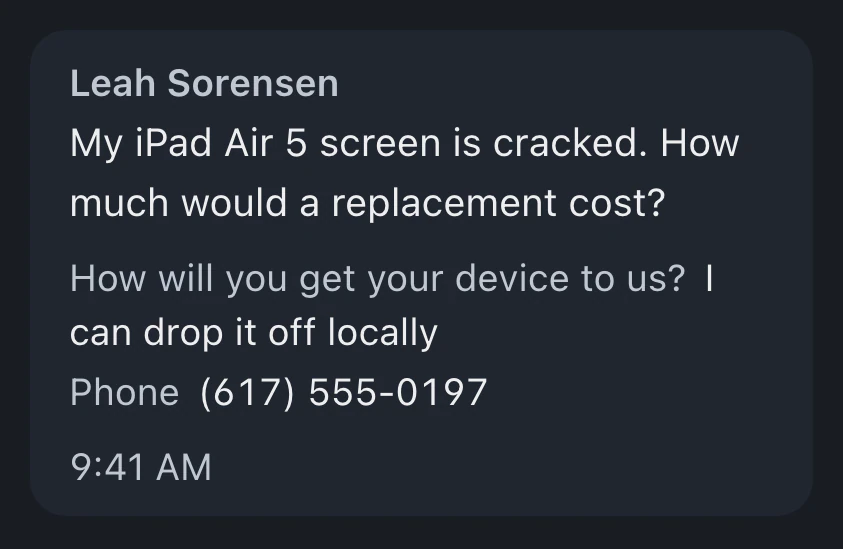
- Lead capture Turn website repair inquiries into leads for staff to follow up
- Ticket messages Read and answer customer emails and texts beside the repair
- Online booking Take repair bookings through your website and booking link.
- Your inbox Customer replies and repair activity grouped by ticket for review.
- Call cards See incoming callers and open their repair tickets while answering.
- Review requests Ask customers for reviews after payment or return delivery
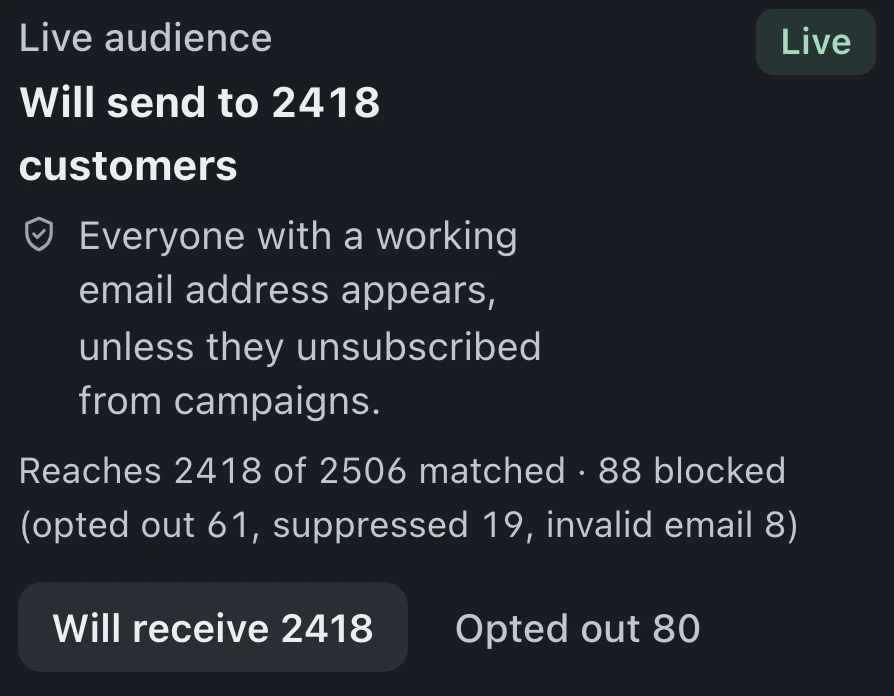
- Email campaign drafts Prepare email audiences and drafts while campaign sending is off
- Customers Keep customer tickets, invoices and repair history in a searchable directory.
Estimates and payments
Estimates go out for approval, payments are collected and invoice records are available for review.
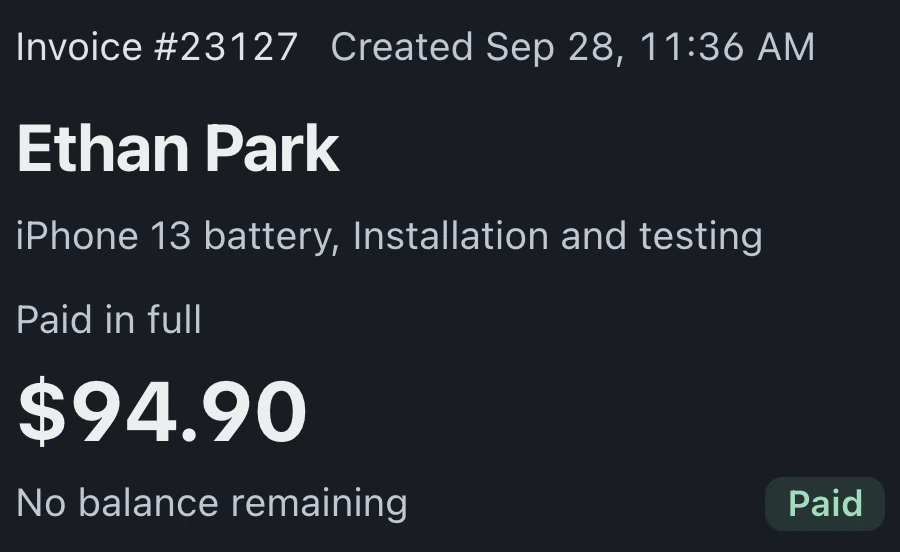
- Estimates and approvals Price the repair and save the customer's approval
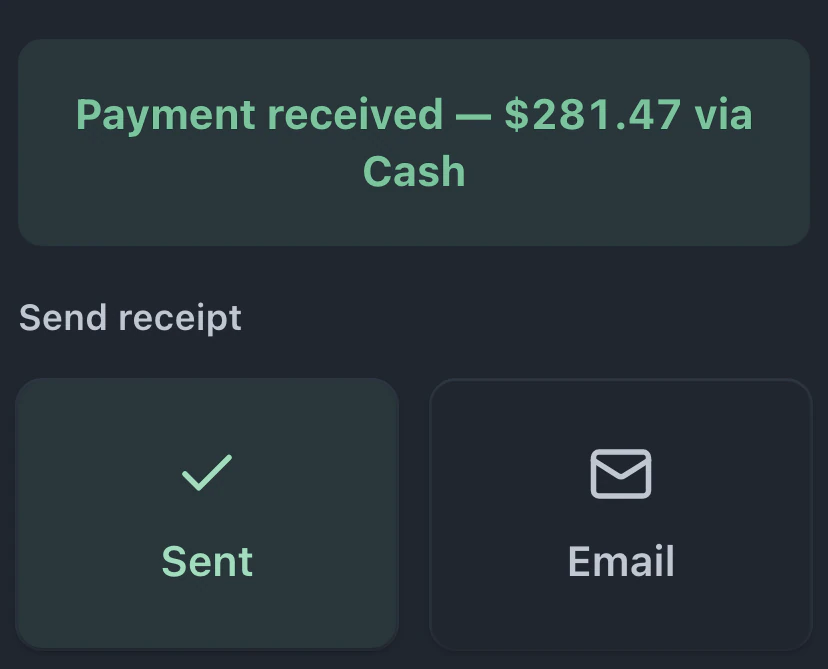
- Invoices and payments Invoice the repair and collect the balance on its ticket
- Memberships Manage care plans and members with automatic billing switched off
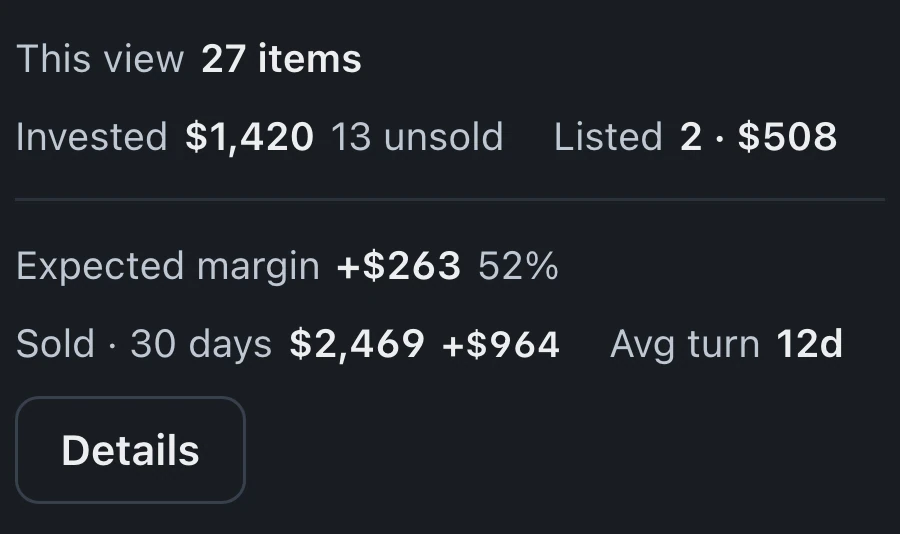
- Buy and sell Track used devices, refurbishment costs and resale margins
- Offline checkout Save Cash, Check and Other payments when your browser reports offline
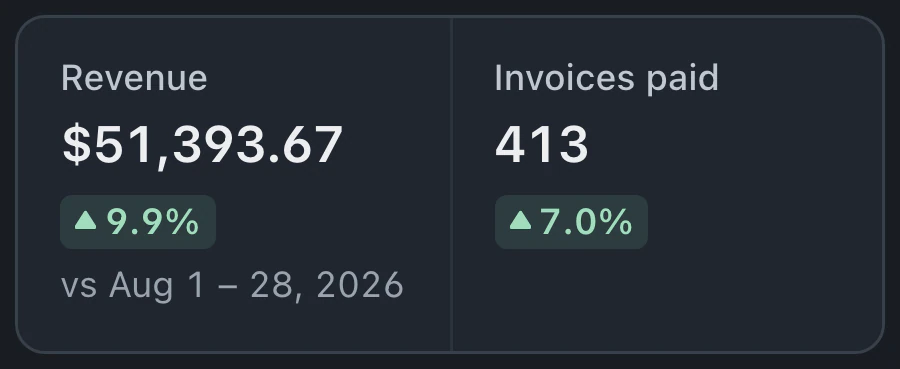
- Reports Revenue, unpaid invoices, repair progress and stock value for review.
- Chargeback case files Prepare a chargeback response from the repair ticket's recorded evidence.
- Checkout and register Collect repair payments, ring up retail sales and reconcile the drawer.
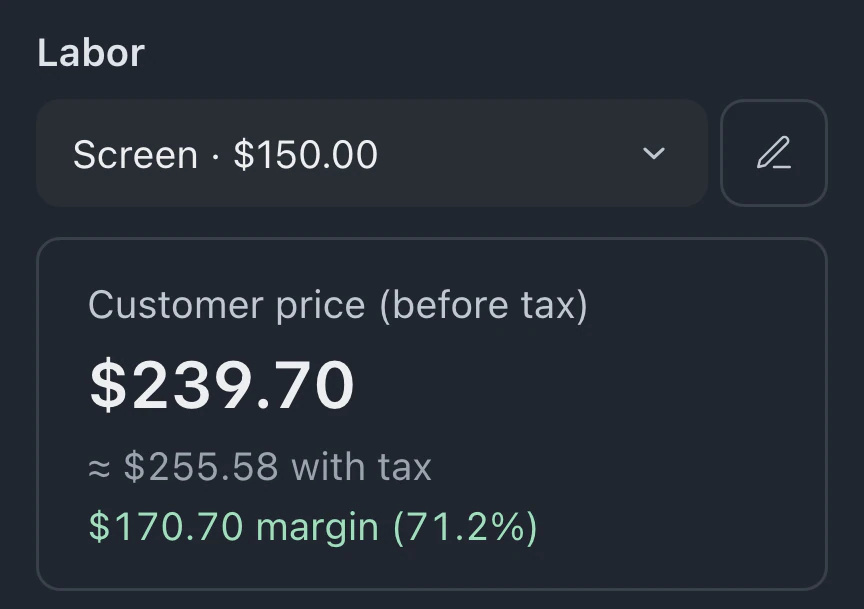
- Price calculator Build repair quotes from part costs, markup and labor
Shop operations
Manage parts and staff time, with tools for operating across stores and franchise workspaces.
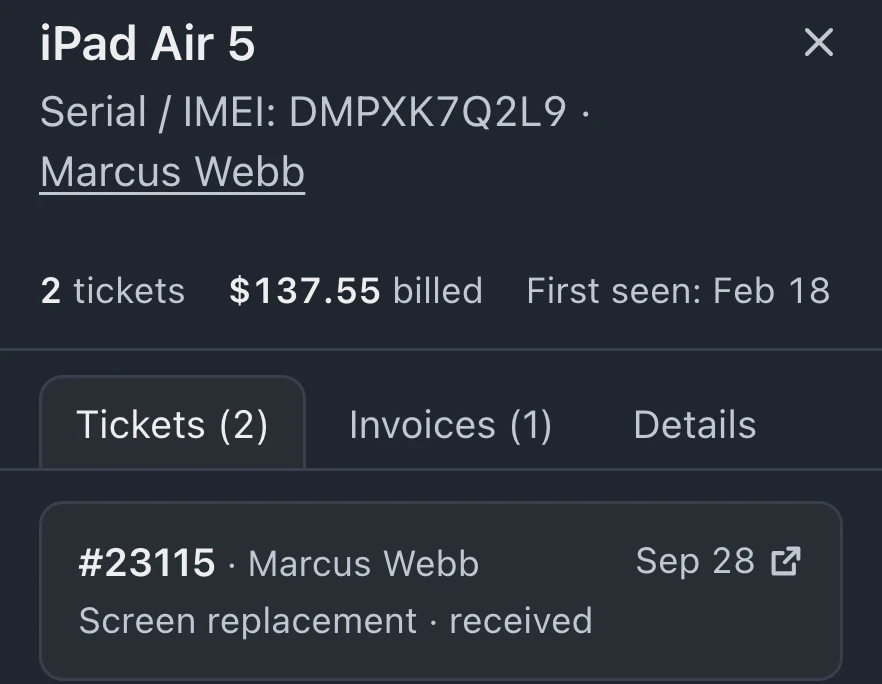
- Device records Find returning devices and review their repair history
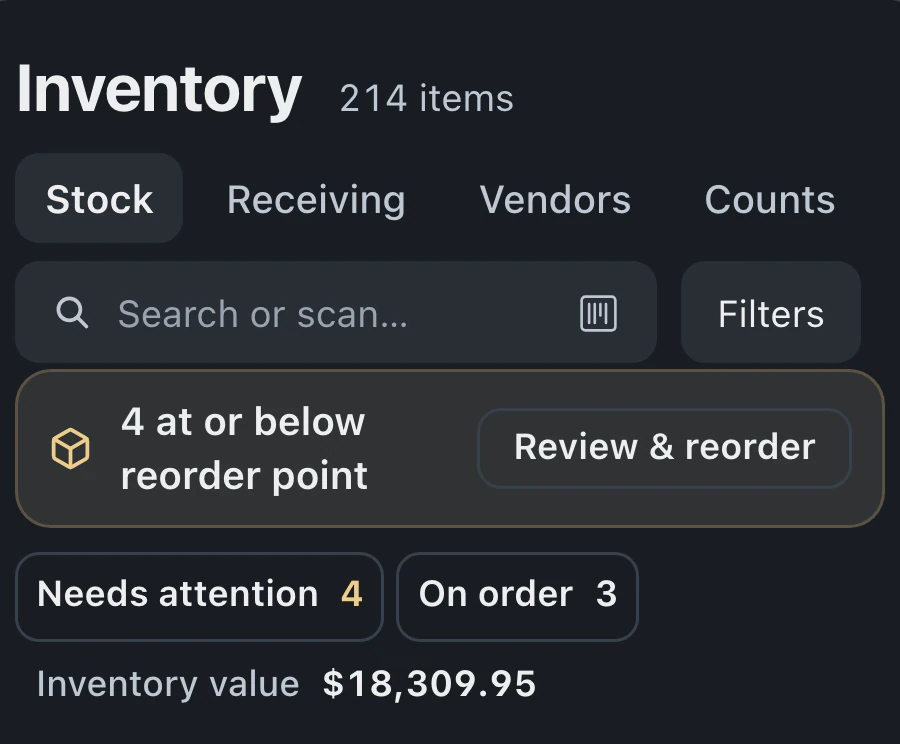
- Inventory and parts Track stock and carry catalog parts into repair billing
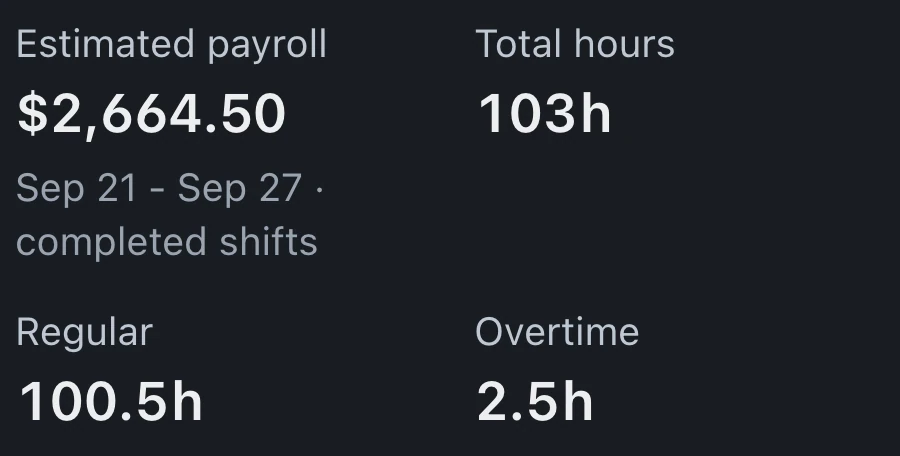
- Time clock Staff shifts, payroll hours and technician commission calculations.
- Commissions and bonuses Commission rules and monthly bonus targets per person, with staff progress and owner approval.
- Label printing Print device labels and drop-off receipts using the ticket details.
- Languages Set separate languages for your staff and customer communications.
- Multi-store operations Manage local repair queues, registers and stock across your stores.
- Franchise operations Manage store performance, operating standards and royalties across your franchise network.
- BenchKey on your phone Your shop in your phone's browser, with alerts, a bottom bar and a home screen icon.
Setup and connections
Bring existing records into BenchKey, connect shop services and use the assistant to configure settings.
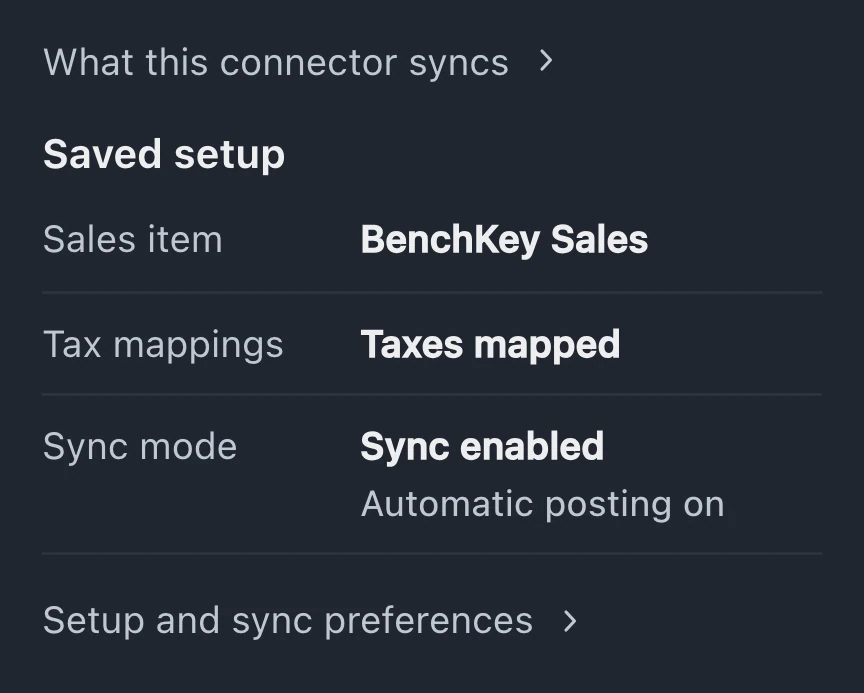
- Integrations Connect payment, texting, accounting, printing and shipping accounts.
- API and webhooks Connect your shop's tools with scoped API keys and signed webhooks on Business.
- Data import Preview and import customer records, repair history, invoices and inventory.
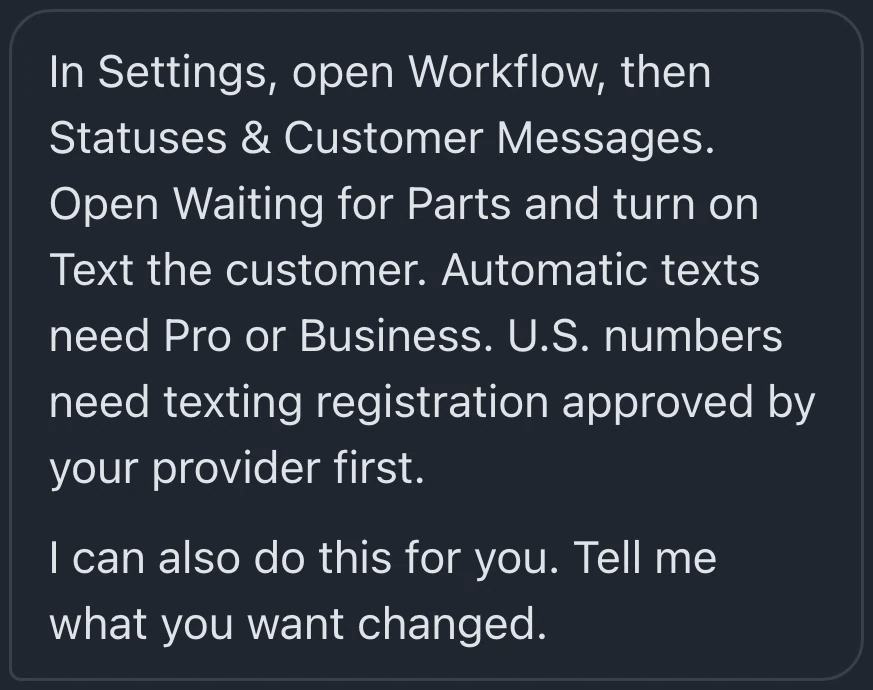
- Setup assistant Ask the assistant to configure settings, then review its changes.
- Help chat Ask for guidance, contact support and follow bug reports.
Choose between features that sound alike
Compare who uses each feature, where it appears and which plans include it. Open a feature name for the details.
Staff booking or customer booking
Staff book customers into the shop calendar, then turn the appointment into a repair ticket when the customer arrives.
Included in StandardProBusiness
Customers choose an open time on your booking page, and their appointment appears on the same shop calendar.
Included in ProBusiness
Ticket messages or your Notifications
Staff reply from each ticket, where the customer's conversation stays beside the repair details.
Included in StandardProBusiness
Staff review replies and repair activity in Notifications, grouped by ticket, then open the ticket to reply.
Included in StandardProBusiness
Repair status or messages and files
Customers use a private link to follow repairs, approve estimates and pay through your connected Stripe or Square account.
Included in StandardProBusiness
Customers use the same private page to exchange messages with the shop and upload files kept on the ticket.
Included in ProBusiness
The waitlist is open for repair shops
Leave your email for access updates. Your name and shop name are optional.
 Watch the product tour 3:34 Follow a repair from check-in to pickup in BenchKey