A modern RepairShopr alternative
RepairShopr has been around a long time and runs a lot of shops. If you’re shopping for something newer, faster on a phone, with a customer portal and lead capture built in, here’s how BenchKey approaches the same job.
Plenty of shops run on RepairShopr and it has earned its place. But software ages, and a tool you live in eight hours a day should feel fast, work on the phone in your pocket, and keep your customers informed without you typing the same update twice. BenchKey is a from-scratch repair shop OS built inside a working repair business, these are the differences that matter when you compare.
A note on fairness: we don’t publish claims about RepairShopr’s features or pricing, they change, and you deserve current information. Evaluate both directly. Here’s what BenchKey does.
Where BenchKey is different
01
Built this decade, on a working bench
BenchKey was built from scratch inside a working repair business, not assembled from a decade of bolted-on modules. The interface is fast, modern, and genuinely usable on a phone, because the people who built it run a counter with it every day.
02
An AI assistant that does the configuring
Every screen has an AI assistant that changes settings from plain English: "text customers when their repair is ready and follow up with a review request" wires the automations and writes the templates, then lists every change. Setup and tweaks stop being an afternoon of menus, and "how do I" questions get answered inside the product.
03
Chargeback evidence in one click
Every ticket exports a timestamped case file: signed estimates, the full conversation transcript, payments, and shipping records, timestamped, SHA-256 hashed, with a chargeback defense summary on page two. When a dispute lands, your response is a download, not a scavenger hunt.
04
The customer portal is the default, not an add-on
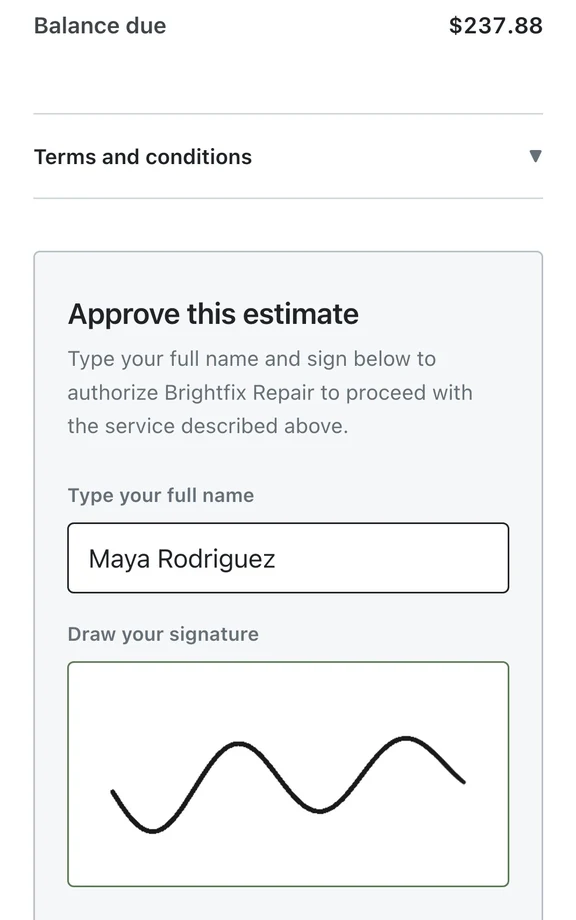
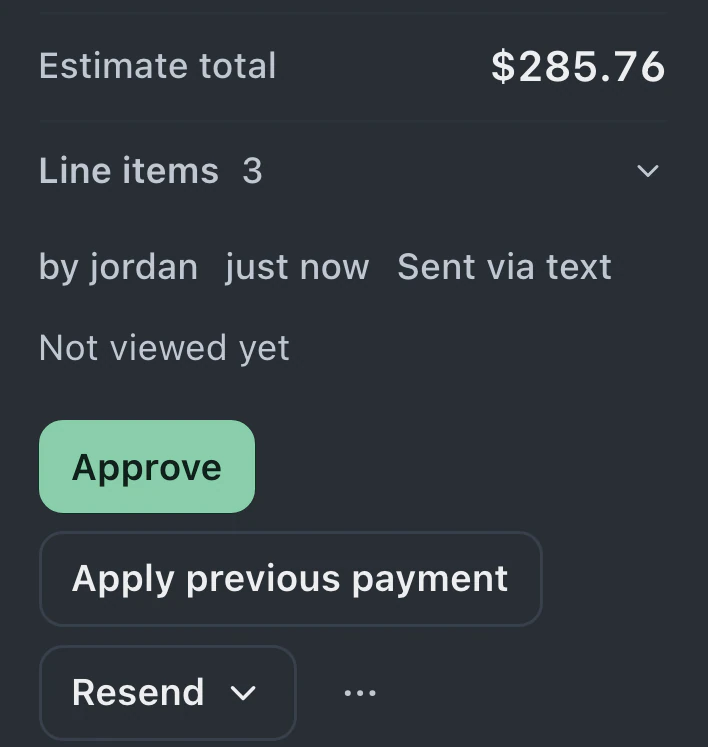
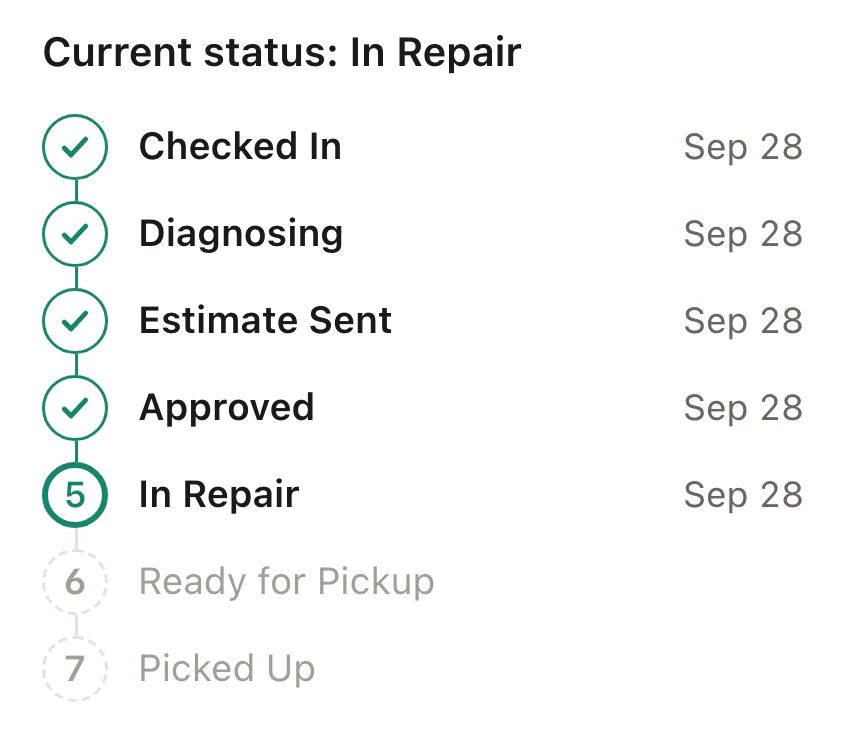
Every ticket on every plan gets a live status tracker, a private link where customers watch the repair move, approve estimates, and pay invoices. Pro upgrades it to the full portal with two-way messaging and file sharing. It works for walk-ins, mail-ins, and appointments out of the box, and it’s the single biggest reducer of "any update?" calls.
05
Every price is published, including mail-in
BenchKey’s whole price list is public: $29, $79, $129, with 2, 8, and unlimited team members. The mail-in suite, shipping engine, and API have a printed price instead of a "request a quote" sales call, and no plan caps how many tickets you can run.
06
Lead capture is part of the system
A website widget, a lead pipeline, and follow-up sequences that stop when the customer replies, built in, not a third-party form taped to the front. The funnel from "how much to fix this?" to a paid ticket lives in one place.
07
Automations wired to your statuses
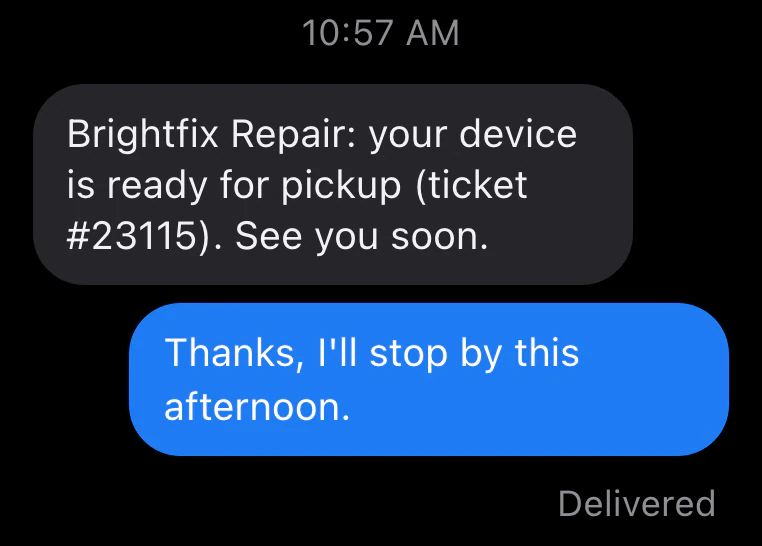
When a ticket changes status, the right email or SMS goes out, the portal updates, and receipts send themselves after payment. You configure it once in plain settings, no automation scripting language to learn.
08
Switching is an afternoon, not a project
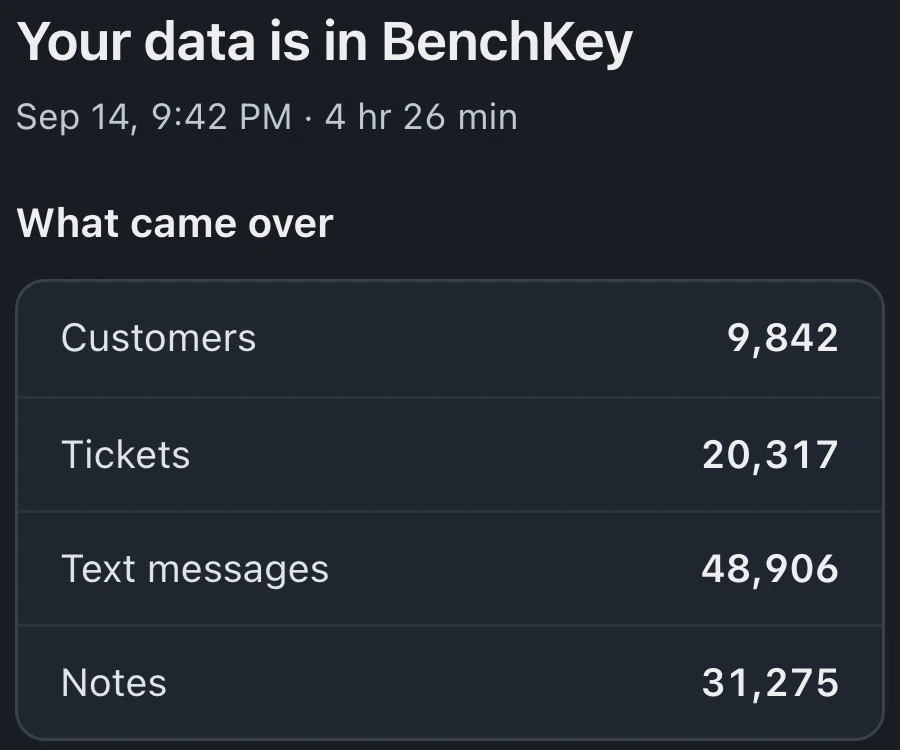
Connect RepairShopr or RepairDesk directly with your own API credentials and BenchKey pulls the data itself, or drop in CSV exports and the importer auto-maps them. Either way you preview real rows before anything is written, relationships survive the move, and every import rolls back completely.
Migration
Moving from RepairShopr
Connect with your own RepairShopr credentials and BenchKey pulls the data itself, or go CSV out, CSV in. Either way there is a preview before anything commits and a rollback if you change your mind. Most shops do it in an afternoon.
More on the importer →- 01 Coming from RepairShopr or RepairDesk? Connect directly with your own API credentials and skip the export step entirely.
- 02 Otherwise, export your data from your current system as CSV (customers, tickets, invoices, inventory).
- 03 Drop the files into BenchKey’s importer, columns are auto-mapped, and you can adjust any of them.
- 04 Preview real rows before anything is written, then run the import.
- 05 Check your data, customers, tickets, and invoices arrive with their relationships intact.
- 06 Not right? Roll the import back cleanly, fix the mapping, and run it again.
Recorded from the real importer: a CSV detected and mapped. Nothing is written until you approve the preview.
FAQ
Switching questions
Can I import my data from RepairShopr?
Yes, two ways: connect RepairShopr directly with your own API credentials and BenchKey pulls customers, tickets, and invoices itself, or export CSVs and the importer auto-maps them. Both paths preview real rows before anything is written, and every import can be rolled back.
Will my customers notice the switch?
Only in a good way: their next repair comes with a live status portal link, automatic updates, and receipts that send themselves.
Can I try BenchKey before moving everything?
Yes, start a free trial, import a sample CSV, and run a few test tickets through the flow. The importer’s rollback means even a full import isn’t a commitment.
See the difference on your own tickets
Start free, import a sample CSV, and run a few real repairs through BenchKey before you decide anything.
Free 14-day trial · No credit card · Import from your old system
Founders pricing: the first 50 shops lock Pro at $59/mo for life · see pricing