Royalty rules by franchisee or store
Royalties can be based on invoiced sales net of refunds, cash collected or labor. Rules can include a minimum, an ad fund contribution and a flat fee.
A separate brand console holds store performance, published operating standards and royalty statements. Franchisees have their own workspaces, with separate permission for corporate access.
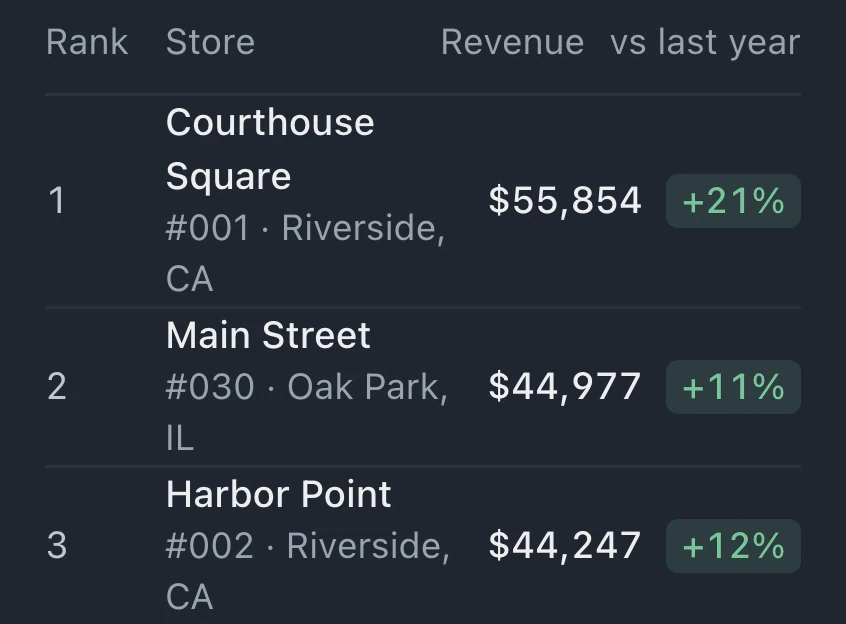
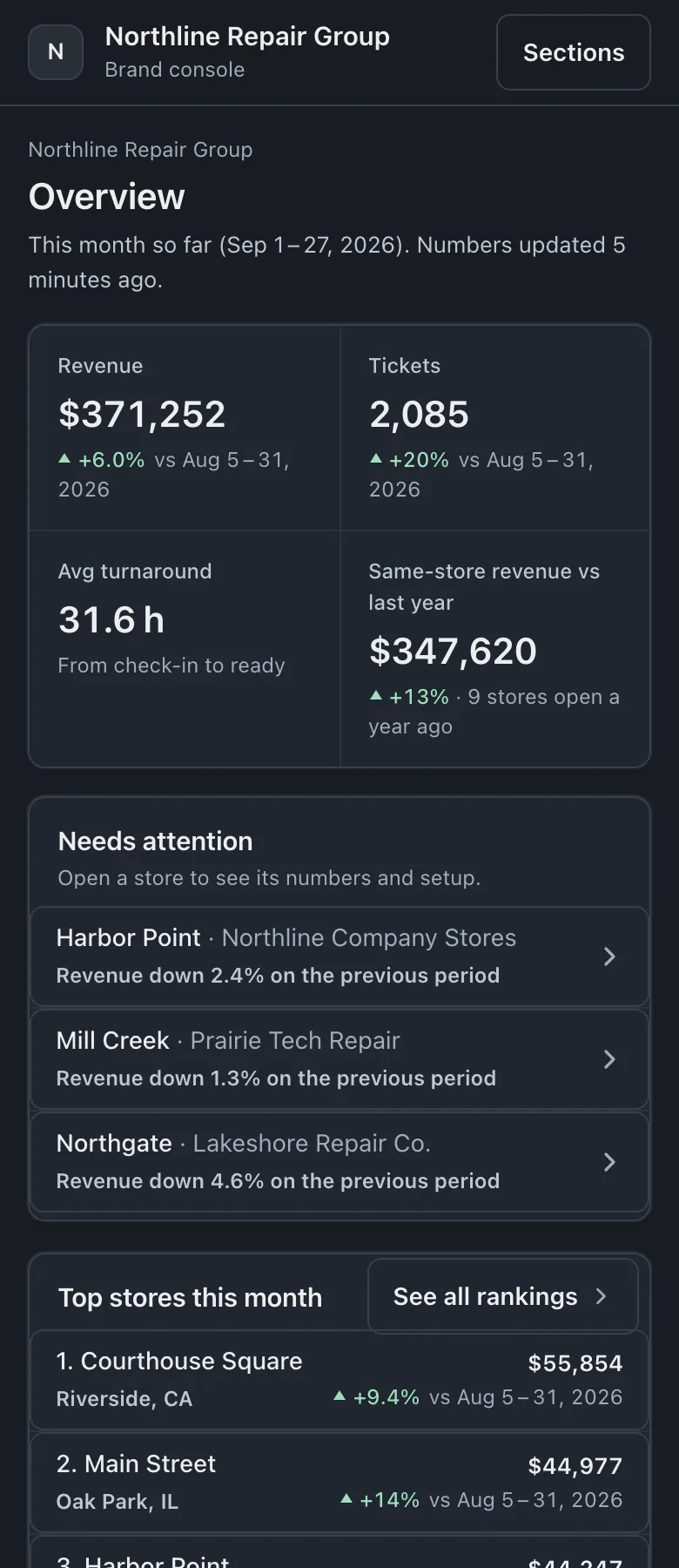
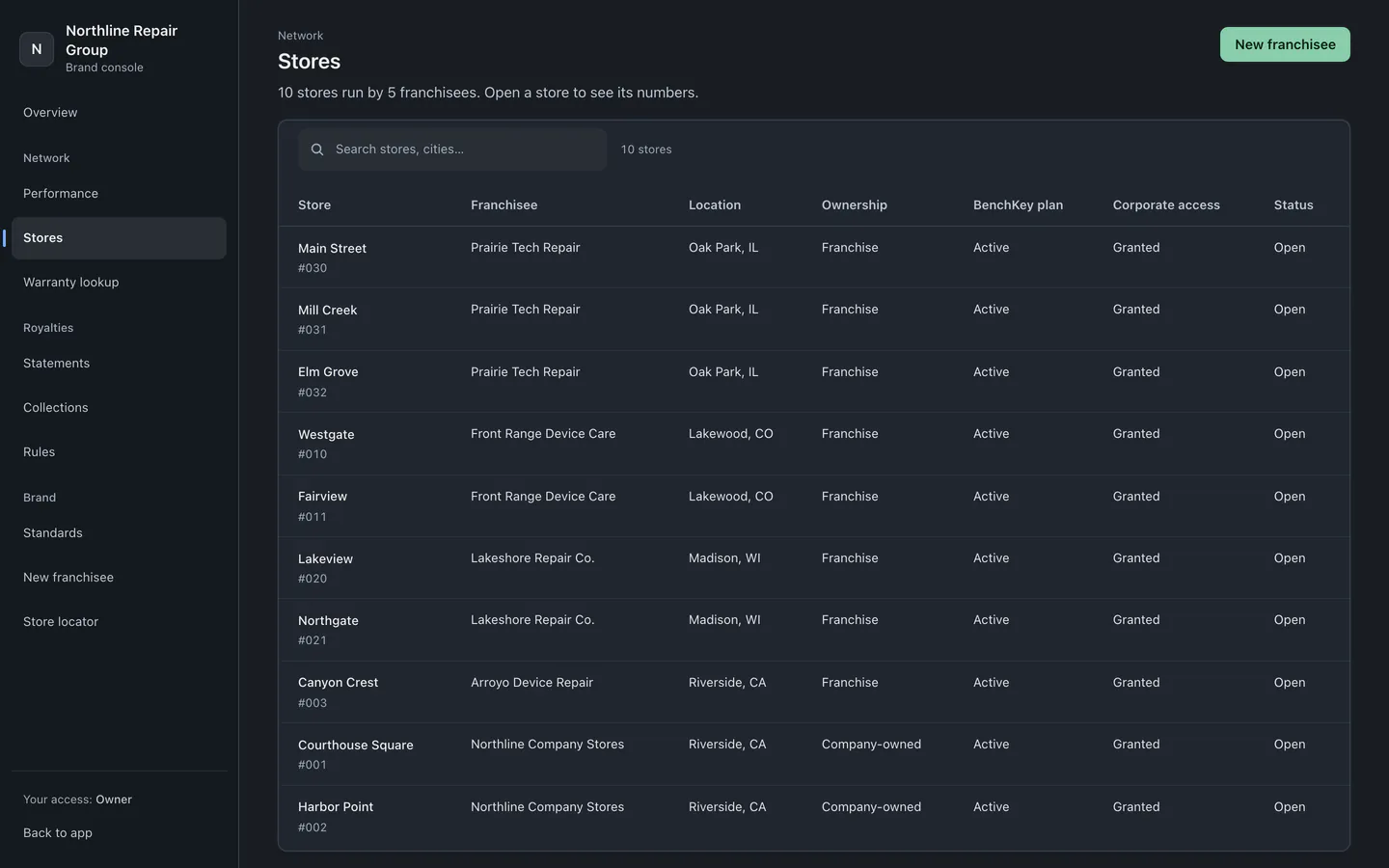
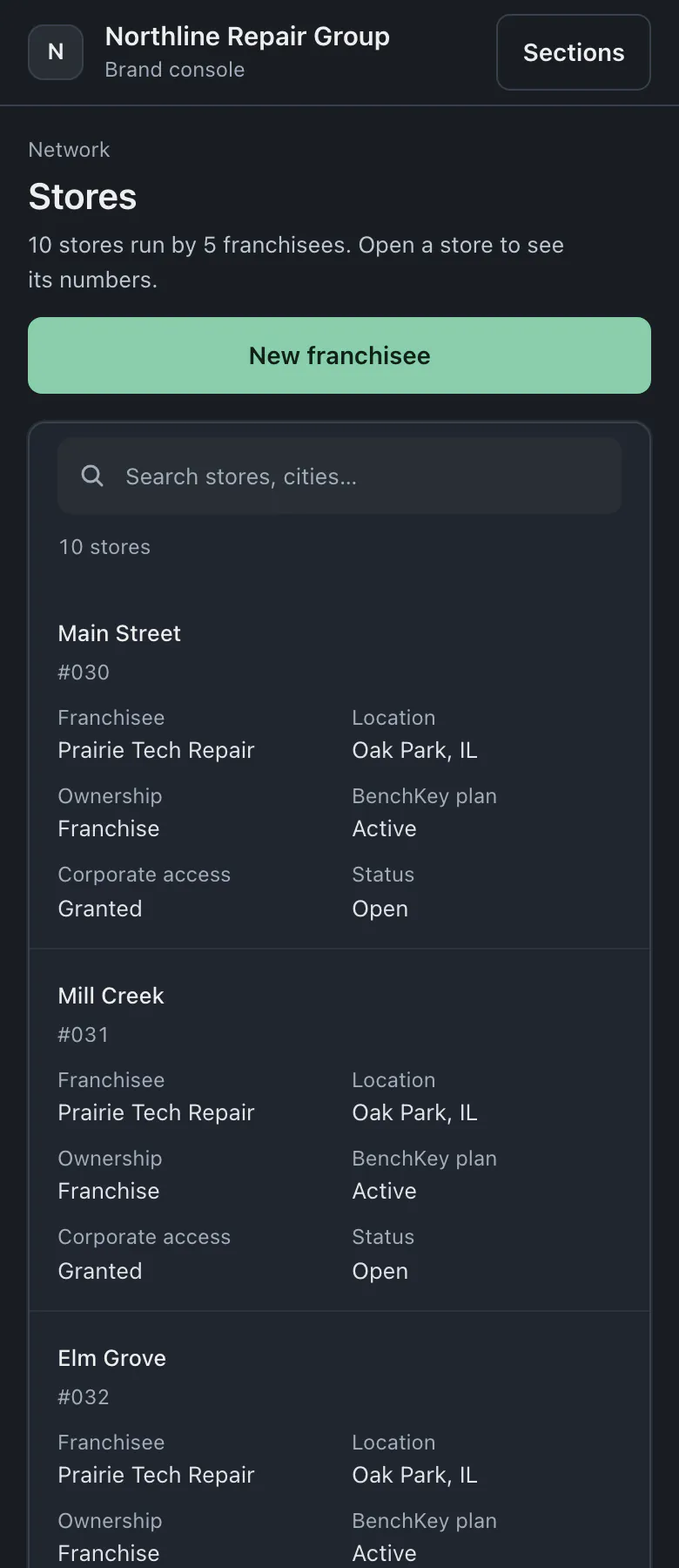
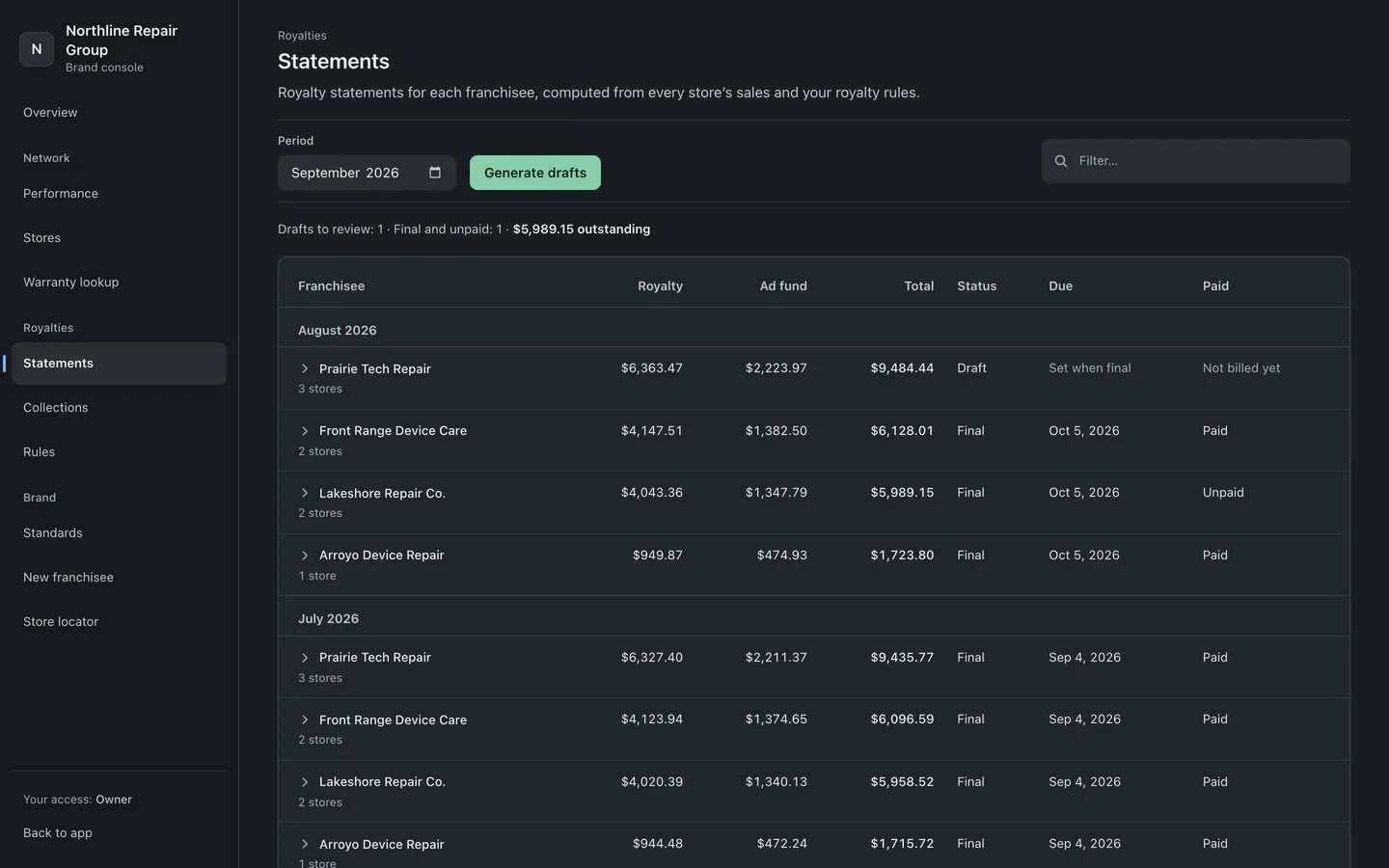
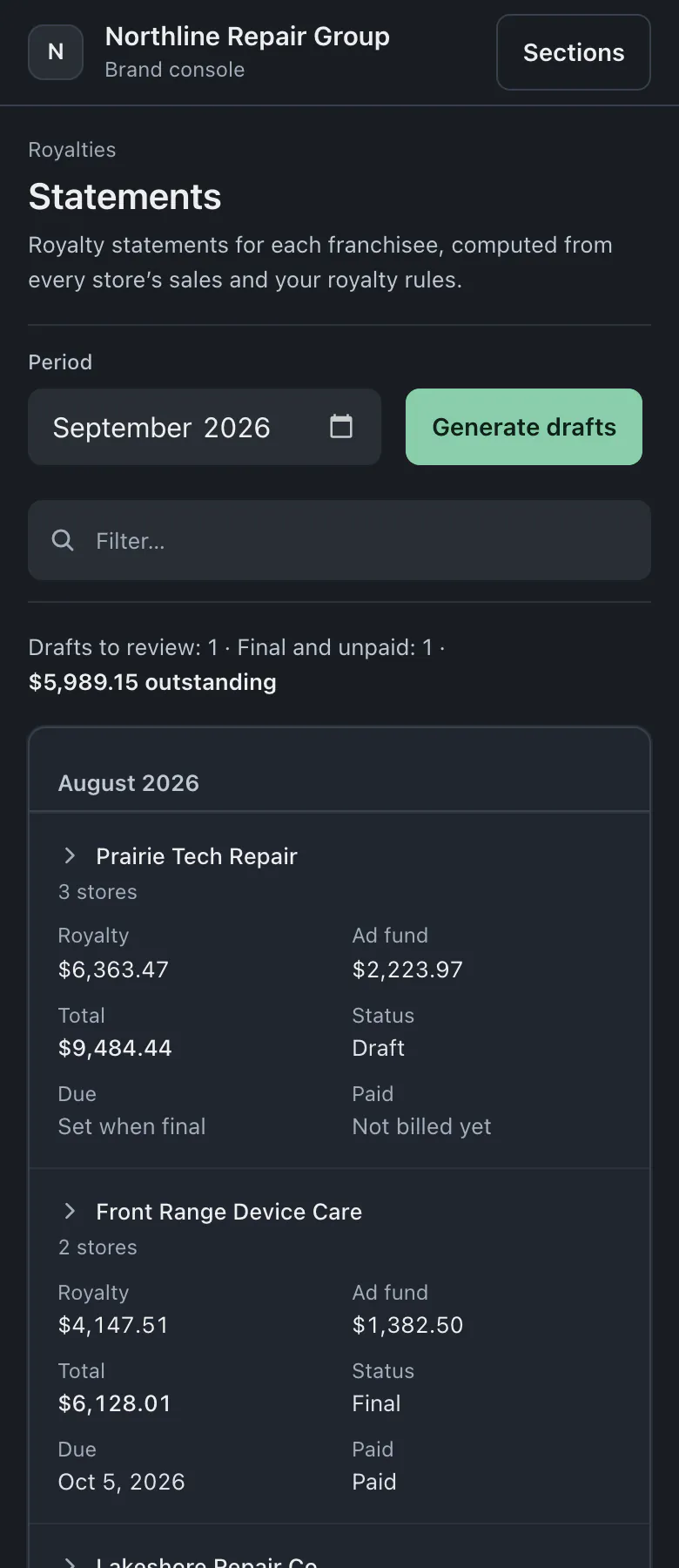
A sample brand's screens show stores needing attention, the store directory and monthly royalty statements.
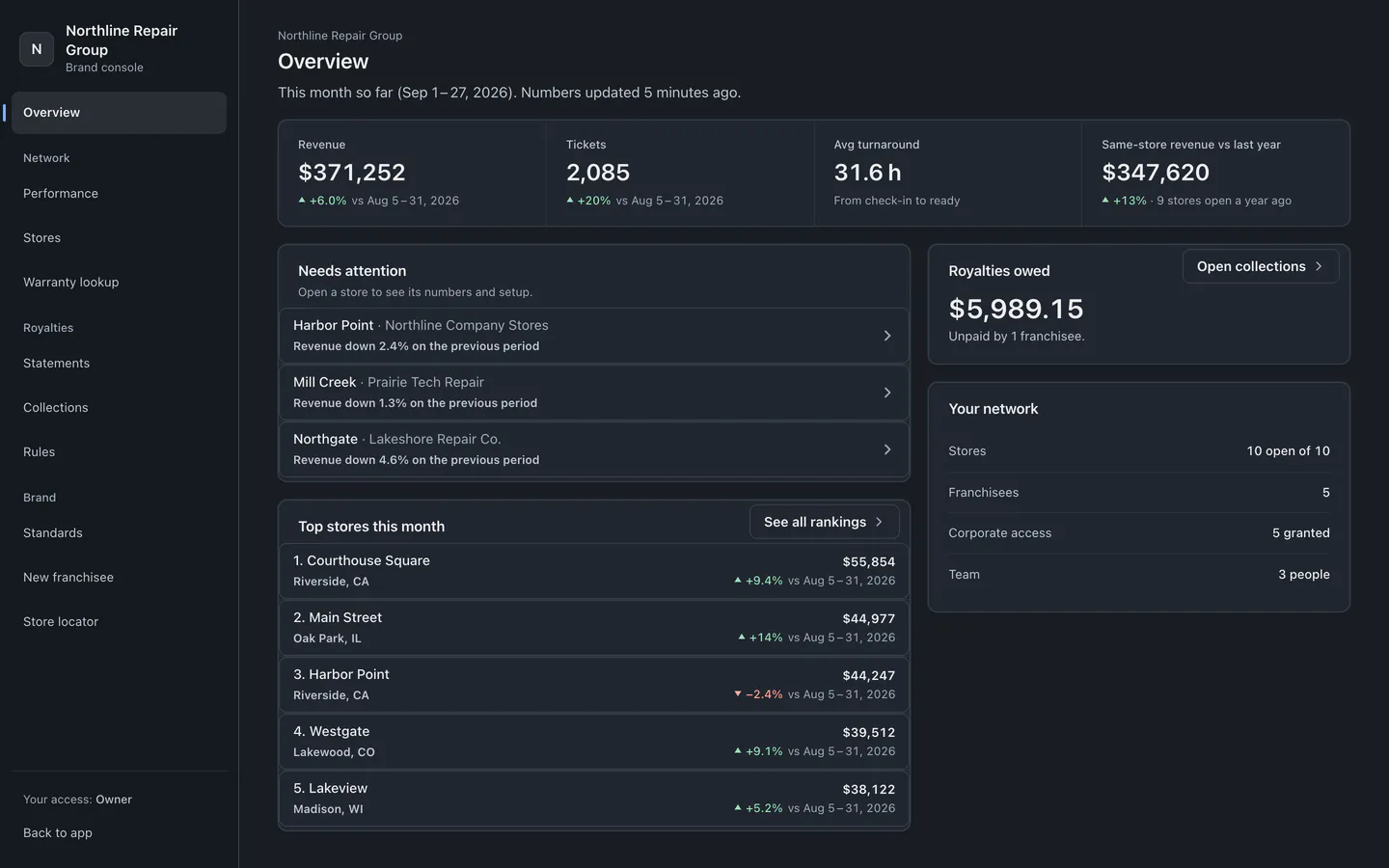
We set up the brand console with you. Enter each franchisee's details and business type, then invite the owner to their workspace.
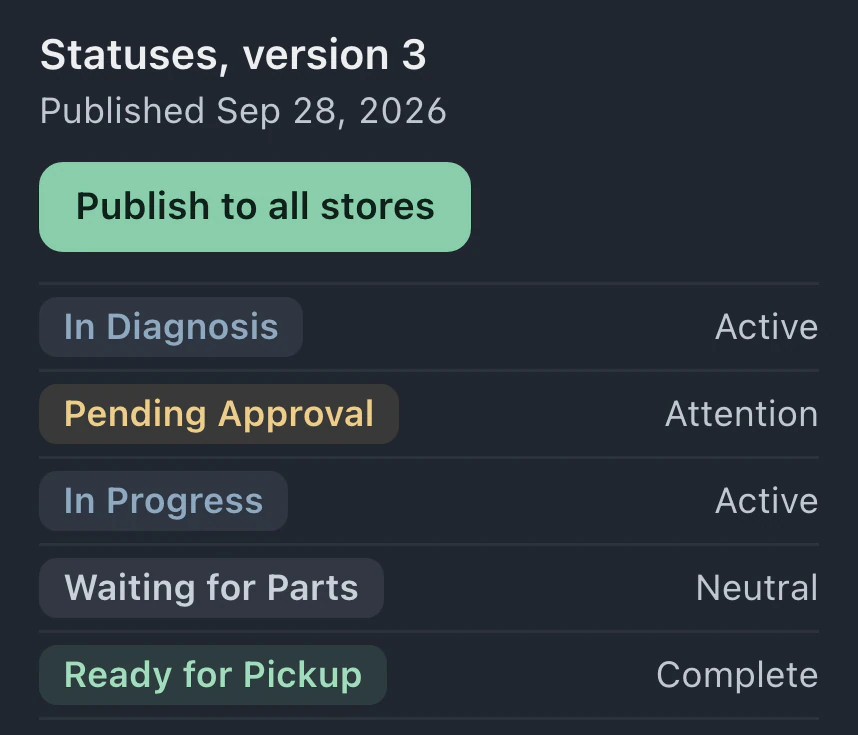
Save a version of your statuses, message templates and canned responses. Publish it across stores, check the result for each store and retry any failures.
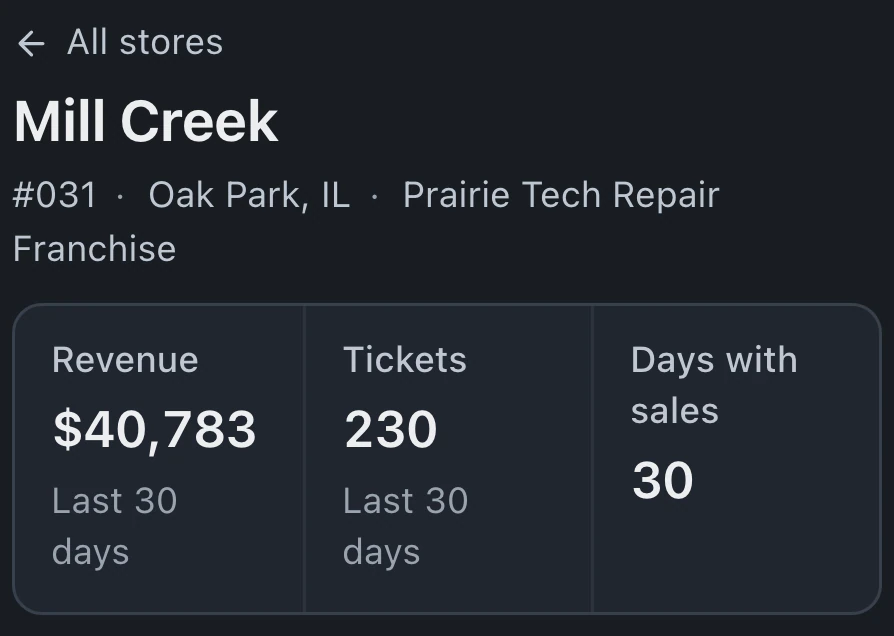
Revenue, ticket and turnaround figures are copied to the console through the day; recent days are re-checked nightly. Individual store views show daily results and the franchisee's royalty statement history.
Royalty rules determine what franchisees owe; corporate users check a device's warranty and repair store in the brand console's Warranty lookup.
Royalties can be based on invoiced sales net of refunds, cash collected or labor. Rules can include a minimum, an ad fund contribution and a flat fee.
Draft statements have a line for each store. After reviewing the charges, mark the statement final and notify the franchisee. Record payments as they arrive.
Collections groups unpaid final statements by how late they are and shows each franchisee's balance, including those who often pay late.
The console uses the figures stores report to the brand. Stores shows Corporate access, granted by default when a franchisee joins and required for "Copy their setup" in Standards.
An IMEI or serial number search finds repairs and warranty status across stores. Customer details remain at the store.
Share the public store list or add it to your website. "Book here" opens the workspace's booking page, shared by its stores. Online booking requires Pro or Business.
Company-owned chains use Business, and franchisees pay for their own plans, with the brand console plan arranged with us.
Compare plans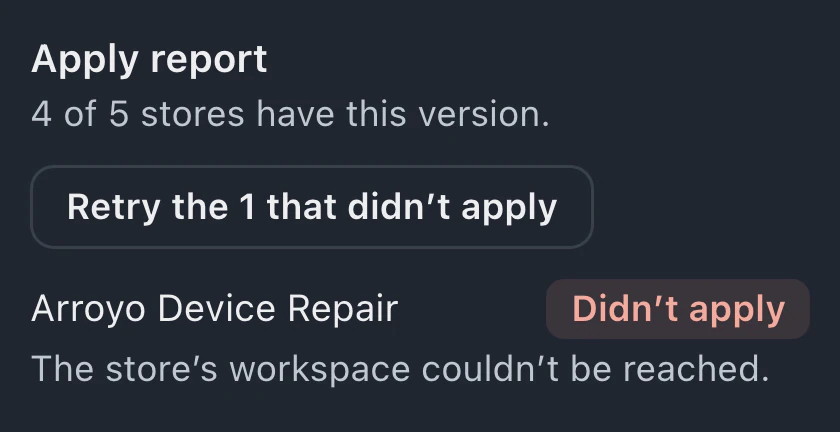
Each franchisee pays for its own BenchKey plan. We set up the brand console with you on an agreed plan. Company-owned chains use Business, at US list pricing of $149 a month for the first store. Pricing for extra stores is arranged with BenchKey. Every store gets the Business features.
Both can belong to the same brand console. Company-owned stores share a Business workspace; each franchisee has its own workspace. A franchisee operating multiple stores also needs Business.
Brand figures are not live; copies update through the day and are checked nightly. Until the first update arrives, the console shows that it is collecting data. A notice warns the whole brand if its newest store update is over an hour old.
Published statuses, message templates and canned responses are managed by the brand. Terms remain editable at each store. Corporate can review which stores applied a version and retry the stores where it failed.
BenchKey calculates statements and tracks what franchisees owe. It does not charge them automatically. After a franchisee pays, a brand owner or admin records the payment against the final statement.
Leave your email for access updates. Your name and shop name are optional.
 Watch the product tour 3:34 Follow a repair from check-in to pickup in BenchKey