Draft a customer update
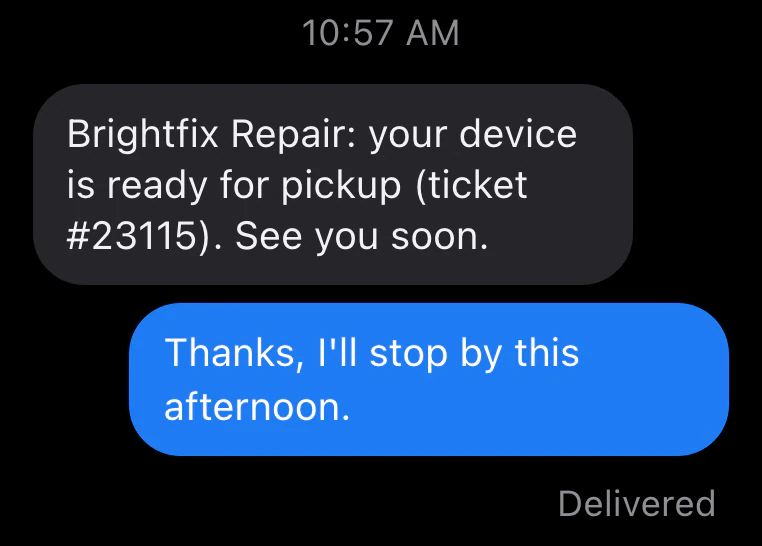
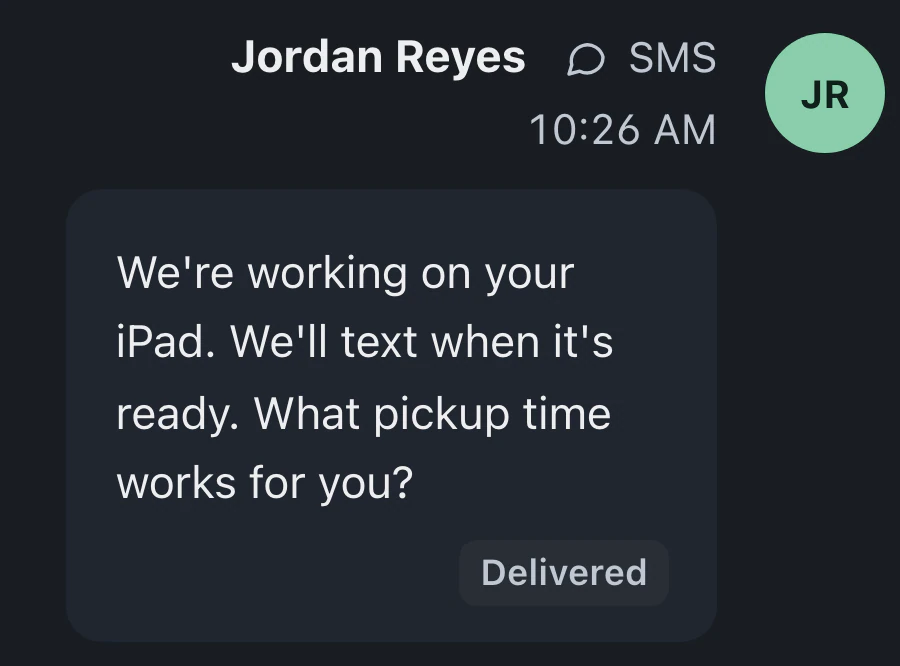
Create a message draft using the ticket's status, notes and payment context. It appears in the composer for staff to review, edit and send.
Describe the status, opening hours or intake form you need in Help. Review the exact change; nothing is saved until you press Apply. Afterwards, see what changed, use Undo or check the result in Settings.
Starts on Standard
Setup assistant guideOpen Help from the round bottom-right button and describe your change. Owners and admins see the exact change with Apply and Cancel. Other staff get instructions and a screen link.
Help shows the proposed change first. Nothing is saved until you press Apply. Afterwards, Help says "Done.", lists what changed and offers Undo.
Compare the affected setting with your request. You can edit it in Settings if the wording or behavior needs adjusting.
On Pro and Business, AI drafts ticket updates, polishes replies you've typed, follows your Drafting rules and runs the board check.
Create a message draft using the ticket's status, notes and payment context. It appears in the composer for staff to review, edit and send.
On Pro and Business, the board check flags tickets in your queue needing attention with a reason, evidence and a suggested next step. Tickets that look done appear separately for review.
Save writing instructions in the composer's Drafting rules, such as keeping a portal link in customer updates or avoiding promises about a completion day.
In Settings → Workflow → Categories, choose each category's queue with "Send tickets to". Staff select the category at check-in to route the new ticket.
On Pro and Business, AI polish rewrites the reply you've typed in a lead conversation. Review the text, then press Send.
Standard, Pro and Business include the setup assistant. Pro and Business add drafting tools and the board check; Business includes more monthly AI than Pro.
Compare plans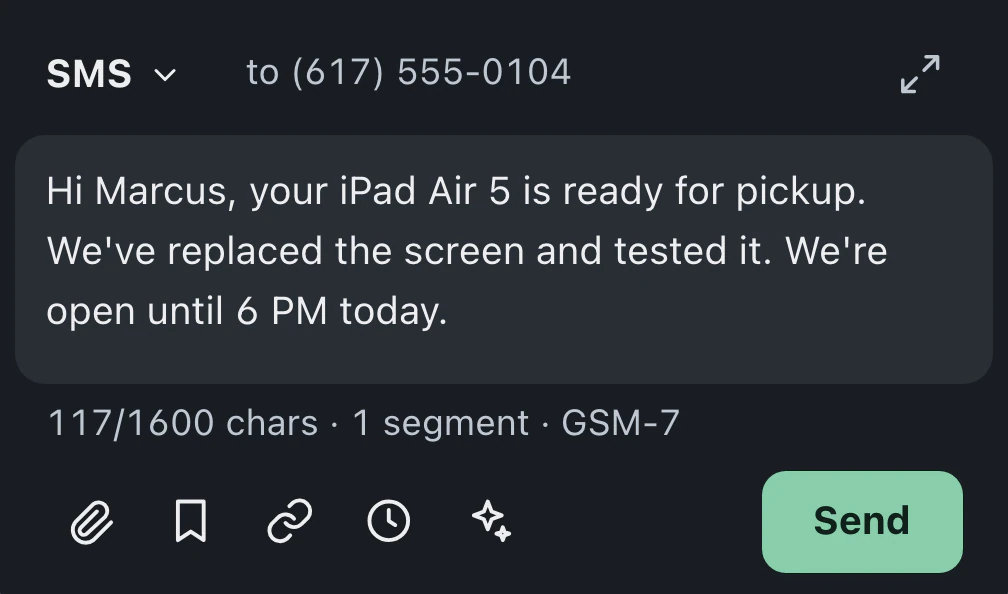
In Help, yes: nothing is saved until you press Apply, and Undo is available afterwards. If your request is unclear, Help asks a short question. The separate Assistant panel saves most changes at once; money settings and designed emails need Apply in Help.
No. BenchKey's included AI works without your own key. On Pro and Business, Features and budget in AI & Automation shows monthly usage, and owners or admins can add a key; the provider bills you directly. Included AI pauses until the 1st when exhausted. Standard has no own-key option.
Standard includes the setup assistant, free for your shop's first 30 days, then with a monthly limit. Requests pause at that limit until next month, or you can move to Pro. Drafting tools and the board check need Pro or Business; Business includes more monthly AI than Pro.
Ticket and lead drafts wait for a person to review and send them. Separately, configured status automations can send customer updates when tickets enter the statuses you have chosen.
Leave your email for access updates. Your name and shop name are optional.
 Watch the product tour 3:34 Follow a repair from check-in to pickup in BenchKey