Wholesale lot intake
In Receive lot, enter Vendor, What is it and Cost per unit, then scan or paste an IMEI per device row. Row defaults fill the device details.
A used device's record covers what the shop paid, the costs of preparing it for sale and the linked sale at checkout.
In Buy/Sell beta, walk-in purchases and wholesale lots enter Stock as Bought. Use New intake at the counter, or open Receive lot under More tools.
Run an IMEI check, then record the seller, condition, purchase price and payout in New intake. The phone cannot be listed until your shop's hold clears.
Enter the vendor, description and cost per unit in Receive lot. Scan or paste each device's IMEI into its own row, then price and label the stock.
Enter the seller, payout, device condition and purchase price. Add the serial number or device identifier so the purchase stays tied to the unit.
Replacement parts and any labor you assign become recorded costs for the device. Compare the asking price with those costs to review the margin.
Complete the sale in Checkout. BenchKey links the sale to the unit, records its final price and moves it into the sold stage.
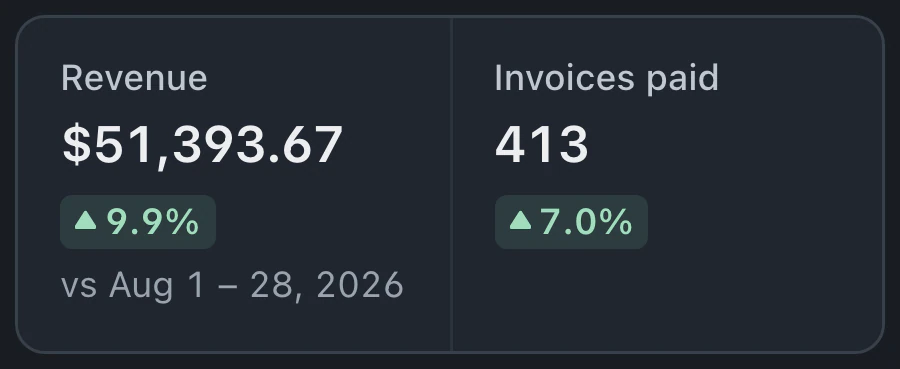
Sales compares models and charts revenue and profit. Lots shows profit and sell-through. Profit is the sale price minus recorded cost basis, including purchase, parts and labor.
Individual trade-ins and wholesale lots use the same resale workspace, with records for costs, receipts and holds.
In Receive lot, enter Vendor, What is it and Cost per unit, then scan or paste an IMEI per device row. Row defaults fill the device details.
Review each purchase with its seller, payout and hold status. Download the buyback receipt as a PDF or email it when the seller has an email address.
Held buybacks show when their hold clears. The device cannot be sold early while that hold remains in effect.
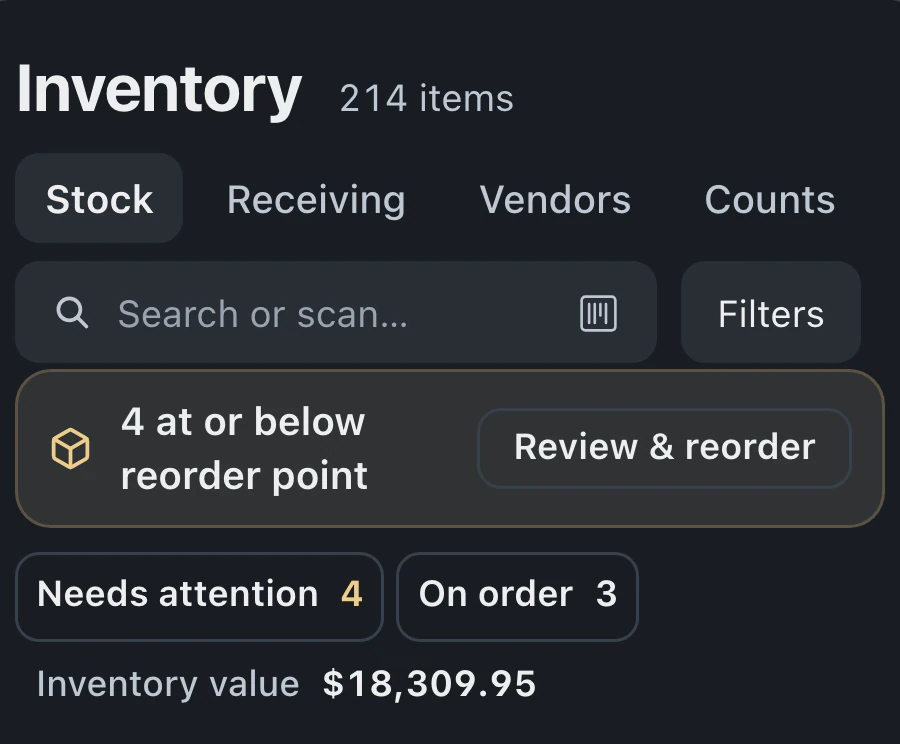
The Stock totals strip shows items, Invested, unsold, Listed, Expected margin, Sold · 30 days and Avg turn alongside the device rows.
Review Top models sold in Reports under Buy/Sell summary, then use the Buy/Sell Sales and Lots tabs for sales and lot results.
At intake, owners and admins record the seller and device details. The purchase receipt and unit history remain available throughout refurbishment and resale.
The buyback receipt lists the device, purchase price and payout method. Staff can download a PDF or email a copy to the seller.
Buy and sell is included in beta on Pro and Business and must be enabled in Settings.
Compare plans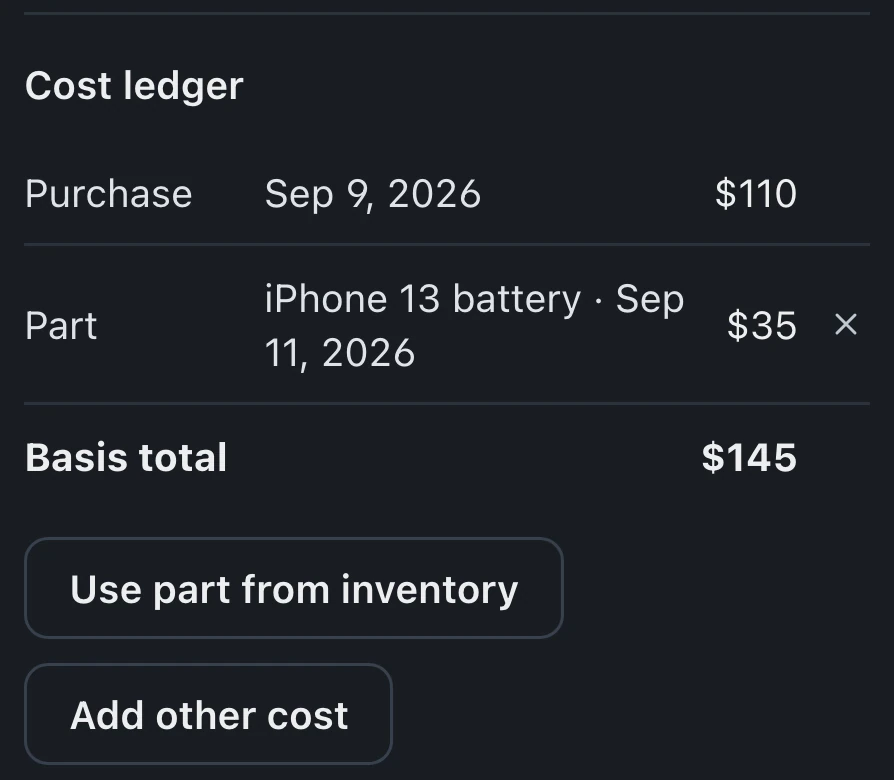
Margin calculations use the purchase price and costs recorded against the unit, including any parts and labor you enter. Those costs need to be current when you set an asking price or review the final sale.
A full refund of an eligible sale completed through Checkout reopens the linked device for resale. Staff return to the same unit record.
In Receive lot, enter Vendor, What is it and Cost per unit, add an IMEI per device row, then select Finish · N items with the recorded item count.
Buy and sell starts switched off. It appears when enabled in Settings on Pro or Business. A shop that only repairs customer devices can leave the resale workspace off.
Leave your email for access updates. Your name and shop name are optional.
 Watch the product tour 3:34 Follow a repair from check-in to pickup in BenchKey