Invoices waiting for payment
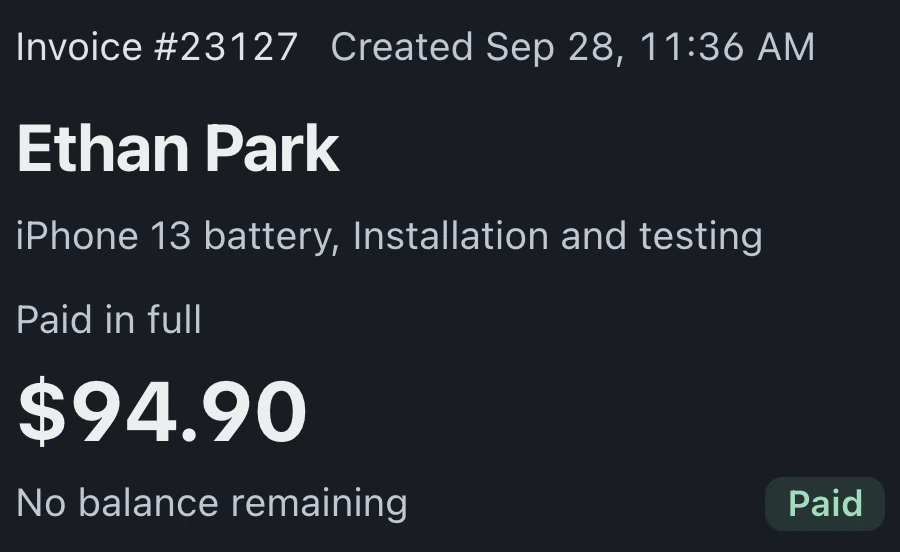
Outstanding invoices are grouped by age since issue, using creation date for older records without an issue date. Review those invoices before deciding which customers need a payment follow-up.
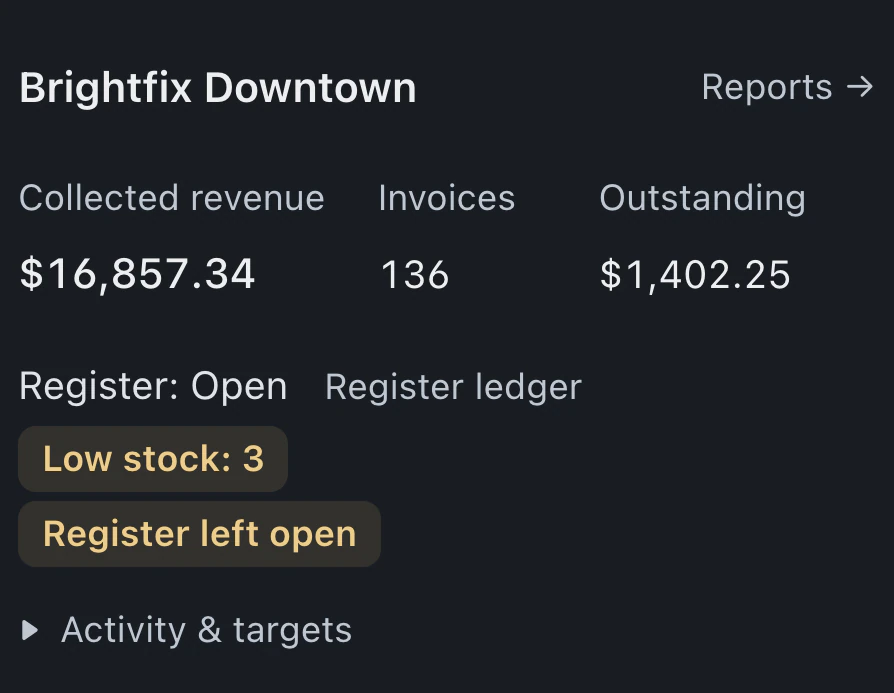
Overview shows revenue, invoice counts and turnaround. Pro and Business add reports on unpaid invoices and job margins, Turnaround for repair times and the age of open work, plus scheduled report emails.
Watch it work 1:09Starts on Standard
Reports guideActivity reports use the selected day, week, month or custom period. A/R Aging uses an As of date; Inventory Value and Inventory Aging show current stock figures.
Revenue, invoice counts and average turnaround appear for the selected period. Every BenchKey plan includes Overview.
Export the relevant report where supported. Most are available as spreadsheet downloads for your accountant.
Compare new tickets with finished repairs, see which devices arrive most often, and check how many estimates customers approve.
Pro and Business include these detailed reports, with access determined by each team member's permissions.
Outstanding invoices are grouped by age since issue, using creation date for older records without an issue date. Review those invoices before deciding which customers need a payment follow-up.
See how long completed repairs took from check-in to done. Open work lists each ticket's status and age since check-in.
The margins report compares recorded cost with selling price. Sales by item and customer help you examine which work contributes to the shop's sales.
Expected and counted register amounts appear by session. Payments, refunds and credits are listed in the transaction log with the person who recorded them.
Revenue attribution links sales to recorded sources and technicians where available. Inspect Unassigned rows for missing attribution. Technician reports show sales and commission figures also available in My Earnings.
Browse Sales Summary, A/R Aging and inventory reports. Build and save custom reports in Report Builder, and schedule the End-of-day digest or Weekly sales summary by email.
Standard, Pro and Business include Overview, while Pro and Business also include detailed reports and scheduled report emails.
Compare plans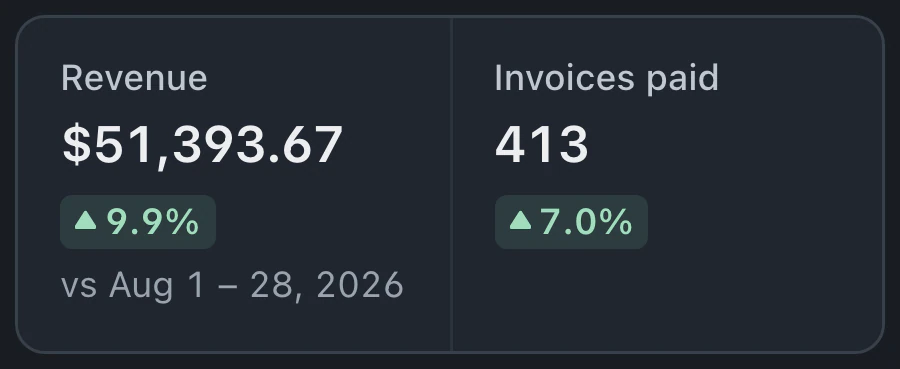
Period comparisons are supported in Reports, with revenue by day, week or month in the sales summary. Select a period at the top to review its activity.
BenchKey includes reconciliation against Square activity and flags mismatches for review. It gives you a way to investigate differences between recorded payments and processor activity.
Inventory valuation uses stock on hand and unit cost to show recorded inventory value. It also lists items at or below their low-stock threshold. This detailed report is included on Pro and Business.
Leave your email for access updates. Your name and shop name are optional.
 Watch the product tour 3:34 Follow a repair from check-in to pickup in BenchKey