Start work from New
Tap New to open Create new, then choose New ticket, New estimate, New invoice or New customer.
Open the same BenchKey in your phone's browser. Keep tickets, conversations, notes and checkout within reach, with a bottom bar for navigation. Add a home screen icon and enable alerts.
Open BenchKey in Safari on iPhone or Chrome on Android. Add it to your home screen, then open BenchKey from its new icon.
Choose Enable in Notifications for new leads and mentions on this device. On iPhone, add BenchKey to your home screen before enabling alerts.
Use the bottom bar for Inbox, Tickets and New. More opens the Menu with your queues, Checkout, Calendar, Customers and Inventory.
Internal notes stay with the team. Review the device details or open Money for New invoice, New estimate and Take payment. Set status and queue at the top.
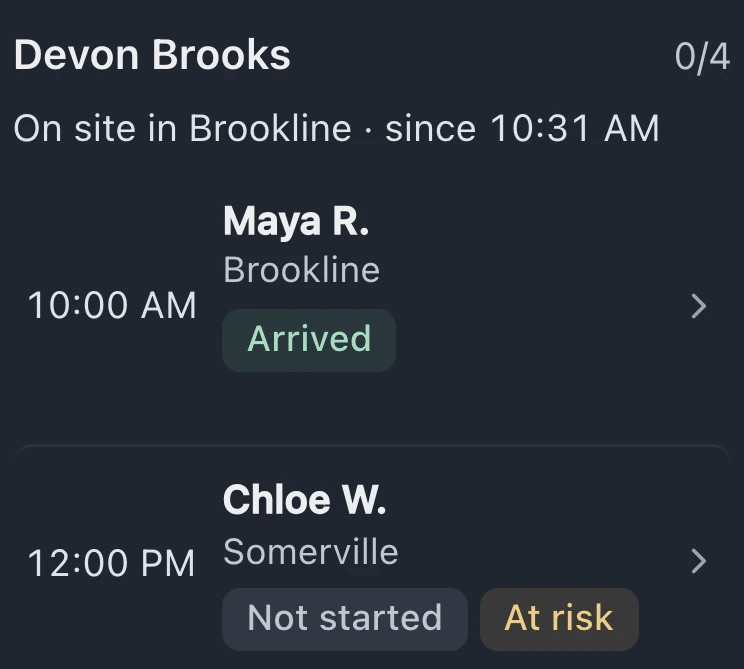
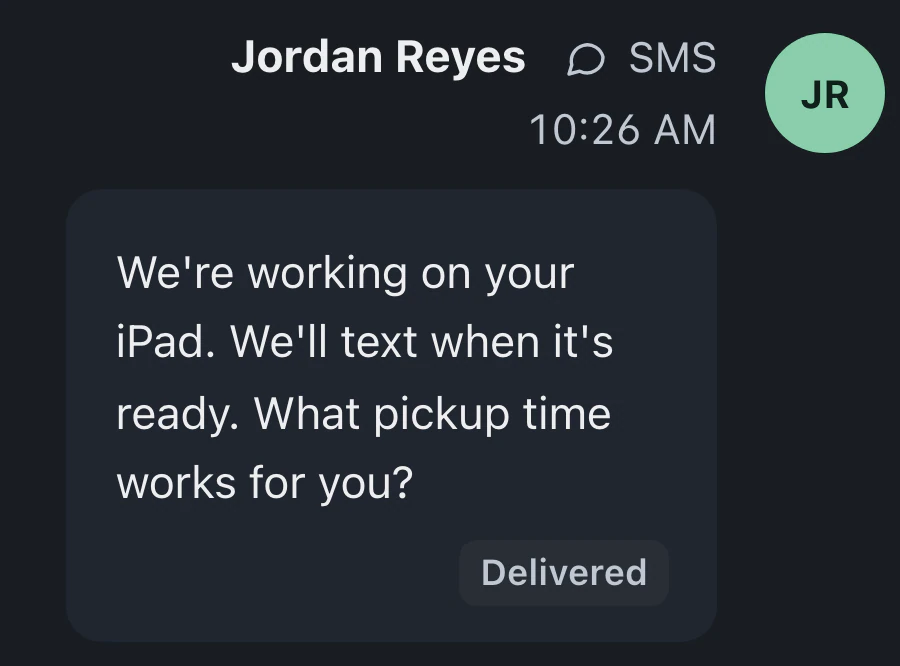
Take care of ticket intake, checkout and customer updates while you're away from the desk.
Tap New to open Create new, then choose New ticket, New estimate, New invoice or New customer.
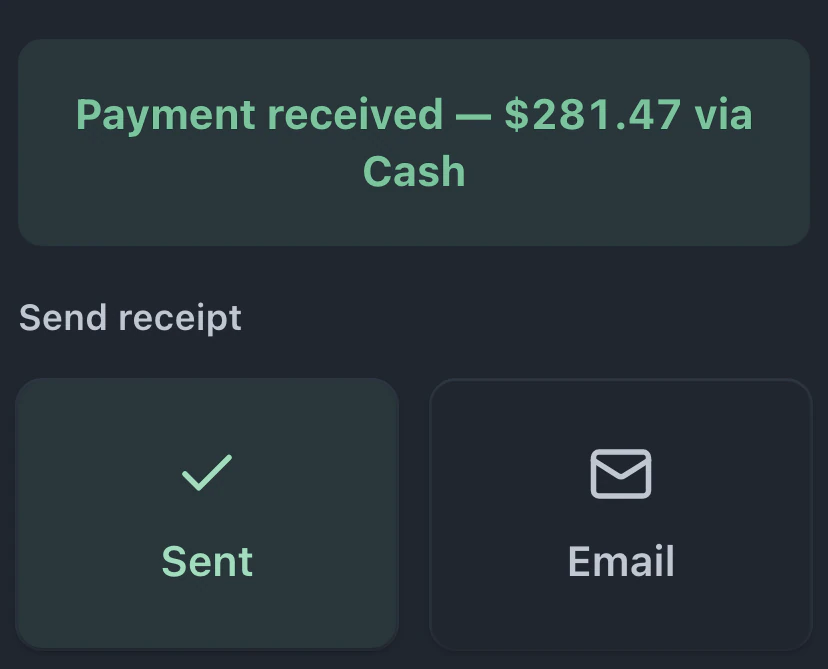
Build a sale in Checkout, adjust the discount and tax, then choose Charge. Card payments require a connected Stripe or Square account.
The phone layout comes with every plan. Automatic shop texts, leads and the time clock require Pro or Business.
Compare plans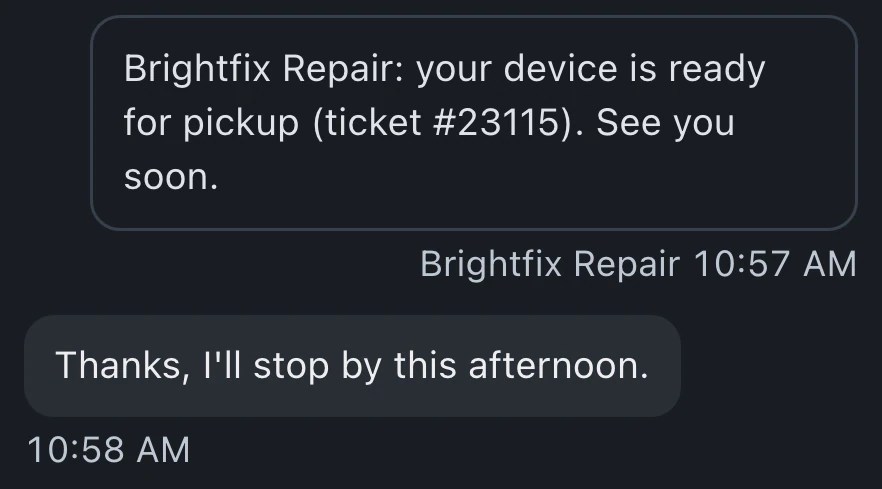
No. BenchKey runs in your browser. In Safari on iPhone, tap Share, then Add to Home Screen. In Chrome on Android, choose Add to Home screen or Install app from the menu, then use the new icon.
Tap Enable in Notifications for alerts addressed to you: customer replies, mentions, payments and more. New lead alerts need Pro or Business. Shop-wide ticket and mail-in alerts are optional. On iPhone, add BenchKey to your home screen first. All also reach Inbox.
Yes. Read the conversation and add internal notes that stay with the team. Change status or queue at the top, and open Money for estimates, invoices and payments. Each person's role controls their access.
No. Use the same BenchKey account on your phone with Standard, Pro or Business. Each feature keeps its plan requirements, including shop texting, leads and the time clock.
Leave your email for access updates. Your name and shop name are optional.
 Watch the product tour 3:34 Follow a repair from check-in to pickup in BenchKey