Links between customers and repairs
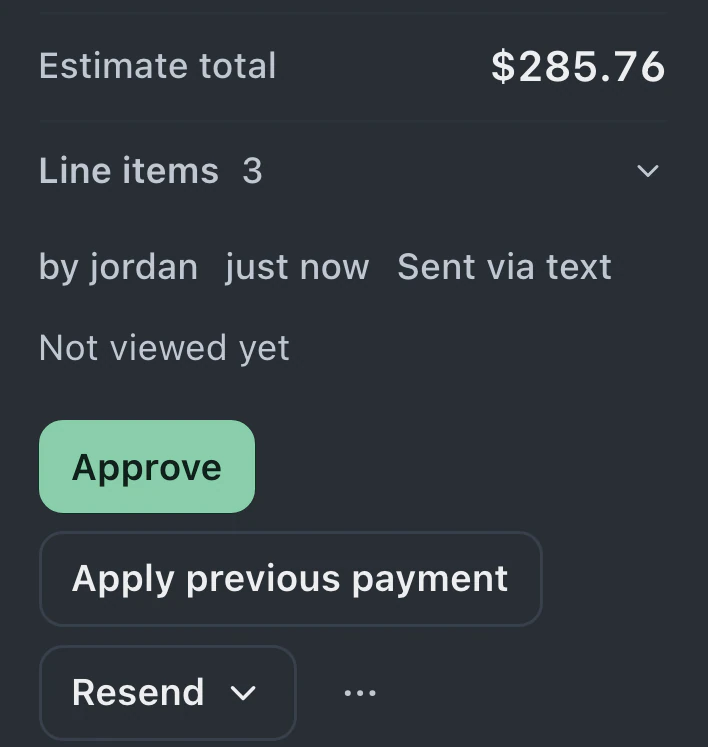
Links between customers, repair tickets and invoices carry through the import, so related records remain together in BenchKey.
Connect a single-store RepairShopr or RepairDesk account, or upload a spreadsheet export. Preview the records before importing. Afterward, inspect the saved customers, tickets and invoices to confirm the move.
Watch it work 1:21Starts on Standard
Data import guideThese illustrated walkthroughs use sample data to show a RepairShopr connection and a CSV customer upload.
The shop previews its RepairShopr records, follows the import, then checks saved customers, tickets, notes and texts.
The shop checks its customer file's column matches and preview. After importing, it opens a saved customer to confirm the details.
Migrate Data in Settings accepts a single-store RepairShopr or RepairDesk connection or an uploaded export file. If your shop has more than one store, choose the destination store for either route.
Spreadsheet columns have suggested matches you can check and correct, including required fields. Before importing, check the preview's invoice numbers, customer names and totals.
When the import finishes, open familiar customers and repairs. Compare contact details, ticket history and invoice totals with your source records, and review any rows that failed.
Preserve customer and ticket links, move stores separately and review any records that need another attempt.
Links between customers, repair tickets and invoices carry through the import, so related records remain together in BenchKey.
Direct imports run on BenchKey's servers and save their progress. Close the tab if you need to, then return to Migrate Data to check progress.
Retry corrected rows. Reruns skip imported records. Choose one route for your tickets: a direct connection or files. Tickets imported through one route aren't matched by the other. Invoices and payments come from one import source per shop. Unclear matches are listed for owner review, never merged.
Direct connections refuse accounts with multiple stores before writing records. Export each store separately, then import its file into the matching BenchKey store.
BenchKey reads a copy without changing your old system. Retain your exports and revoke the connection token in RepairShopr after checking the final import.
Importing is included on Standard, Pro and Business, and Business also includes having us move your data for you.
Compare plans
Customers with extra phone numbers; tickets with comments, messages and files; invoices and estimates with line items; payments, inventory, leads in every status, devices, appointments and saved replies import directly. Additional named contacts stay in RepairShopr. Export each store separately.
Payments import as records with actual dates, methods and split payments. Invoices without tickets also import. Tickets bring messages, team-only notes, photos and status history. Staff note files stay in RepairDesk; its API omits them, so download any you need there. Estimates need a RepairDesk CSV through Migrate Data's file option; its API has no estimates endpoint.
For 7 days after an eligible import finishes, Undo can remove unchanged records it created, including unused customer profiles. Customer profiles already used or changed, shared with another import, or that existed before stay, along with used or moved stock. Imports that brought in invoices, estimates or payments can't be undone. Changed or used imported tickets also block Undo, so check a small sample before the full move.
Imported tickets never count toward Standard's limit of 75 new tickets a month. Pro and Business include unlimited tickets, and the importer is available on every plan.
Business includes migration help from our team. Trial accounts can also request help; confirm its scope and availability with support before relying on the service. Importing records yourself is available on every plan, with a preview before the import starts.
Leave your email for access updates. Your name and shop name are optional.
 Watch the product tour 3:34 Follow a repair from check-in to pickup in BenchKey