Activity grouped by repair
Notifications for the same ticket form a stack. Repeated updates on a repair stay together while the other tickets remain visible in the list.
The Notifications pane groups customer replies, approvals and payment activity by ticket. Staff with access can open the repair, read its history and respond.
Select the bell at the top of the sidebar to open Notifications. Start in Mine, or choose a teammate from Teammate ▾ to view their notifications.
Each item links to its ticket. Read the conversation alongside the repair history before deciding what the customer needs next.
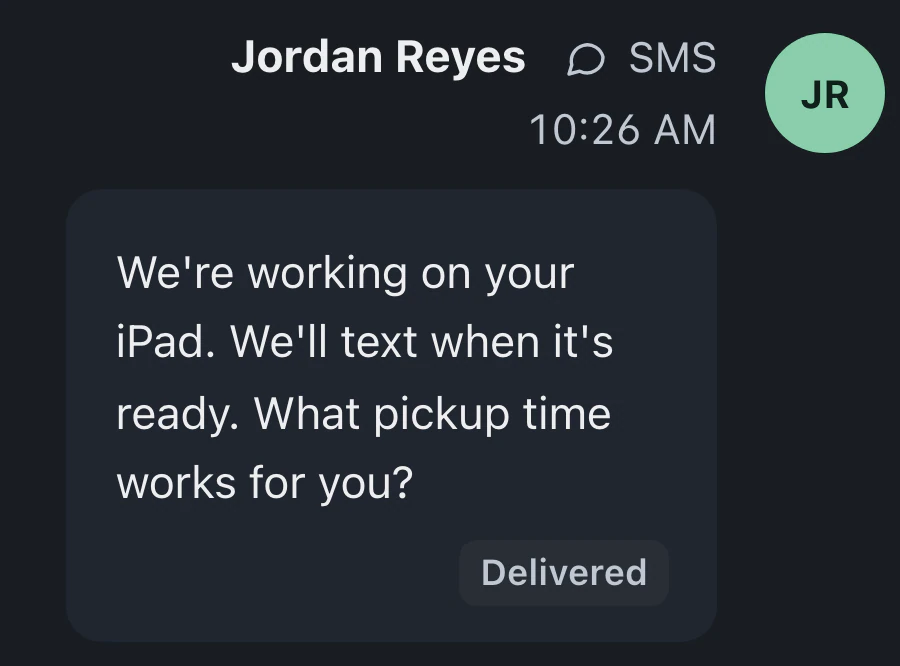
Email and connected texting channels are available in the conversation view. Staff with the relevant permissions can see the history and respond.
The inbox collects customer communication and ticket events, with ways to clear handled activity while retaining its history.
Notifications for the same ticket form a stack. Repeated updates on a repair stay together while the other tickets remain visible in the list.
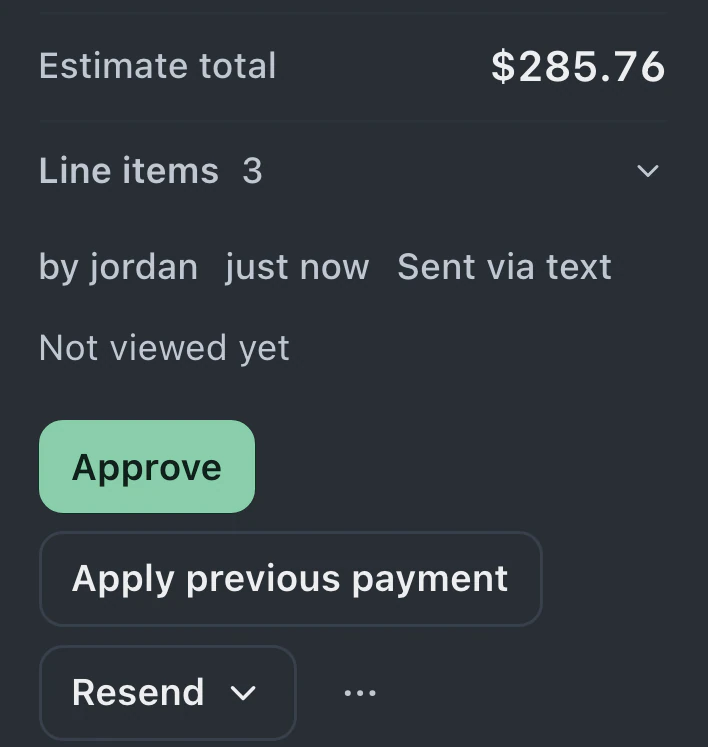
Estimate approvals and payment notifications appear with customer replies. Portal messages also reach the inbox, bringing customer activity into the same review area.
Ticket assignments and mentions from coworkers appear in Notifications. Staff can review work directed to them alongside the customer messages they need to handle.
Archive read items when they are handled, or let read conversations archive automatically. Their message history remains available on the repair ticket.
Authorized teammates can read the existing conversation before answering. Earlier discussion appears beside the device and repair details.
Customers send email, text your connected shop number or write through the portal. Replies matched to the repair appear with its conversation for staff to review.
Notifications are on every plan. Pro and Business include portal messages and files, plus texting with a connected provider.
Compare plans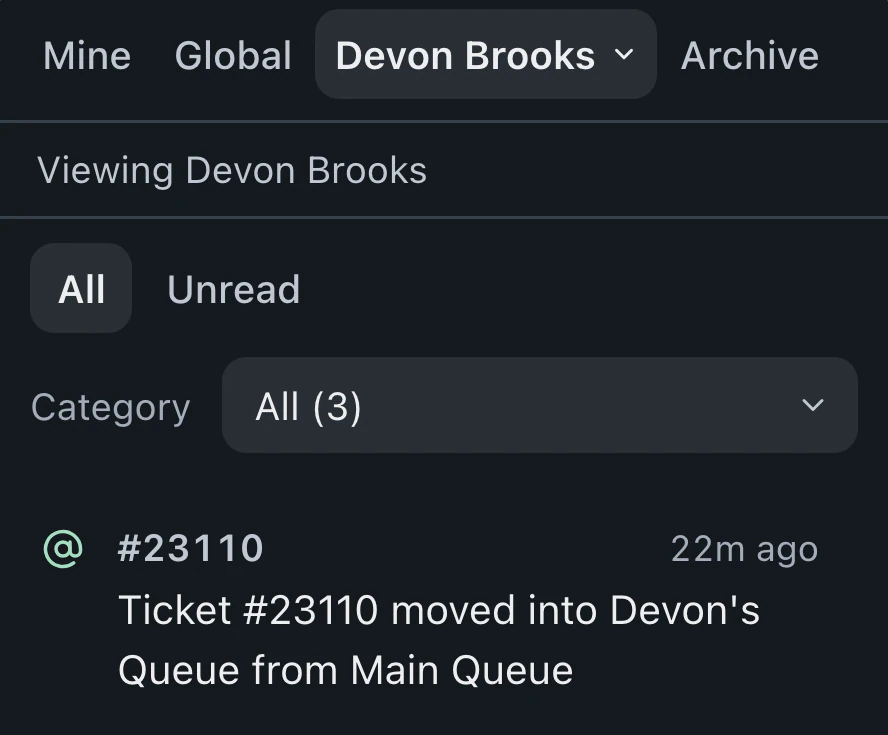
Everyone has the same views and can view teammates' notifications. Personal notices stay with their recipient; permissions and store access limit other notices. You still need access to open a ticket.
Texting from the shop's number requires Pro or Business and a connected provider, with permission to contact the recipient. Incoming replies that match a ticket return to its conversation.
Archived conversations remain attached to their tickets. Clearing read items from the inbox preserves message history for the next time the repair needs attention.
Leave your email for access updates. Your name and shop name are optional.
 Watch the product tour 3:34 Follow a repair from check-in to pickup in BenchKey