

Get your shop working in BenchKey
Start with one repair. Then set up the workflows your team uses every day.
Start with the work you do
Section titled “Start with the work you do”Start with the guides for your role, then browse more guides below or in the sidebar.


Store and franchise operators
Your first week
Section titled “Your first week”- Practice with sample records Run a repair from start to finish before real customers.
- Set up shop texting Follow US registration when texting US numbers. For Australia and other countries, follow your provider’s checks.
- Set up email Customer emails work now; add your inbox and your own address when you’re ready.
- Find an everyday answer Follow the steps for common shop tasks.
Your account
Section titled “Your account”- Your free trial What’s included, what happens at the end, and the extra week.
- Signing in and lost access Passwords, two-step verification, staff invitations.
- Cancel, export or delete Your data stays yours.
- Languages What your team sees and what customers receive.
- Get help, report a bug, suggest an idea Ask BenchKey AI or talk to a person, from Help, the lifebuoy icon at the bottom of the left icon rail. On a phone, choose More → Help.
Configure your shop
Section titled “Configure your shop”- Set up printing Choose how your shop prints labels, receipts, and documents.
- Use the AI assistant Configure an available AI connection and learn which tasks it supports.
- Capture website enquiries Connect your website to the lead pipeline.
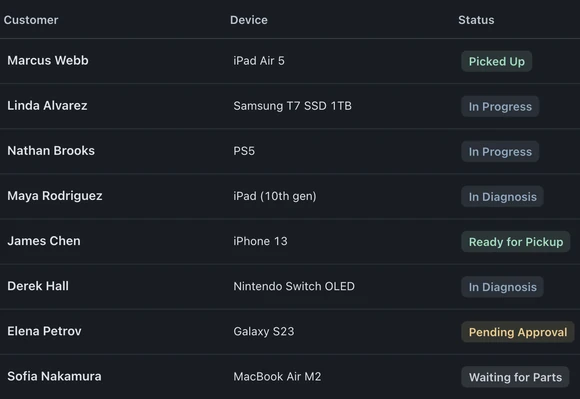
Each guide names the screen to open, the action to take, and the result to check. Screenshots use fictional demo customers.