

Queues, board view & saved views
Every ticket lives in a queue, and the queue tells you today. Board view, filters, and saved views are different lenses on the same work, pick the one that matches how you run the bench.
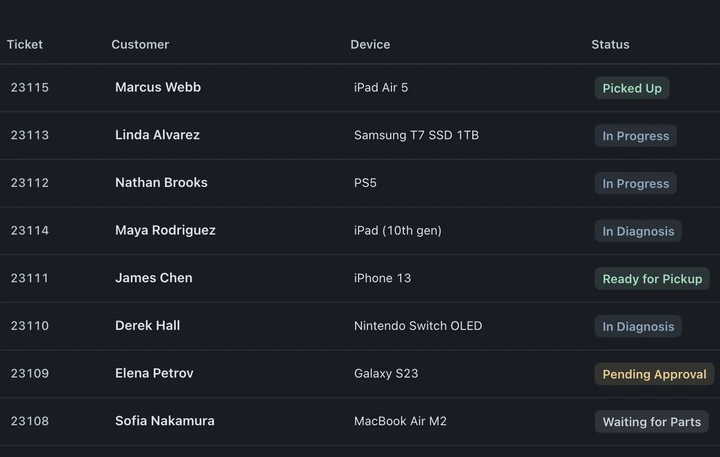
Queues
Section titled “Queues”Tickets live in queues, a shared one like Main Queue and per-person queues like Owner’s Queue. New work lands in a queue as it’s created, see Creating tickets for the intake paths.
The My Queue icon in the left rail shows a count of your tickets. Hover to see its label, or choose Open sidebar at the bottom of the rail.
Moving a ticket to another queue
Section titled “Moving a ticket to another queue”The ticket’s Ticket panel holds its queue assignment. You can also change the queue from its tag in an All tickets row.
- Open the Ticket panel using its icon at the right edge, then open the Queue dropdown.
- Search for and select the queue it belongs in.
That’s it, the ticket moves.
Board view
Section titled “Board view”Board view is a kanban board: every status is a column, every ticket is a card, and the columns come from your own workflow, see Statuses & automations.
The part that matters: dragging a card to another column is the status change. If that status has an email or text attached, it sends on the drop, moving the card to Ready for Pickup is what texts the customer. There is no separate “now notify them” step.
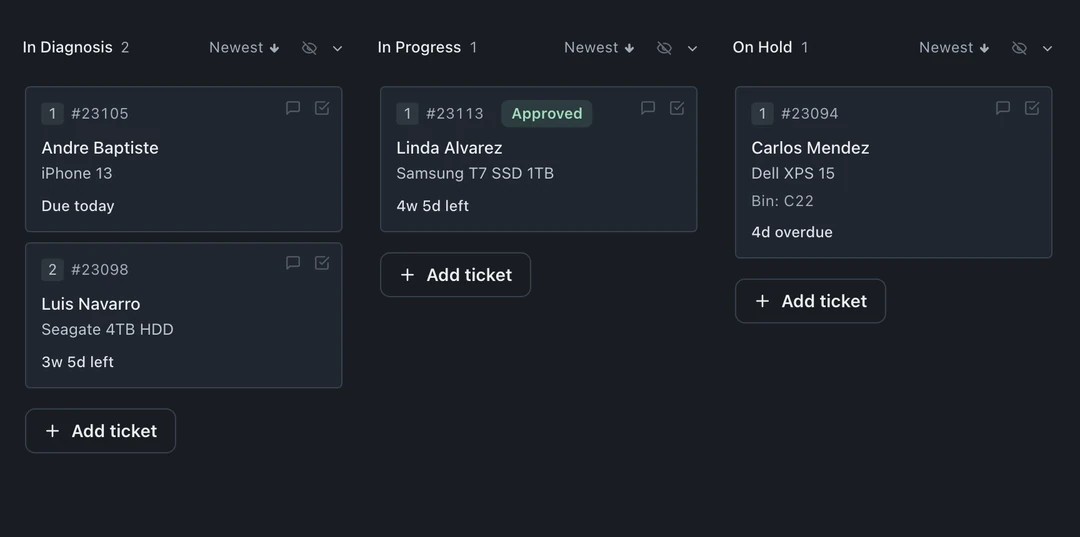
Also on the board:
- Per-column sort, newest first or your own order, set with the small “Newest ▾” control in each column header.
- ”+ Add ticket” in any column starts a walk-in check-in that lands directly in that status.
- Fullscreen (top right) strips the chrome and fills the screen with just the columns, made for a wall-mounted display the whole shop can see. Press Esc to come back.
- Rush chips and approval badges stay visible on the cards, so the board reads at a distance.
Search, filters & saved views
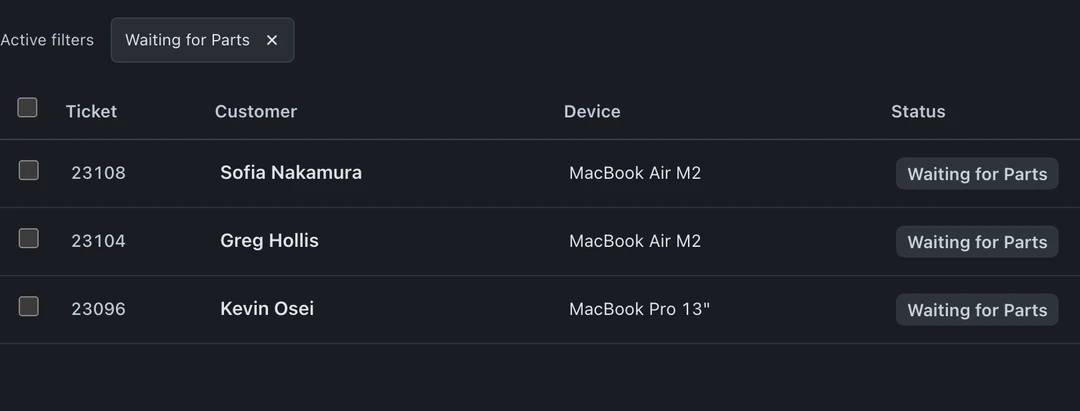
Section titled “Search, filters & saved views”The All tickets list carries the finding tools:
- Search matches ticket number, customer name, phone, email, and device. You can also ask the AI assistant straight from the search bar.
- Filters narrow the list to exactly the slice you care about.
- Saved Views keep a filter combination you use daily, reapply it in one click instead of rebuilding it every morning.
Rush tiers
Section titled “Rush tiers”Rush tiers (1-day, 2-day, 5-7-day) show as chips on tickets, so rush work is visible at a glance instead of buried in notes.
Recently Deleted
Section titled “Recently Deleted”Removed a ticket by mistake? Recently Deleted lets you restore it.