
Reports, every number explained
The Overview report is on every plan. Detailed reports and scheduled report emails are part of Pro and Business; what you see also depends on your role.
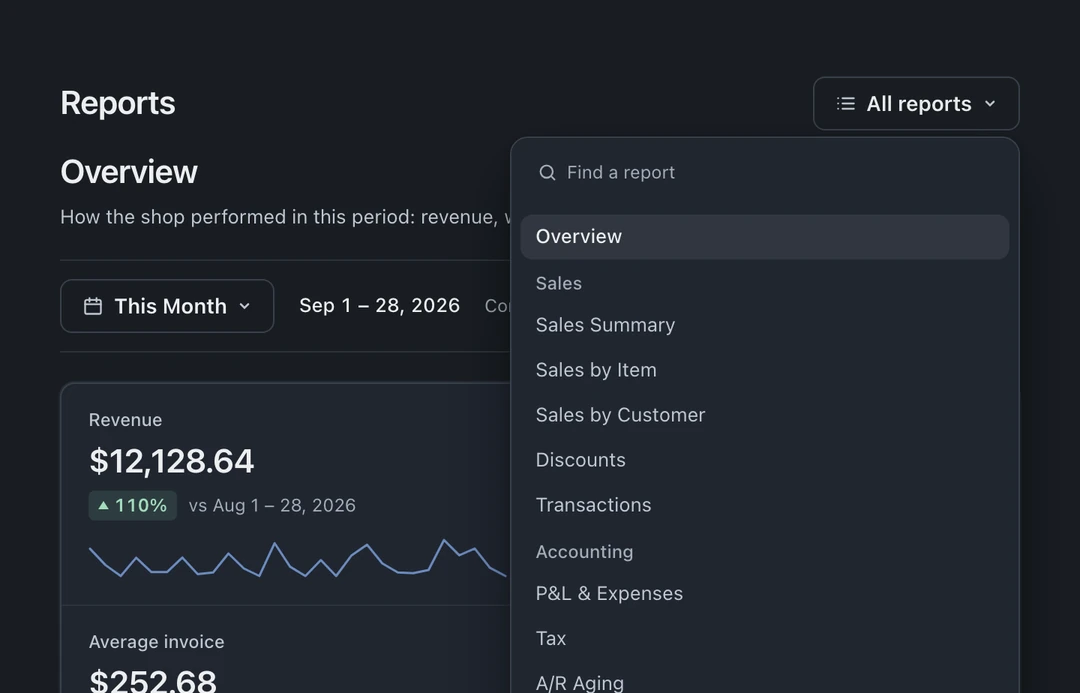
Open Reports in the left icon rail. Use Find a report in the report list on the left; on narrower windows, open All reports to see the list. For reports with a date range, use the period dropdown at the top, such as This Month. Single-day reports use Business day arrows. A/R Aging uses an as-of date; Inventory Value shows current stock. Check the period or date shown on each report. Most reports export to CSV for your accountant.
The money reports
Section titled “The money reports”- Overview: the day-one dashboard, revenue for the period, invoice counts, average turnaround, inventory value.
- Sales Summary: revenue, cost of goods, and gross profit, grouped by device type, technician, or period.
- Transactions: payments, refunds, and cash movements, newest first.
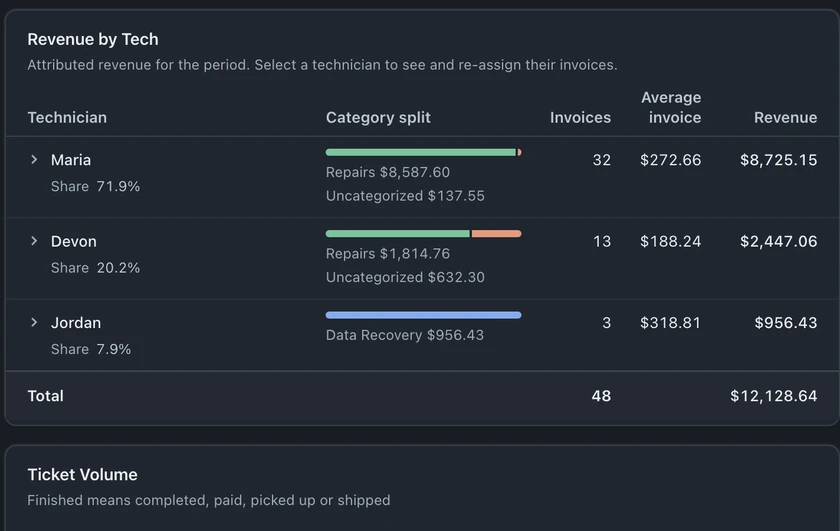
- Overview, Revenue by Tech section: attributed revenue by technician. Inspect Unassigned rows and their source records when no staff assignment was recorded.
- Tax: sales tax collected for the period, what you remit.
- A/R Aging: outstanding invoices grouped by age since issue, using creation date for older records without an issue date.
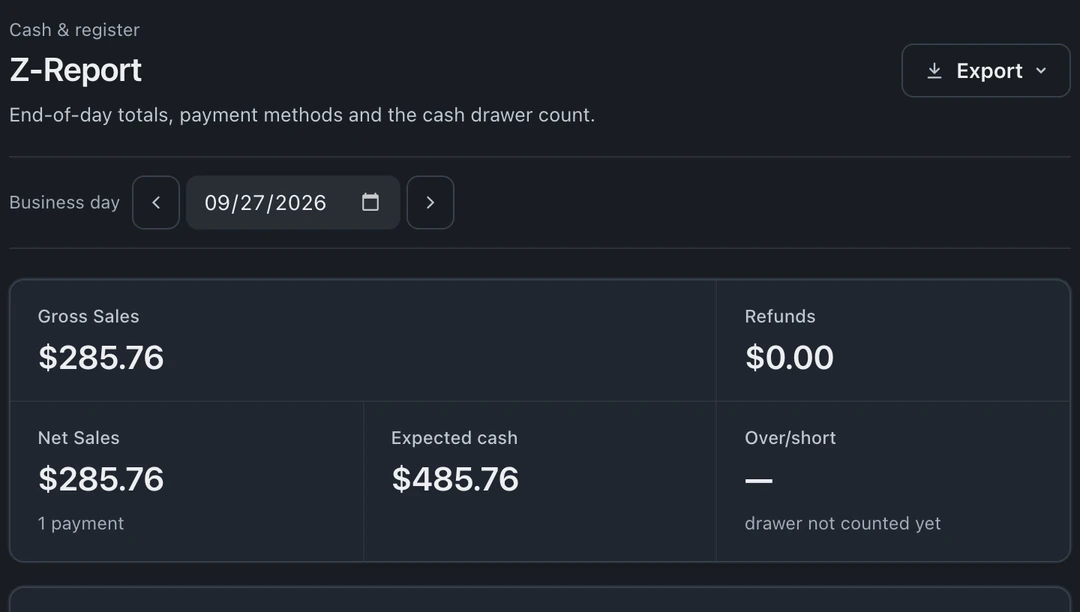
- Z-Report: end-of-day totals, payment methods, and expected versus counted cash.
- P&L & Expenses: cash-basis profit and loss, including revenue, parts cost, and recorded expenses.
The work reports
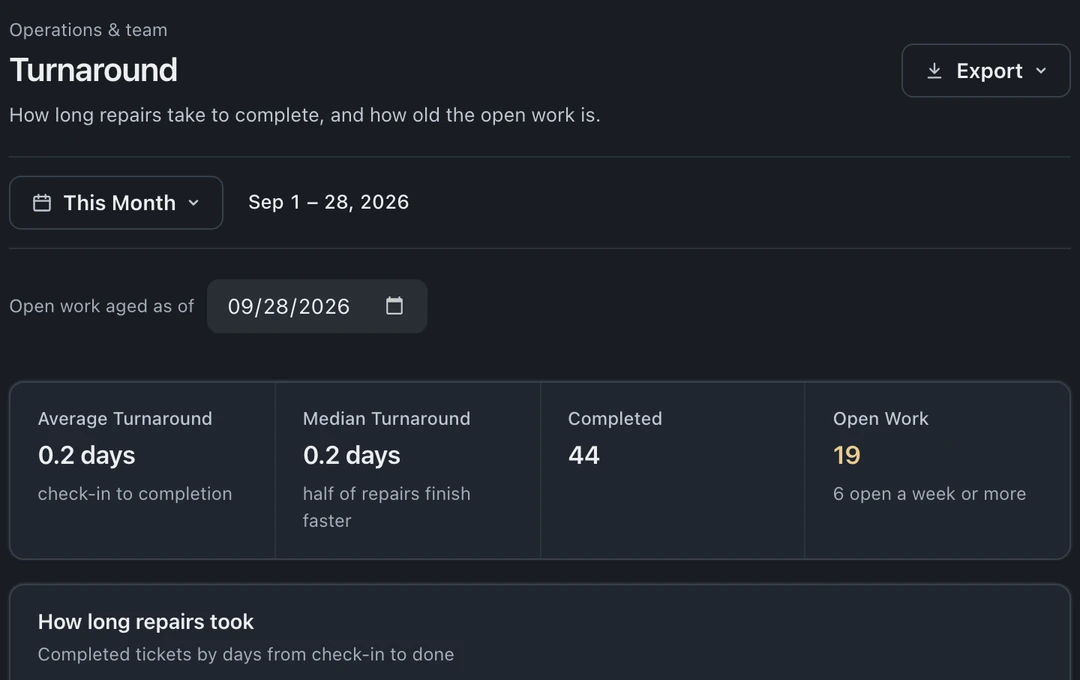
Section titled “The work reports”- Turnaround: repair completion times and the age of open work.
- Overview, Queue Throughput section: completions per queue. A ticket that moved through more than one queue counts in each.
- Sales by Item: items sold, quantities, and revenue.
- Sales by Customer: customer spending, with first and most recent orders.
- Leads: lead sources, conversion, and team reply times. Pairs with the lead widget.
The people and parts reports
Section titled “The people and parts reports”- Team Activity: each team member’s recorded activity for the period. For hours and payroll, open Clock.
- Compensation Payout: monthly commissions and bonuses, with payout tracking.
- Inventory Value: current stock value by category and item.