

Mail-in repairs end to end
Mail-in requires Business. Configure your intake form, service terms, customer messages, and any shipping or payment providers before sharing the public link.
Mail-in turns BenchKey into a depot operation: customers anywhere submit a form, ship their device, watch progress in the portal, and get it shipped back, all tracked on one ticket. The full sales pitch lives at benchkey.com/mail-in; this page is the how-to.
How an order flows
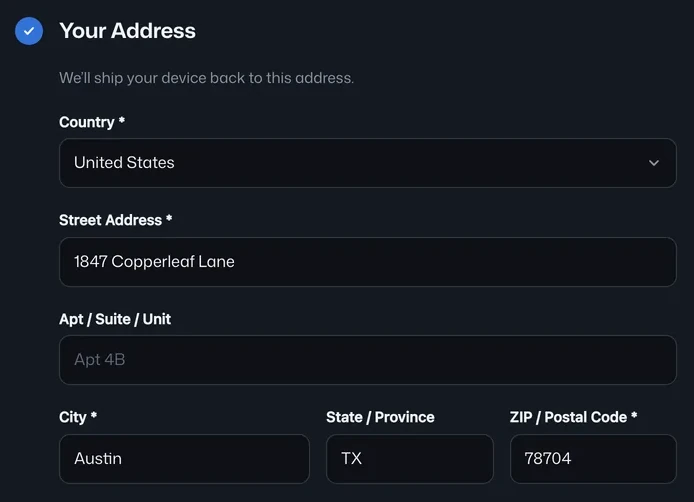
Section titled “How an order flows”- Customer submits the public form, your branded intake page with the questions and service tiers you configured. The ticket exists before the box ships.
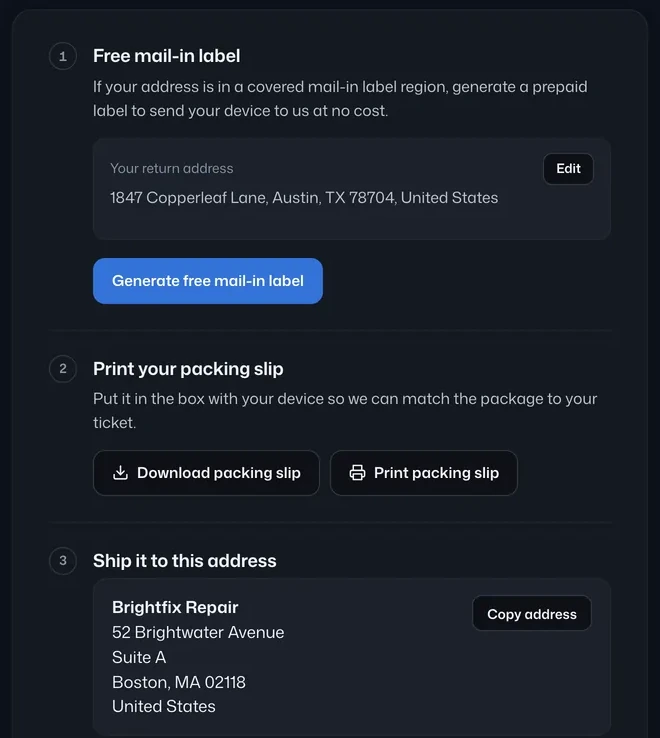
- They ship it in, with their own label or a prepaid label you generate. Inbound tracking lives on the ticket when you generate the label in BenchKey.
- You diagnose and quote, the estimate goes to the portal for a recorded approval. See Estimates & approvals.
- Repair, invoice, pay, payment by portal link, card on file, or financing.
- Ship it back, choose ⋮ Ticket actions → Shipping Label on the ticket to generate the return label; outbound tracking posts to the portal and the customer gets the tracking number automatically.
Configure the intake form
Section titled “Configure the intake form”Open Settings → Mail-In → Form Builder, the entry point shown below, to reach the form configuration:
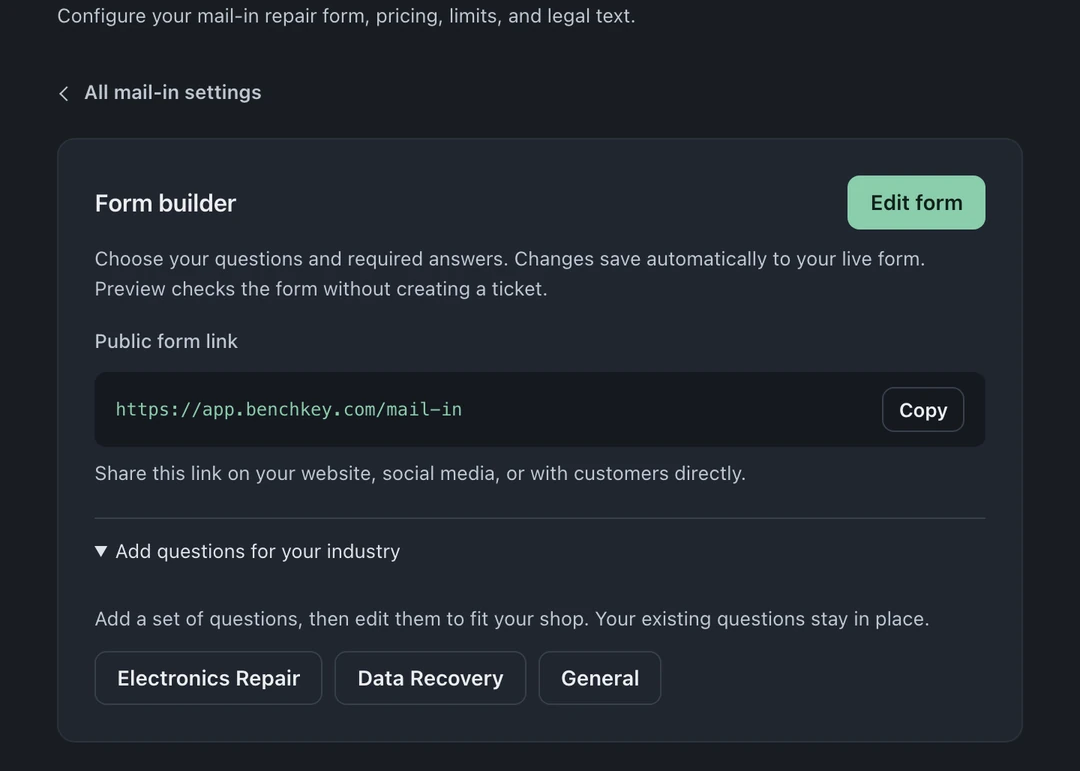
- Add your own questions, dropdowns, and conditional sections (answer-dependent follow-ups, “what kind of device?” can change the questions that follow).
- Define service tiers with names, pricing, and turnaround promises, rush options pay for the bench.
- Set legal terms the customer agrees to at submission, they are recorded with the order.
Shipping labels
Section titled “Shipping labels”Connect a carrier in Settings → Integrations & Shipping and generate inbound or return labels from the ticket’s ⋮ Ticket actions → Shipping Label. You can also open Files and shipping → Quick Actions → Shipping Label. Tracking numbers attach to the ticket, and return shipment tracking surfaces in the portal. Tracking numbers for labels bought elsewhere cannot be entered manually.
Follow-ups that run themselves
Section titled “Follow-ups that run themselves”Settings → Mail-In → Follow-Ups drives the slow-moving cases: the customer who never shipped the box, the approved quote that never paid. Day-based nudges go out automatically and stop the moment the customer acts.
The portal for mail-in customers
Section titled “The portal for mail-in customers”Mail-in tickets get a longer portal timeline that includes the shipping stages (label created, in transit, delivered back). Customers can follow package arrival, repair progress, and the return shipment. See Customer portal.