Every package stays attached to the repair
Create a label where the customer and device already live, then manage labels created, packages in transit, deliveries, and voids from one searchable shipping board. No tracking-number spreadsheet and no guessing which box belongs to which ticket.
Recorded from the real app: a filled shipping board is filtered to one customer, then the linked repair opens with its shipping actions and history in context.
Create the label from the ticket
The ticket supplies the customer, device, and repair context. Validate the destination, review available service and rate information from the configured shipping account, buy the label, then print or email it without retyping the case into another system.
One board from label created to delivered
Shipping shows totals for labels created, in transit, delivered, and voided. Every row carries the carrier, tracking number, customer, ticket, device, date, and current status, with direct actions to print, email, track, or reopen the repair.
Search by the information you actually have
Find a shipment by customer, ticket number, tracking number, email, phone, or device. Status filters turn the same page into today’s outbound-label queue or the list of packages that still have not arrived.
Mail-in work uses the same record
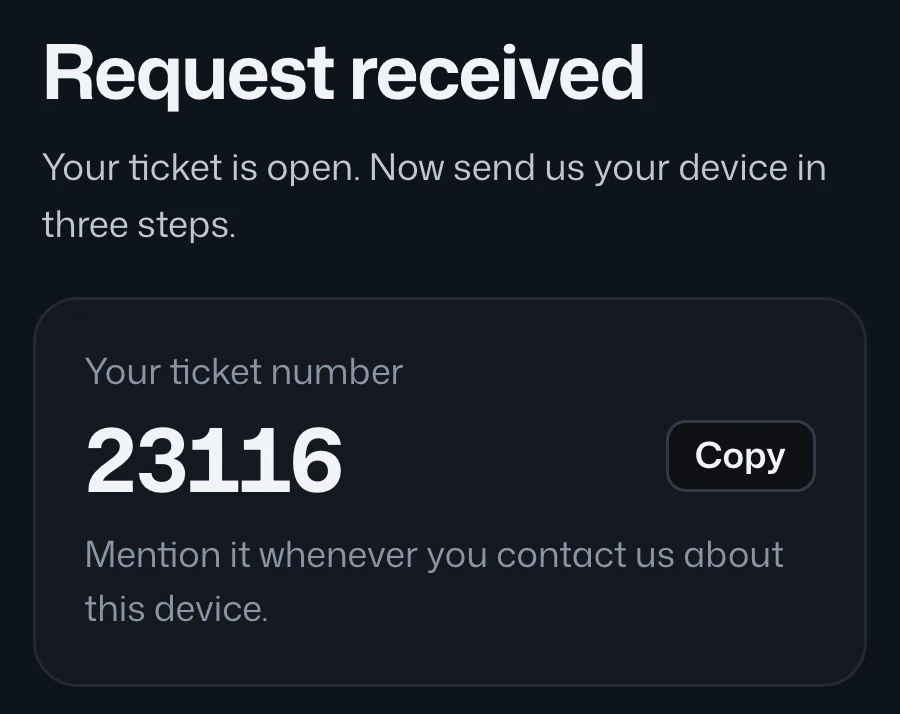
Customer-facing mail-in labels and return labels land in the same shipping history as staff-created labels. Tracking events stay with the ticket, so remote customers and the bench see one repair journey rather than separate form, carrier, and queue stories.
FAQ
Shipping & tracking questions
Which shipping accounts can I use?
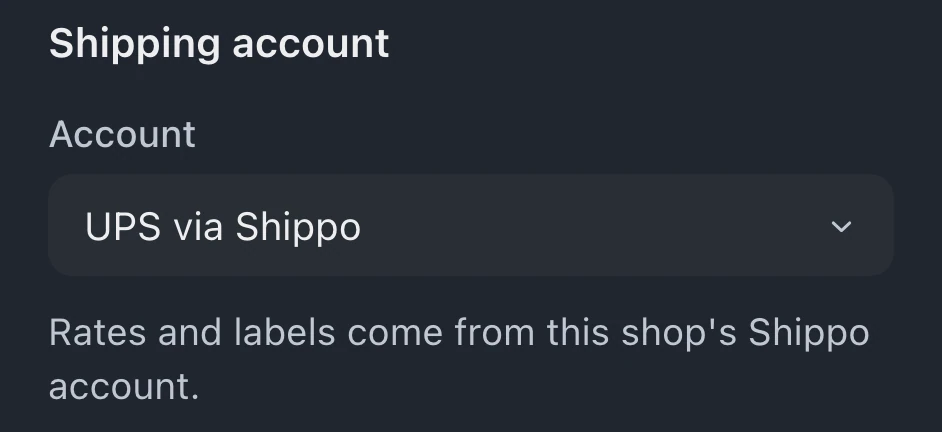
BenchKey supports its configured shipping-account paths, including Shippo and direct UPS. The available rates and label actions depend on the account connected in Settings.
Can I find a shipment without the tracking number?
Yes. Search by customer, ticket number, email, phone, or device, or filter the board by shipment status.
Are mail-in labels separate?
No. Labels generated by the public mail-in flow and labels created by staff share the same shipping history and remain linked to their tickets.
Can I send the label to the customer?
Yes. A label can be emailed from its shipment row or from the ticket flow, alongside print and carrier tracking actions.
Works with
Mail-in repairs
Run a real mail-in program: public intake form, arrival updates, follow-up sequences, and a portal built for remote customers.
Repair tickets & queue
Every job on one board, status, owner, device, and what happens next. Nothing dies in a drawer.
Case files & chargeback protection
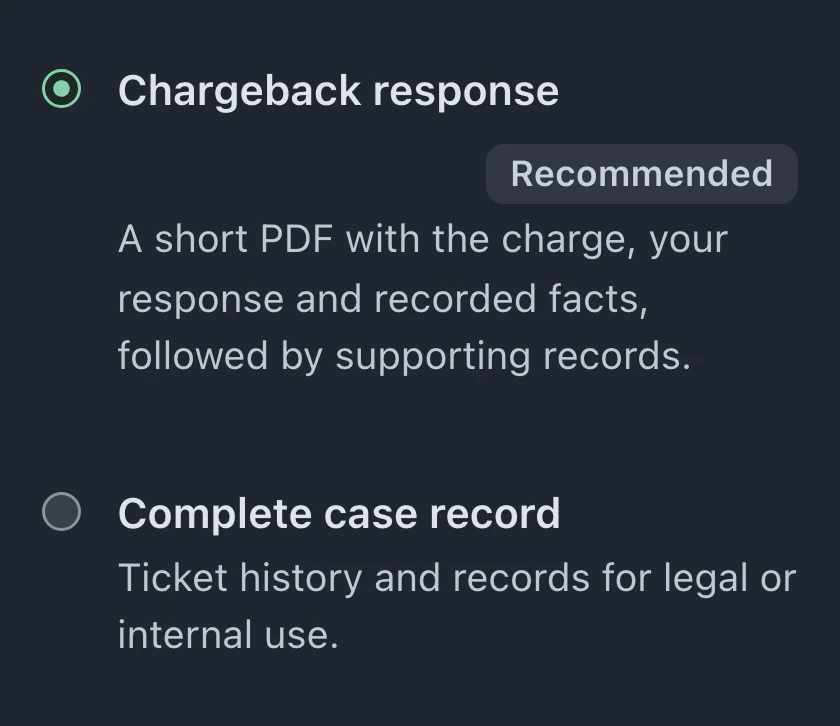
Every ticket exports a complete, timestamped case file PDF. Win chargebacks and end he-said-she-said with evidence.
Put your shop on BenchKey
Set up in an afternoon. Import your customers and tickets, build your check-in flow, and send your first live status link the same day.
Beta launches in ~3 weeks · Beta invites go out in small groups
Founders pricing: the first 50 shops lock Pro at $59/mo for life · see pricing