Intake questions by repair category
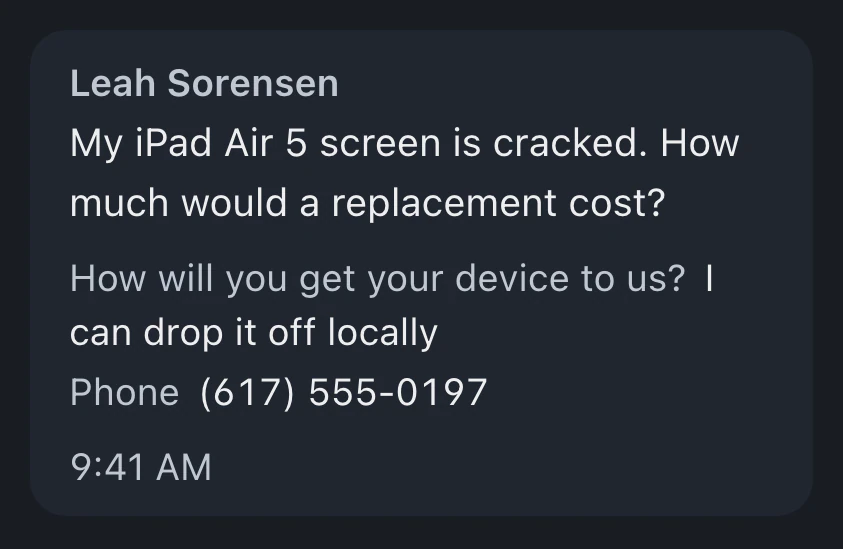
Conditional sections change the questions customers see. A data recovery request can ask for different information than a console repair.
Let customers submit their device and repair details through your public form. The ticket is ready before arrival, with shipping records, estimate approval and return progress kept with the repair.
Watch it work 1:16Included in Business
Mail-in repairs guideYour public form uses the repair questions you configure. A customer's submission creates a ticket before the device is shipped to the shop.
Mark the package's arrival on the existing ticket and record your diagnosis. Send the estimate through the customer portal for a recorded approval.
Complete the repair, invoice the work and confirm payment. Save return shipment details in the ticket so the customer can follow progress through the portal.
Ask the right intake questions, explain the service and follow up while you wait for the device.
Conditional sections change the questions customers see. A data recovery request can ask for different information than a console repair.
Define service tiers with your own prices and turnaround promises. The customer's agreement to the submission terms is recorded with the order.
With a shipping provider connected, generate inbound or return labels in BenchKey and keep their tracking on the ticket.
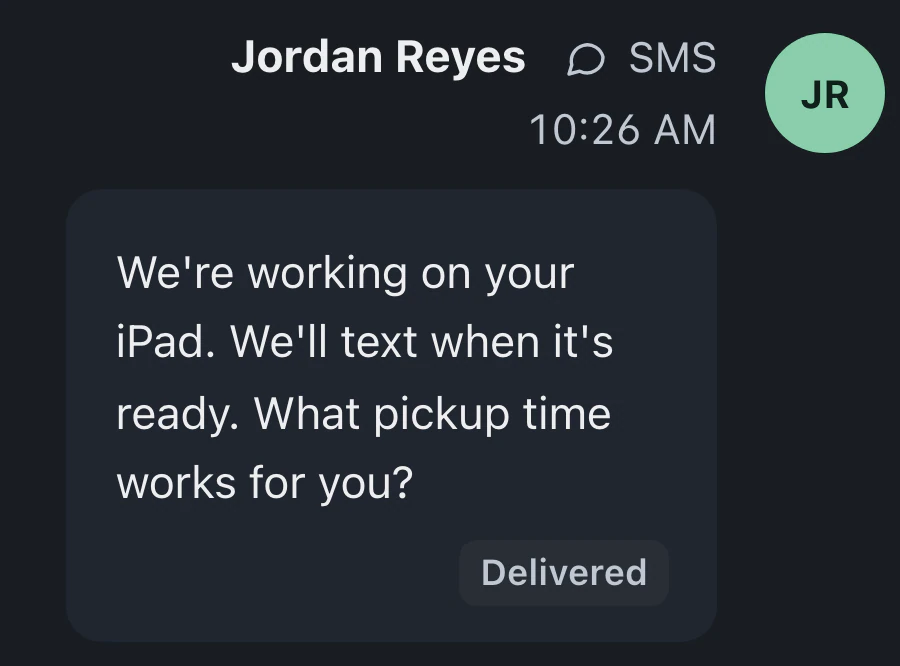
Day-based reminders follow up on mail-in requests awaiting a package. Edit the message and timing to match the instructions you give customers.
Work arriving by mail joins the same queue as counter drop-offs. Staff review intake, shipping details and customer approval alongside the device's repair record.
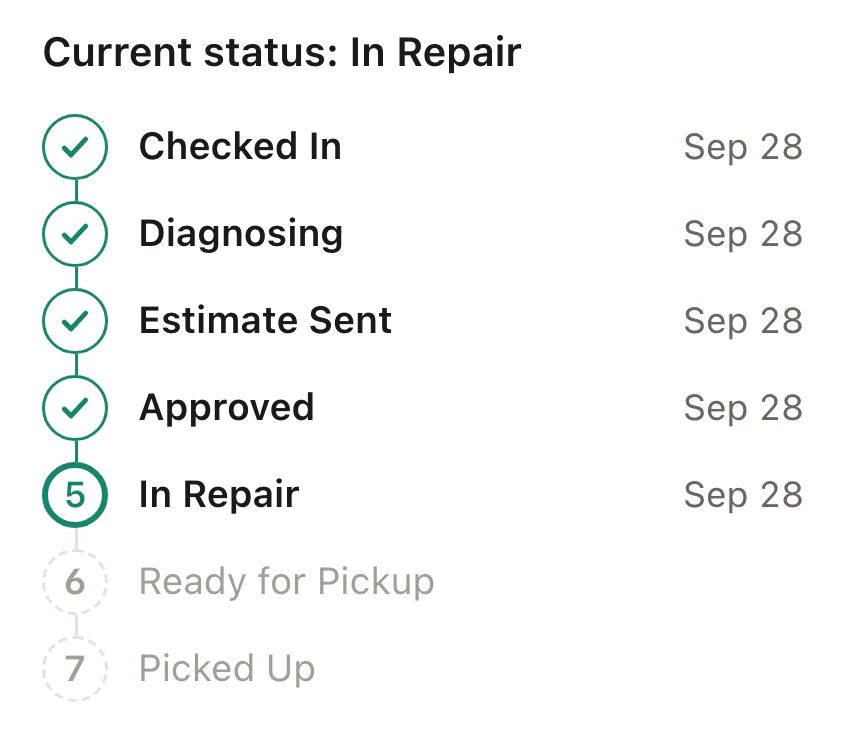
Customers submit the form before shipping, then use their private repair page to follow progress. The mail-in timeline can include package arrival and return shipping stages.
Business includes mail-in forms, shipping labels, carrier rates and follow-ups.
Compare plans
Submission of the public form creates the repair ticket. When the package reaches the shop, staff record arrival against that ticket and continue with diagnosis, an estimate and customer approval.
Customers can ship with their own inbound labels. Only labels created in BenchKey through a connected shipping provider carry tracking on the repair ticket.
Private repair pages show estimates for review and recorded approval. With online payments connected, customers pay the invoice there too. Shipping stages and tracking remain with the repair so they can follow its return.
Leave your email for access updates. Your name and shop name are optional.
 Watch the product tour 3:34 Follow a repair from check-in to pickup in BenchKey