Test targets against past sales
Preview what a bonus plan would have paid in past months. The highest target reached sets the total bonus; targets do not add together.
Set each person's commission as a percentage or flat amount per item. Add monthly bonus targets they can follow in My bonus as credited sales come in.
In Compensation, set a percentage or flat commission per item for each person, then enable the system. Percentage commissions use the sale price after discounts.
By default, the first front-desk move to a tech's queue stamps that tech as doing the work. Auto-credit priority checks your sources when the invoice has nobody selected.
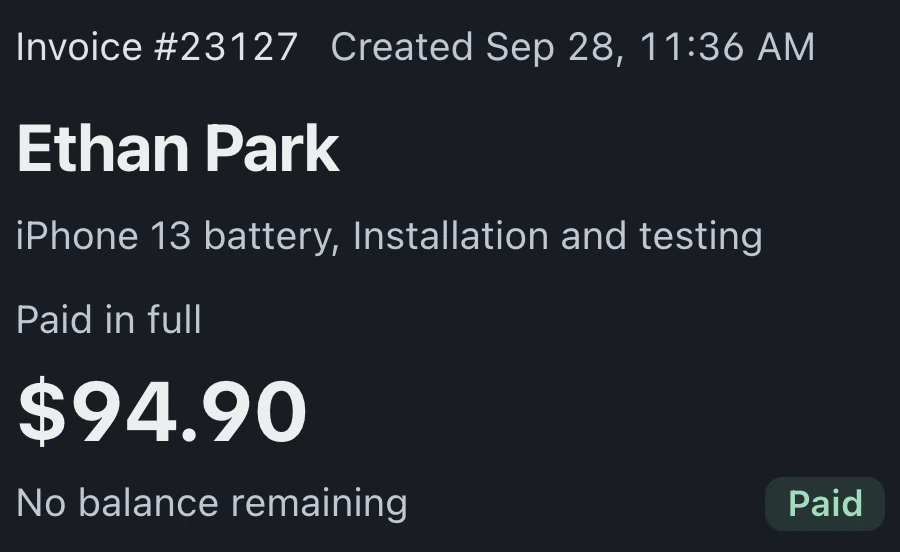
Counted sales lists each invoice and why it counts. Bonus plans count paid sales after refunds, with Before tax or Including tax selected. Deposits count when received, matching Revenue by Tech in Reports.
In Bonus payouts, review flagged sales and correct their category or credit. Only the owner approves a finished month, freezing its amounts without sending money.
Use past sales to set targets, keep progress visible and review the adjustments that affect what each person earns.
Preview what a bonus plan would have paid in past months. The highest target reached sets the total bonus; targets do not add together.
Staff follow their next target in the sidebar card and open My bonus for details. Bonus amounts stay hidden on shared checkout screens.
Export for payroll downloads a monthly file. The owner can enable automatic approval and marking bonuses paid on export. Payments happen outside BenchKey.
Choose The whole shop under Whose sales for a front desk bonus. Add a flat commission for each accessory sold.
Pro and Business include commissions, monthly bonus plans, My Earnings and Bonus payouts.
Compare plans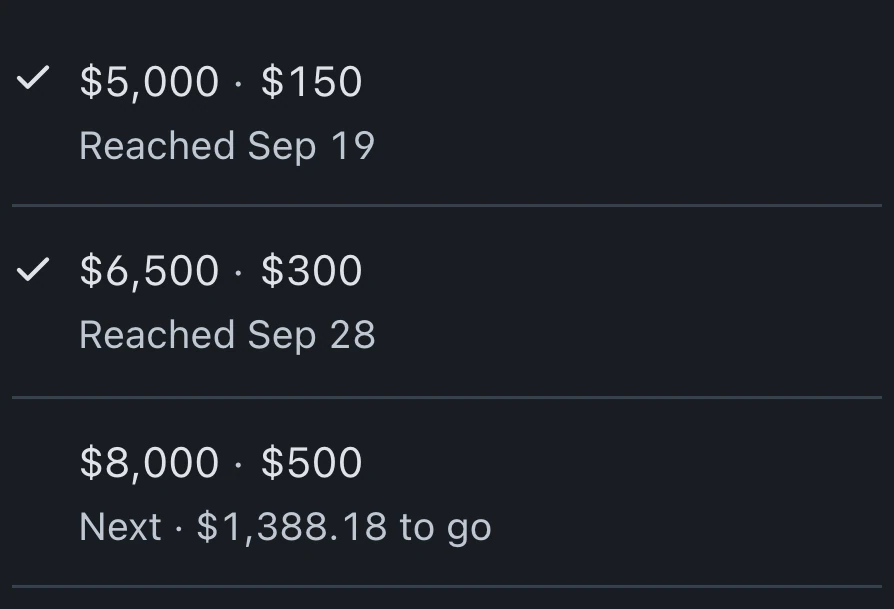
Yes. Each person's rules can cover everything they sell, an inventory category, a service category or a specific item. Set a percentage or flat amount per item. Newer rules override older rules for the same target.
Choose the person on the invoice. When none is selected, Auto-credit priority checks Ticket assignment, Category default, Device text fallback and Current queue owner in your chosen order. Enable Allow line-item overrides to credit individual items.
My Earnings and My bonus show each person their own numbers. Bonus payouts is available to the owner or an admin with payouts permission. Owner notes are never shown to the team member.
Pro and Business include commissions and monthly bonuses, along with the time clock and payroll export for recorded hours. Standard does not include these features.
Leave your email for access updates. Your name and shop name are optional.
 Watch the product tour 3:34 Follow a repair from check-in to pickup in BenchKey