Time reserved for the drive
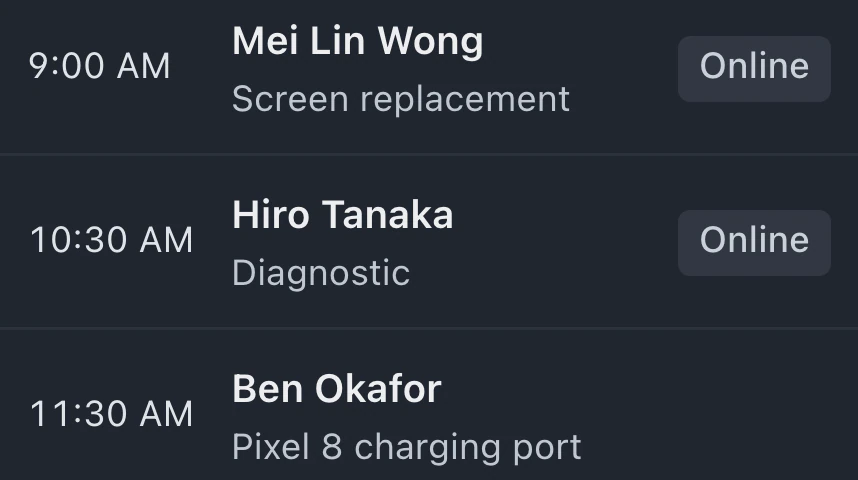
Travel and wrap-up time can be reserved before and after each visit, with those gaps left free in the calendar.
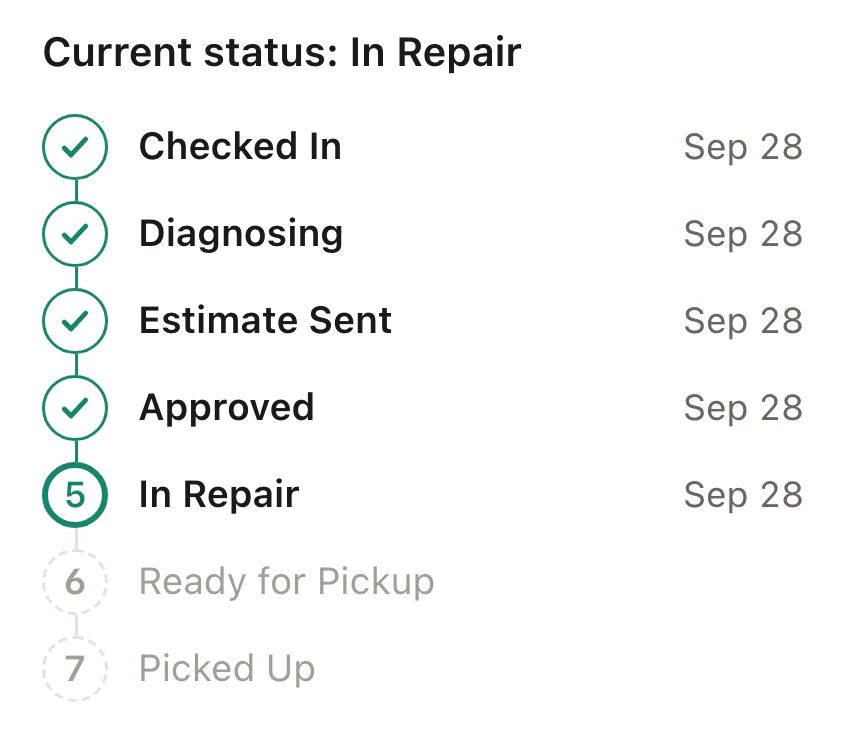
Book repairs at the customer's address, assign a technician and follow the visit from the office. The technician works from their phone while the customer checks arrival times, approves the estimate and views the invoice.
Online requests can be reviewed, or staff can book from the calendar. Confirm the address and access notes, assign an available technician and send the customer a confirmation.
Today gives the technician the next address and ticket. On my way sends the expected arrival time. Running late sends a revised time.
After tapping Arrived, save notes, photos and a signature to the ticket. Owners and admins open Payment to record payment on the invoice. Finish the visit with an outcome.
Leave room for travel, tell customers what to prepare and give the office a view of visits that need attention.
Travel and wrap-up time can be reserved before and after each visit, with those gaps left free in the calendar.
If you run the counter and make visits yourself, let on-site work block in-shop bookings while you are away.
See each technician's day, with flags for delays, arrival windows at risk and visits still waiting for approval or a technician.
Write a preparation note for the customer's visit page so they know what to have ready before the appointment.
From the visit, you can open the customer's page, copy its link or issue a replacement. A new link ends access through the old one.
My visits shows the next address, access notes and repair ticket alongside later stops. Finished visits remain in the day's completed list.
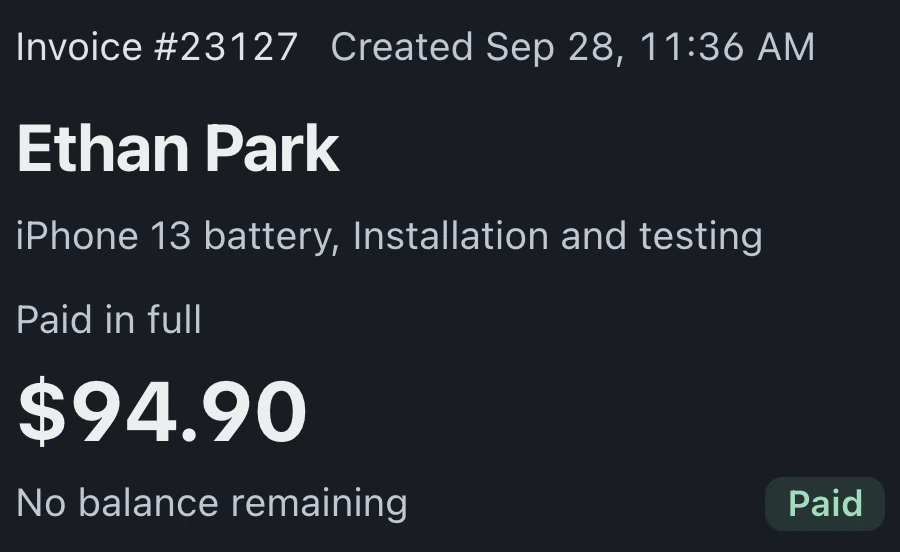
Customers check arrival times on the visit page. Review opens the estimate to approve and sign. Pay now opens the invoice; online card payments need Stripe or Square connected.
Pro and Business include on-site visits, the technician's Today view and route, customer visit pages and the office Team board.
Compare plans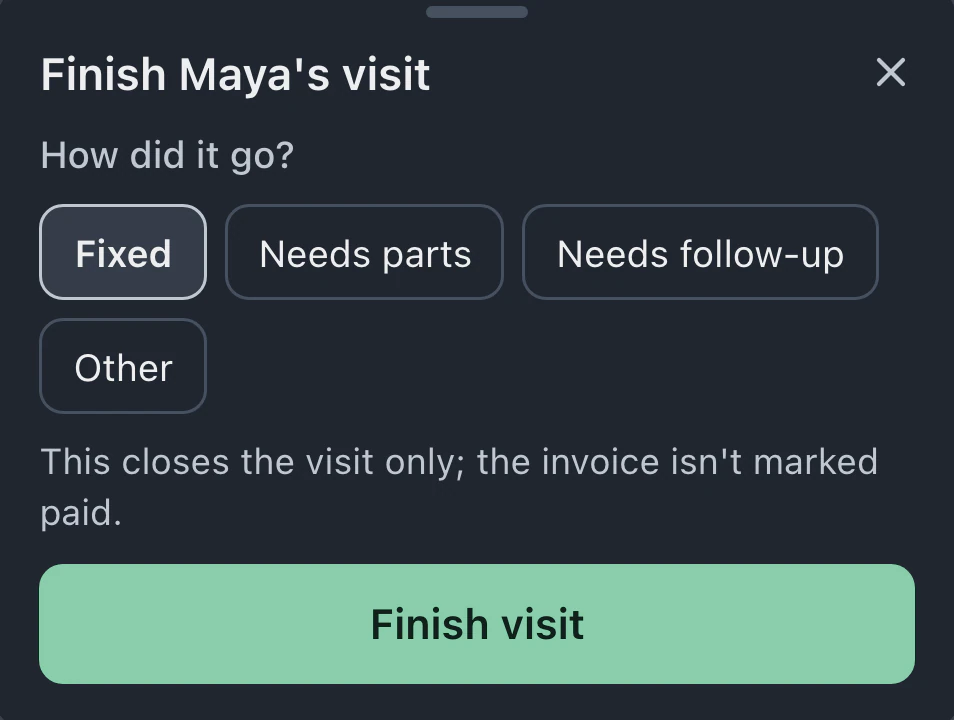
The visit link opens in the customer's browser without an app or account. It appears in the booking confirmation and later updates, so the customer can return to the same page.
BenchKey reads the location when the technician requests an arrival estimate, uses it for drive time and discards it. There is no background tracking. Customers see an arrival time. Technicians can also choose a time manually.
Online visit requests wait for approval by default. You can allow automatic confirmation within the postal codes you serve. Customers outside that area are offered an appointment at the shop.
Texts need a connected texting provider. Without one, customers receive the visit emails. The technician can review the arrival message and its delivery method before sending it.
Finishing records the visit's outcome and closes the visit. The invoice becomes paid when payment is recorded. Technicians who do not handle payments can ask the office to invoice.
Leave your email for access updates. Your name and shop name are optional.
 Watch the product tour 3:34 Follow a repair from check-in to pickup in BenchKey