Business texting from your number
Quo, Twilio or RingCentral connects your business number for sending and receiving texts on Pro or Business.
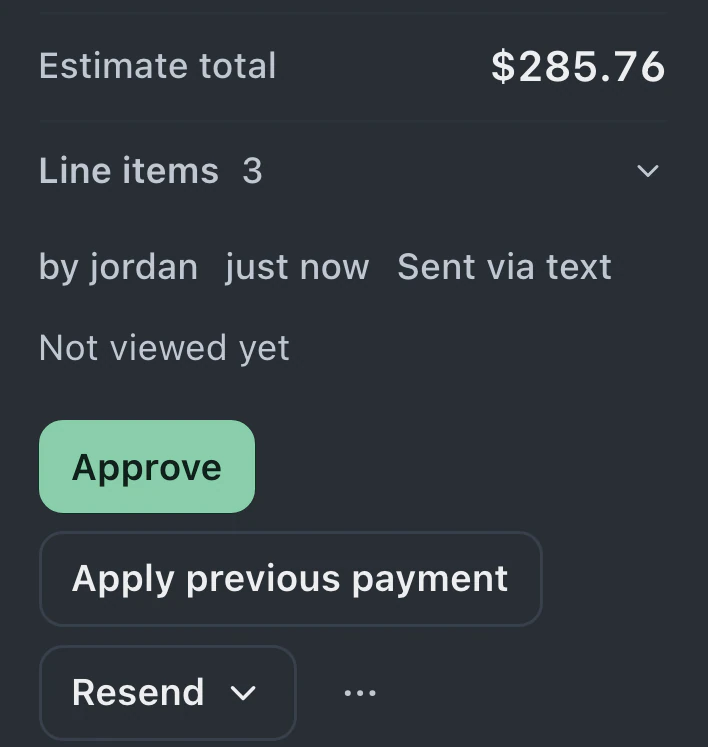
Read the customer's message beside their device, estimate and repair notes. Ticket email is on every plan; Pro and Business add connected business texting and the full customer portal for messages and files.
Watch it work 0:58Starts on Standard
Ticket messages guideFind the customer's reply in the ticket's conversation. New replies appear without a refresh while the ticket is open.
Earlier messages appear alongside the device and work details. Staff with the relevant permissions can read the conversation and prepare a reply.
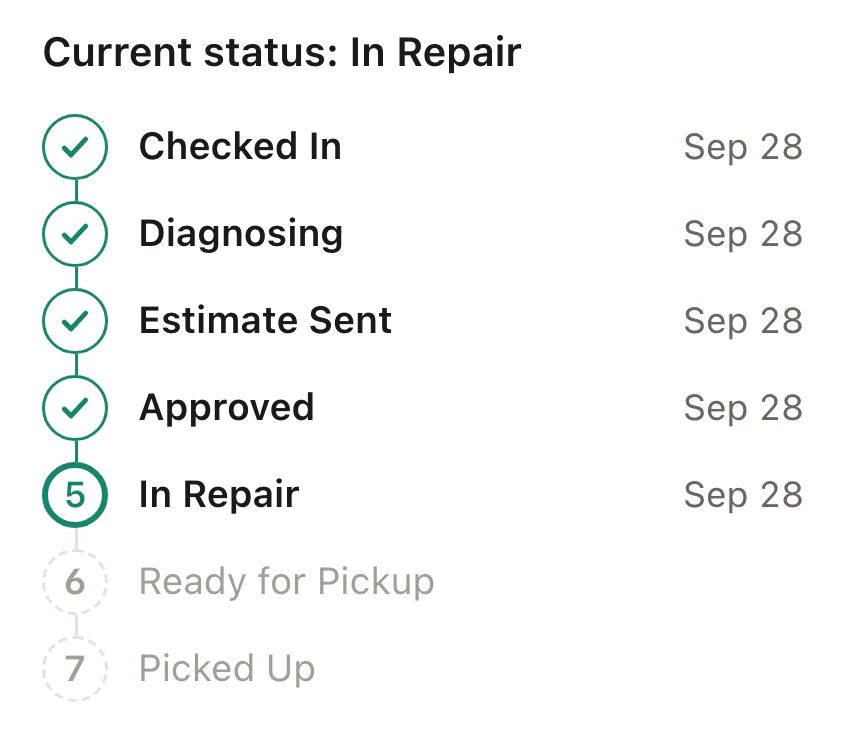
Reply from the ticket by email or through your connected texting provider. Sent messages and matched customer replies remain in the repair's conversation.
Channel settings and templates support customer messages, while staff can archive read items in Notifications.
Quo, Twilio or RingCentral connects your business number for sending and receiving texts on Pro or Business.
Attach message templates to ticket statuses. Automatic status email is on every plan; automatic texts require Pro or Business and a connected provider.
Edit templates visually and insert the customer, device, ticket number or portal link. Saved wording can include the details of the repair.
Archive read items in Notifications, or let older read notifications archive automatically. Messages stay in the ticket's conversation.
Authorized staff can review the conversation before answering. Matched replies are saved with the repair for the next person handling it to see what was discussed.
Customers reply through the shop's email or texting channel. With a texting provider connected on Pro or Business, their texts can return to the ticket conversation.
Standard, Pro and Business include ticket email and Notifications; Pro and Business add automatic texts and two-way business texting.
Compare plans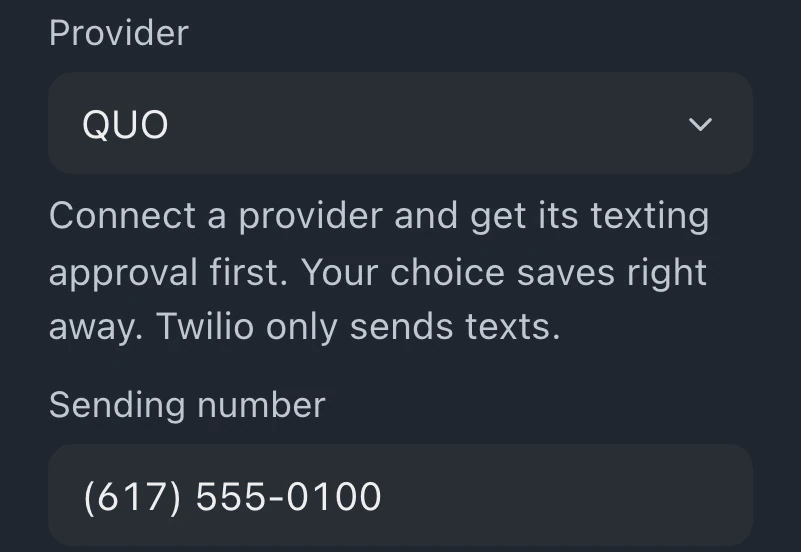
A connected Quo, Twilio or RingCentral account supports texting on Pro or Business. Provider setup and permission to contact the customer are required. In the United States, the number also needs business texting registration.
Standard includes ticket email, automatic status emails and a text action that sends through your own phone. Automatic texts from the connected shop number and two-way business texting require Pro or Business.
Matched replies appear in the ticket's conversation, move the ticket to Customer Reply and notify its assignee, watchers and queue members in their own Notifications. Unmatched texts and emails go to Leads on Pro and Business.
Archiving moves the notification to Archive and leaves the conversation in the ticket's repair history. Staff with the relevant permissions can still review it when opening the ticket.
Leave your email for access updates. Your name and shop name are optional.
 Watch the product tour 3:34 Follow a repair from check-in to pickup in BenchKey