Bug reports with useful context
Describe the problem and its effect on work. Before sending, inspect the included technical details, such as the page and recent errors.
Help provides instructions and a place to report problems. Answers draw on BenchKey's help pages. You can ask a person to join the conversation and follow reports you have submitted.
Starts on Standard
Help chat guideSelect Help at the bottom of the sidebar, or More then Help on a phone. Describe the task you are trying to complete in Chat.
The AI answers from help pages and links its sources. Billing, security, data loss and sign-in questions go to the team when you choose Send to the team.
Talk to a person requests a review in the same conversation. Support works during weekday business hours, US Eastern time. Help shows current availability.
Bug reports and shop ideas are saved alongside support conversations in Help, with status updates you can return to.
Describe the problem and its effect on work. Before sending, inspect the included technical details, such as the page and recent errors.
A screenshot can be attached with customer details covered. Covered portions are removed on your device before the image is shared.
Bug reports show progress as they are received, worked on and fixed. If the problem happens again, reply to the same report.
Post an idea for teammates to support with Me too. Planned, shipped or not planned labels let the team follow BenchKey's decision.
If you have not read a person's reply, it also arrives by email. Answer that email to continue the same support conversation.
Standard, Pro and Business include help chat, with faster replies on Business.
Compare plans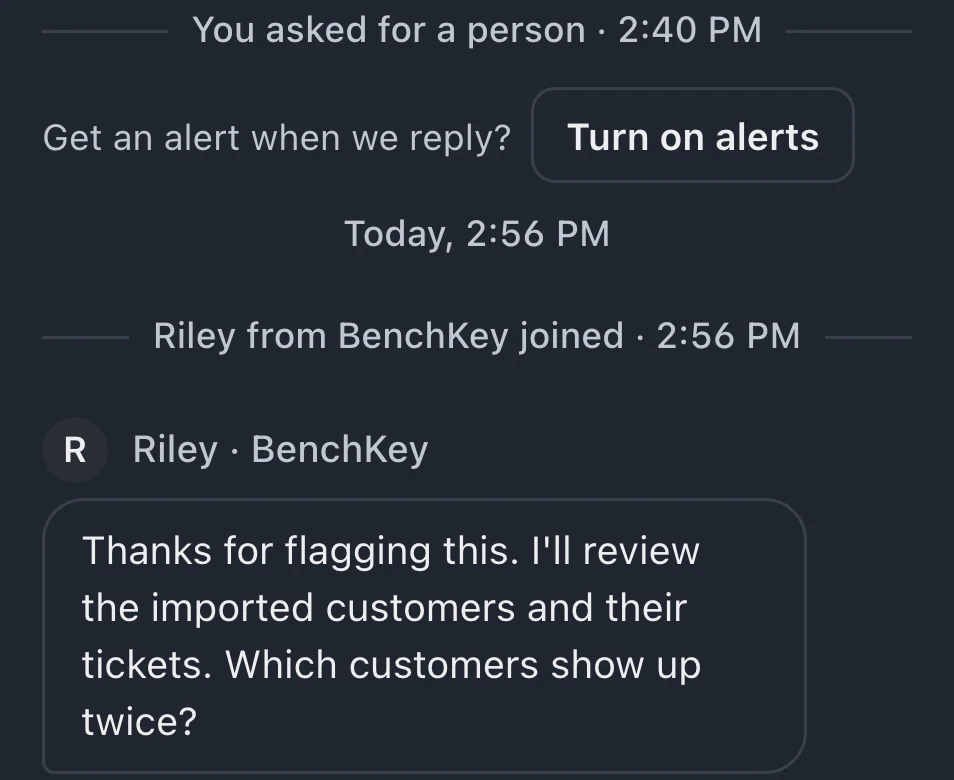
Type your question to start a conversation, then choose Talk to a person. The team works weekdays, 9 AM to 6 PM US Eastern time. Help shows availability and reply estimates. Business priority aims for sooner replies during the same hours; estimates are targets, not guarantees.
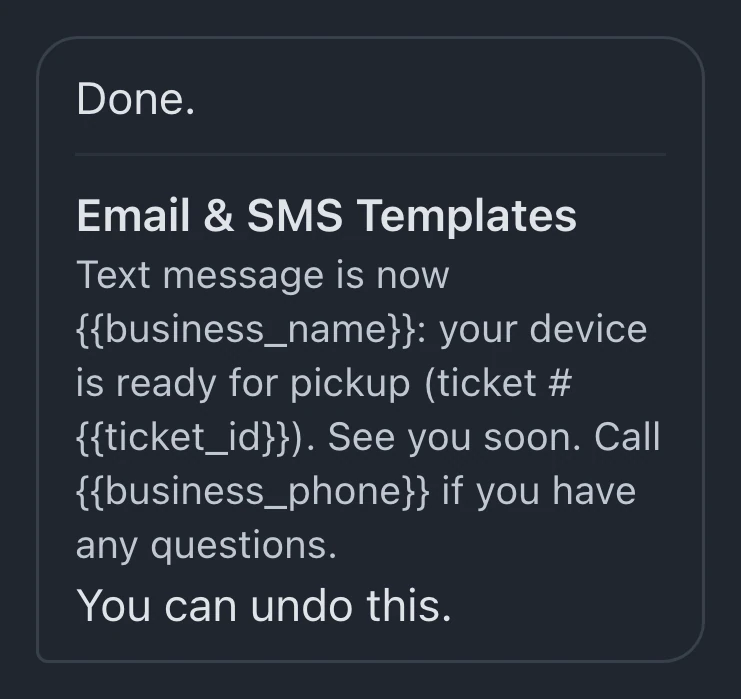
Help uses your messages, help pages, page context and basic shop details. It can find tickets and customers you can access, but never sees pictures or files. Owners and admins with "Let the AI assistant change settings" enabled preview supported changes, save with Apply and can Undo afterwards.
You, the shop's owners and admins, and BenchKey can see your Help conversations and reports. Ideas are shared with your team. Other shops cannot see what you send.
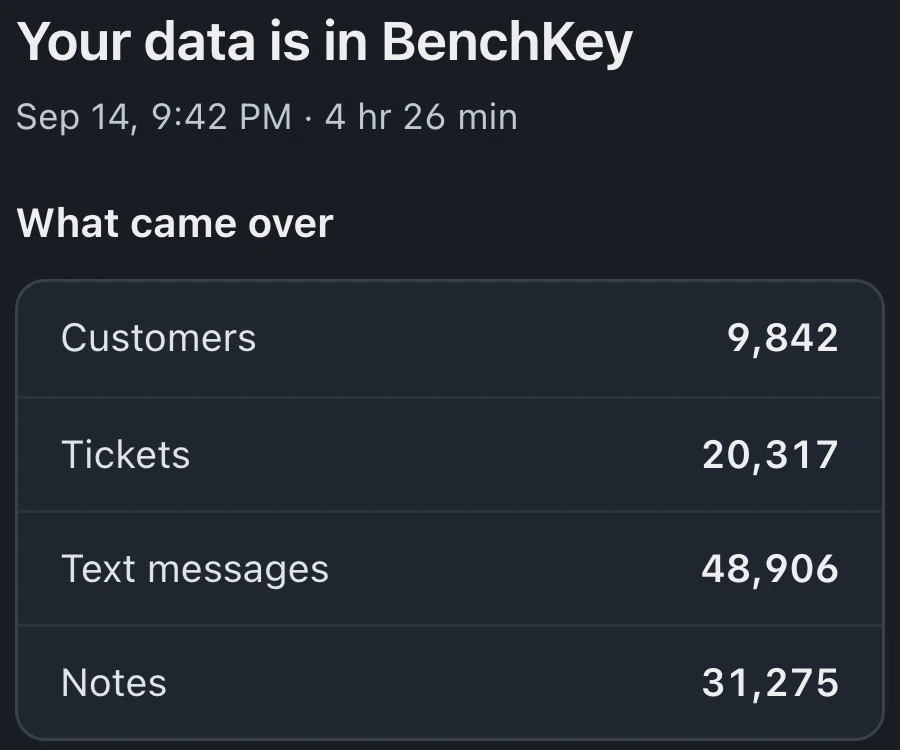
Ask in Help about BenchKey charges, account security, sign-in or missing data. Choose Send to the team to send the conversation for urgent attention. It stays in Help for follow-up.
Leave your email for access updates. Your name and shop name are optional.
 Watch the product tour 3:34 Follow a repair from check-in to pickup in BenchKey