Your Stripe or Square account
Accept cards through your connected Stripe or Square account, by payment link or with a compatible countertop reader assigned to the location.
Beside the repair details, the invoice shows what has already been paid. Apply eligible previous payments and collect the remainder. Payment records remain with the job.
Watch it work 1:01Included in StandardProBusiness
Invoices and payments guideAn invoice starts in the ticket or comes from its approved estimate. Verify the work, quantities, prices, discount and tax before saving.
Before applying a previous payment, confirm its customer, receipt and available amount. Applying it reduces the invoice balance without collecting that payment again.
Available payment methods let you collect the remaining balance. After collection, confirm the saved payment and invoice status in the ticket.
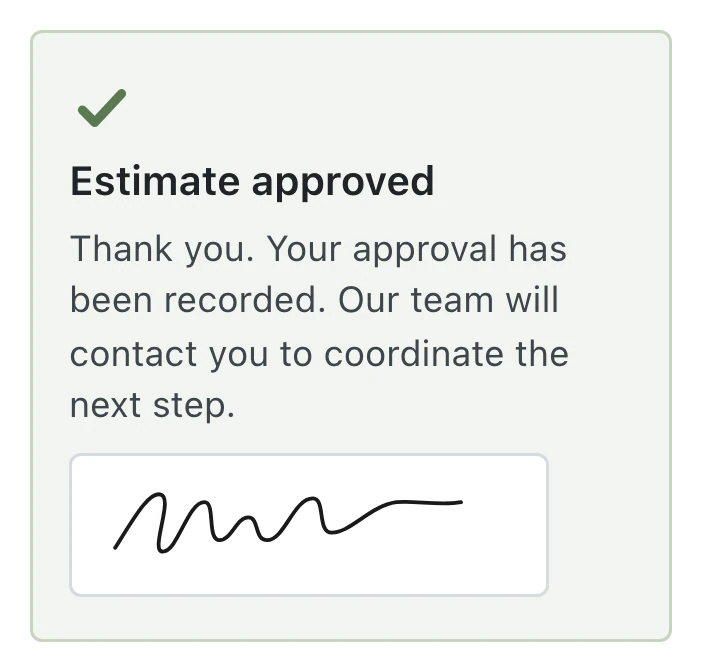
Convert the approved estimate to an invoice, record cash and review change. The invoice shows paid and offers printing; automatic receipt texts require Pro or Business, a connected provider and customer consent.
Cards run through your connected processor, cash is recorded and corrections remain visible in payment history.
Accept cards through your connected Stripe or Square account, by payment link or with a compatible countertop reader assigned to the location.
Create invoices and record cash or external payments without connecting a card processor. Cash collection requires an open register drawer.
The cash dialog shows what will remain due when the payment covers only part of the balance. The invoice stays partially paid until the rest is collected.
A paid invoice can send a receipt email with the invoice attached. Text receipts need Pro or Business, a connected provider and customer consent.
Recorded payments cannot be edited or deleted. Voids and refunds add new entries to the invoice's payment history.
PDF Templates adds your shop's branding while you edit text and insert fields. Thermal Receipt lets you choose what prints on payment receipts and drop-off slips, with a live preview.
Only shops in the United Kingdom, Ireland, Australia, New Zealand, the Netherlands, Luxembourg, Estonia, Finland and Canada can enable sequential numbering for new invoices. Credit notes reduce the balance owed without refunding collected payments.
Staff review the balance and recorded payments, then resend the invoice through an available channel so the customer can pay what remains.
Customers can pay at your counter or open a payment link on their phone. With a processor connected, the invoice is also payable from their private repair page.
Invoices, payment collection and receipts are included in Standard, Pro and Business.
Compare plans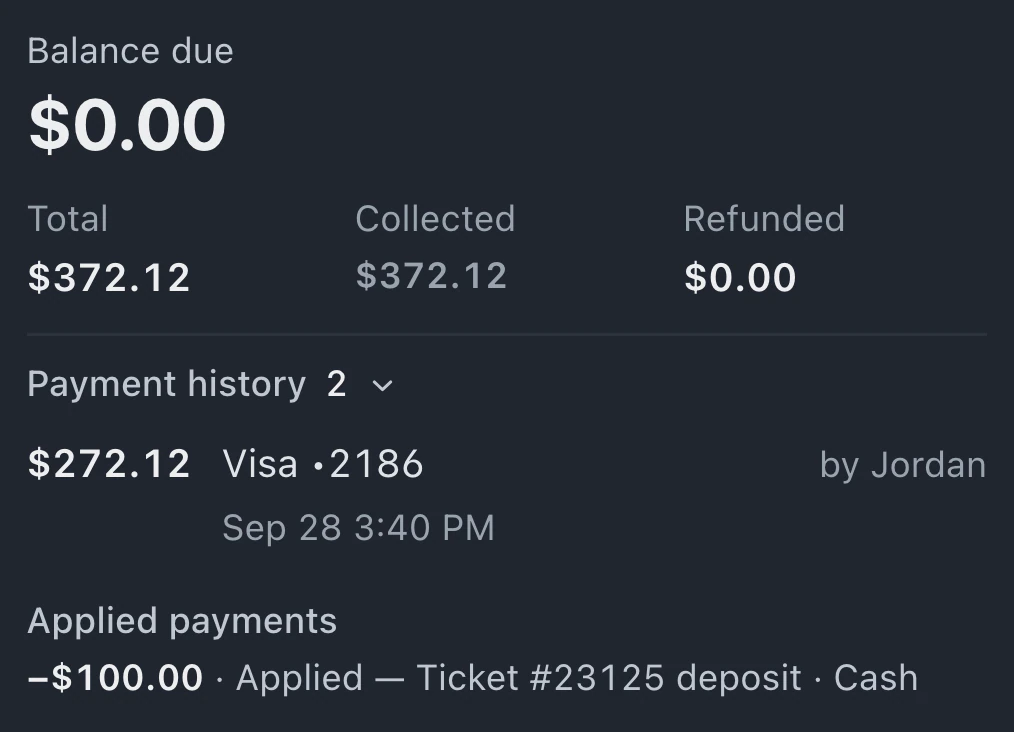
BenchKey does not add a markup to payments. Your processor's normal fees still apply. Connect your own Stripe or Square account for card collection, or record cash and external payments without a card connection.
Applying a previous payment links an eligible amount already recorded to the invoice, reducing what remains to collect without charging again. Only the available amount can be applied; fully used or fully refunded payments have none remaining.
With Affirm connected, qualifying invoices offer monthly payments through Affirm in the customer payment flow. If the shop takes a partial cash payment, the unpaid balance remains on the invoice.
Compatible Square and Stripe countertop readers are supported. Register the reader with your processor first. Stripe readers are then mapped to a location in settings; Square reader setup is assisted. Stripe mobile Bluetooth readers and phone tap-to-pay are not supported.
Leave your email for access updates. Your name and shop name are optional.
 Watch the product tour 3:34 Follow a repair from check-in to pickup in BenchKey