Ticket details filled at send time
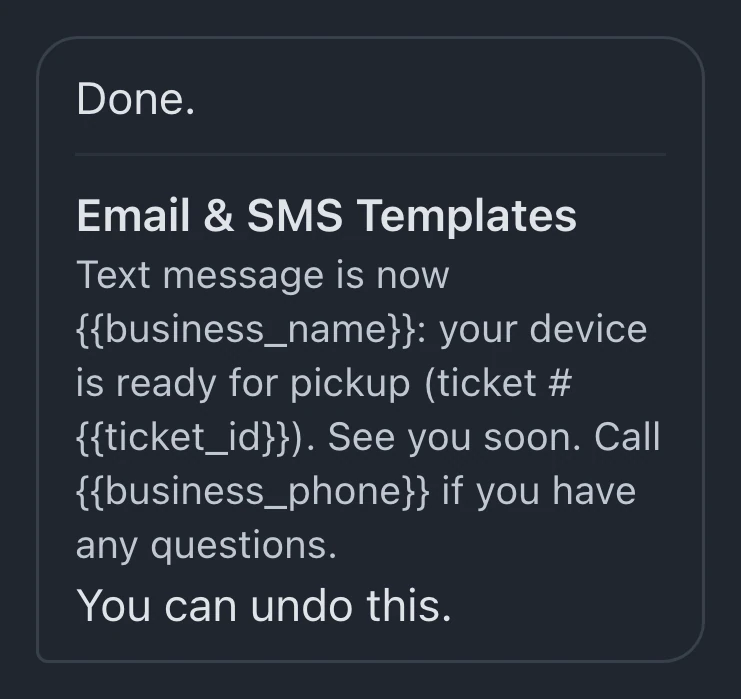
Template variables insert the customer's name, device, ticket number and private status link when the message sends.
Attach a message to a repair status and choose its delivery channels. When the ticket enters that status, BenchKey sends the configured update and advances the customer's mapped repair timeline.
Watch it work 1:02Starts on Standard
Status automations guideUnder Workflow, status and customer message settings let you select an editable status that needs an update, such as readiness for pickup.
Expand the status and attach a template. Inspect its wording and the email and text switches before enabling your delivery channels.
Update the ticket when the work reaches that stage. The configured message sends through the enabled channels, subject to recipient details and working connections.
Start with a ready-made recipe, choose the event, optional conditions and actions, then use Preview run with sample data before turning the rule on.
Ticket details personalize messages, timeline settings control the stages customers see, and receipts can follow completed payments.
Template variables insert the customer's name, device, ticket number and private status link when the message sends.
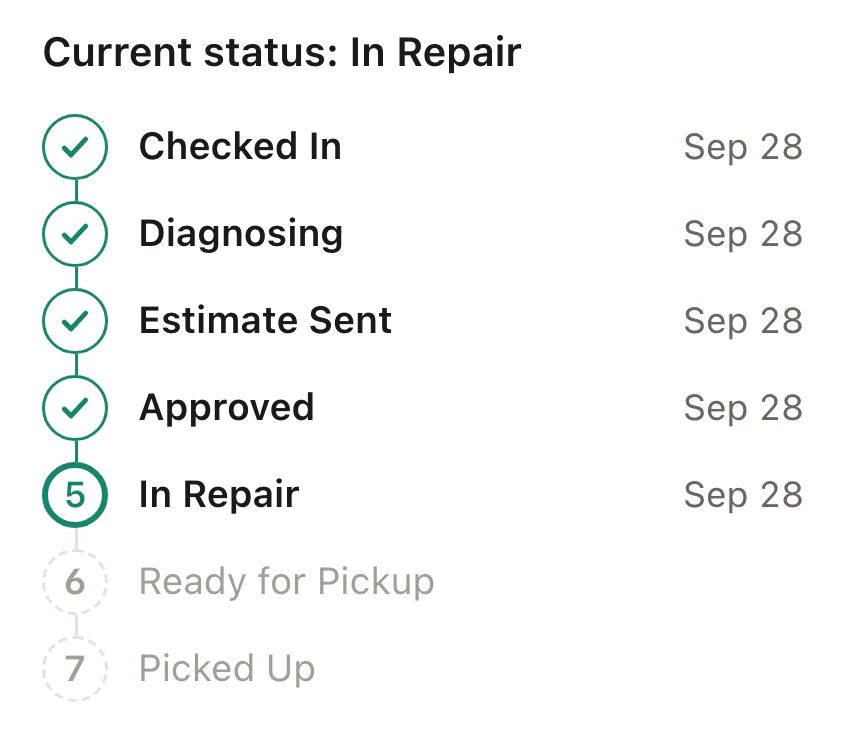
Map internal statuses to customer-facing steps for each ticket type. Customers see the repair's progress without needing every internal stage on their timeline.
Logo, buttons and sections can be arranged in the visual email editor. Template colors come from your business profile.
Payment receipts have an event separate from repair statuses. Select its template and channels; delivery depends on contact details, consent and working connections.
Staff update the repair's status as work progresses. The attached templates determine which messages go out, and the timeline mapping controls the customer's view.
Customers receive the configured email or text when delivery is available. Their repair status page follows the mapped stages, and message templates can include its private link.
Automatic status emails are included on Standard, Pro and Business, while automatic texts, custom automations and follow-ups are included on Pro and Business.
Compare plans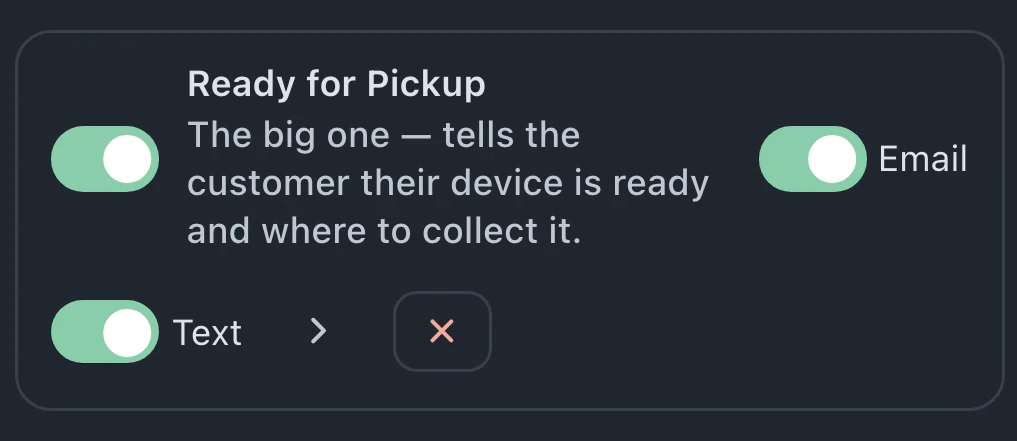
Both channels must be enabled and available. Email needs valid recipient details. Automatic texts require Pro or Business, a connected texting provider and permission to contact that customer.
Standard includes automatic status emails and access to existing message-trigger switches. Creating new triggers requires Pro or Business. Automatic texts also require a connected texting provider on Pro or Business.
Timeline mapping controls the customer view for each ticket type. Customers can see a shorter set of repair stages while staff retain the internal statuses needed to manage the work.
Describe the update you want. The assistant can configure supported status triggers and write their templates. Inspect the listed changes and affected settings afterward. Plan access and working AI availability still apply.
Leave your email for access updates. Your name and shop name are optional.
 Watch the product tour 3:34 Follow a repair from check-in to pickup in BenchKey