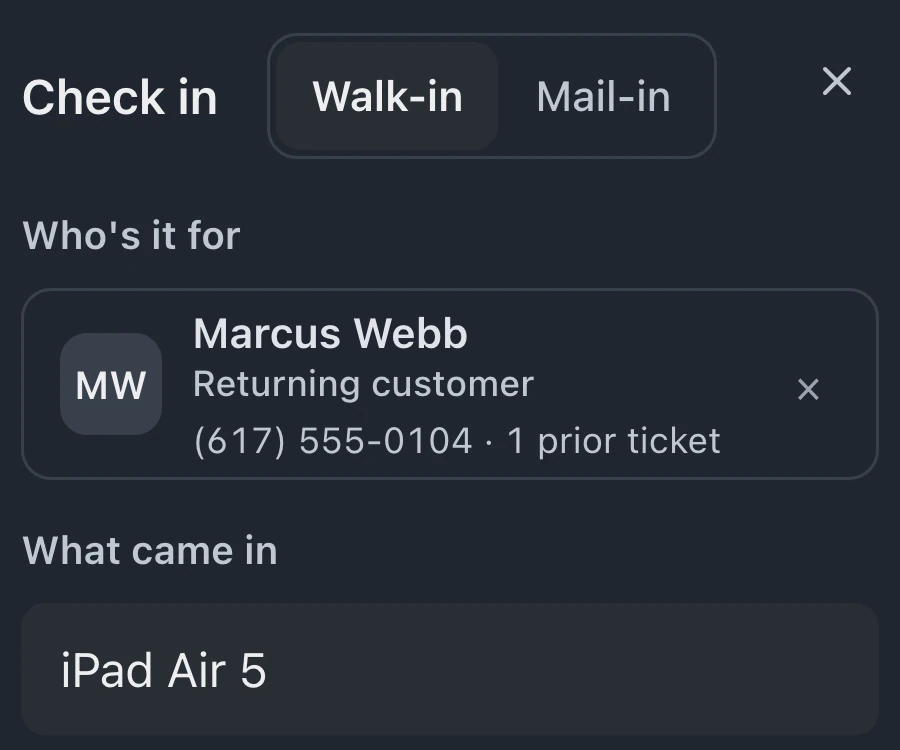
Receipt prompt after check-in
When enabled in settings, BenchKey asks staff whether to print a drop-off receipt after creating a ticket. Staff can print the receipt or skip the prompt.
Print a label with the ticket and customer details already filled in, then give the customer a drop-off receipt. Reprint either from the repair ticket when another copy is needed.
Ticket actions include Print Label and Drop-off Receipt beside the repair information that supplies the printout's details.
Print Label uses the ticket's details. Without a connected printing computer, selecting it opens your browser's print dialog.
Drop-off Receipt prints the customer's copy from the ticket. That action remains available if another copy is needed later.
Direct printing depends on the connected shop computer and selected printer. BenchKey Printing requires enabled access.
When enabled in settings, BenchKey asks staff whether to print a drop-off receipt after creating a ticket. Staff can print the receipt or skip the prompt.
Where BenchKey Printing is enabled, assign printers for labels, receipts and documents, so each kind of printout goes to the selected machine.
Printer choices can apply across the team or be set by each person through BenchKey Printing. Business shops can configure them by location.
An offline printer can leave a job waiting. Check the managed PrintNode app or BenchKey Print Connector offered in Settings, plus the selected printer. Legacy PrintNode connections have separate settings and failed-job history.
On Pro and Business, staff can save a new inventory item and print its label. The label shows the part name, stock quantity and barcode.
After payment, print a receipt with repair items, tax and the amount paid. A configured Receipts printer handles direct printing; otherwise, a letter-size receipt opens in your browser's print dialog.
Print device and part labels on Pro and Business, including from your browser. Every plan includes browser printing for receipts, invoices, estimates and drop-off receipts.
Compare plans
Direct printing uses the printers available on your connected computer through BenchKey Printing where enabled or your own PrintNode account. Follow Settings for the PrintNode app or BenchKey Print Connector. Choose label size in Settings → Documents & Labels → Printed Labels. Keep the connected computer on and online.
No. Device labels also print from the browser on Pro or Business. If BenchKey Printing isn't available in your settings, keep using the browser. Every plan supports browser printing for receipts, invoices, estimates and drop-off receipts.
A job can wait while its printer is offline, and BenchKey shows a warning. Inspect the computer, printer, selected connection and loaded labels. After correcting the problem, send a test print and reprint from the original ticket.
Leave your email for access updates. Your name and shop name are optional.
 Watch the product tour 3:34 Follow a repair from check-in to pickup in BenchKey