Signature and terms
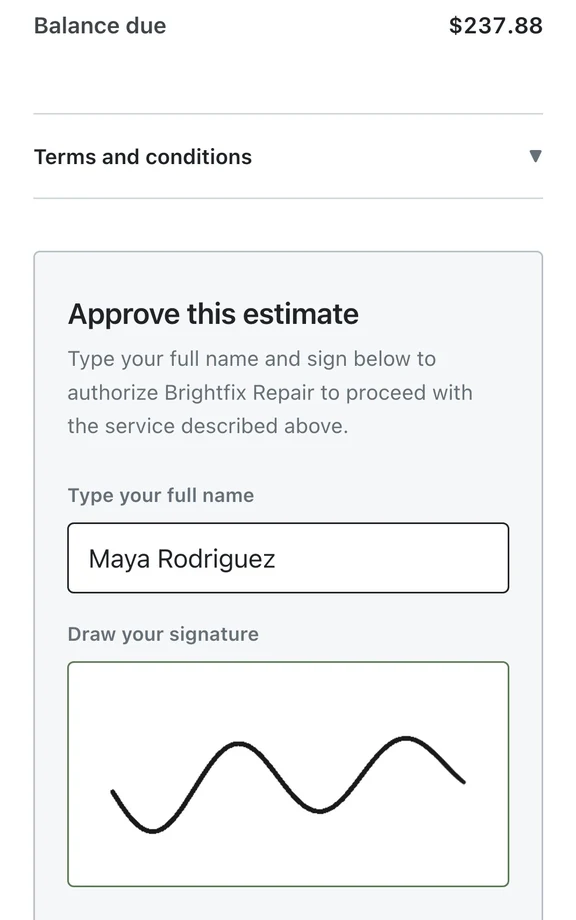
Customer electronic approval captures their name, drawn signature and acceptance of your terms. The ticket records when the approval was given.
Proposed work and prices go on the repair ticket. A private link lets the customer review the estimate. Their decision is saved with the job for the counter and bench to consult.
Watch it work 0:54Included in StandardProBusiness
Estimates and approvals guideIn the ticket, enter the proposed parts and labor with quantities and prices. Confirm the tax and total before saving the estimate.
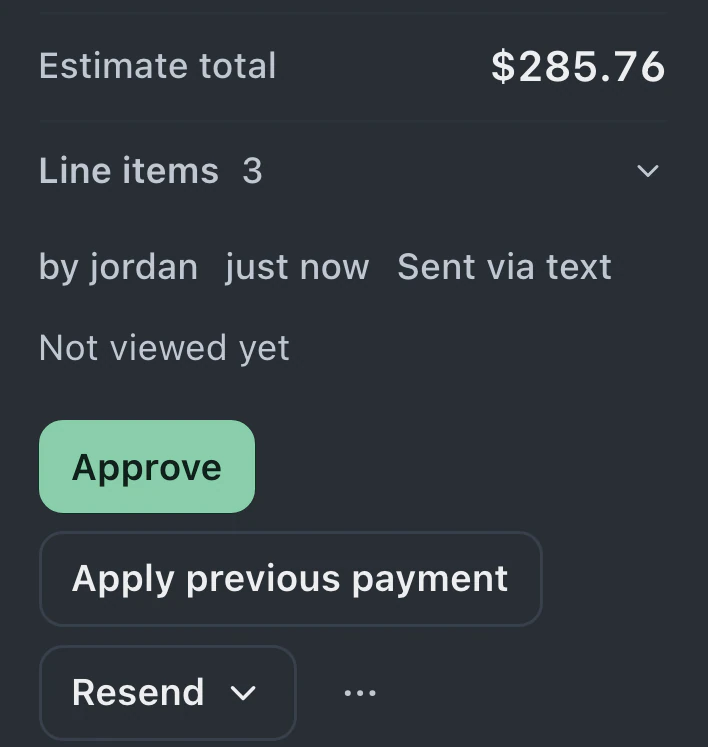
An available message channel delivers the estimate. From their private link, the customer opens it and approves or declines the proposed repair.
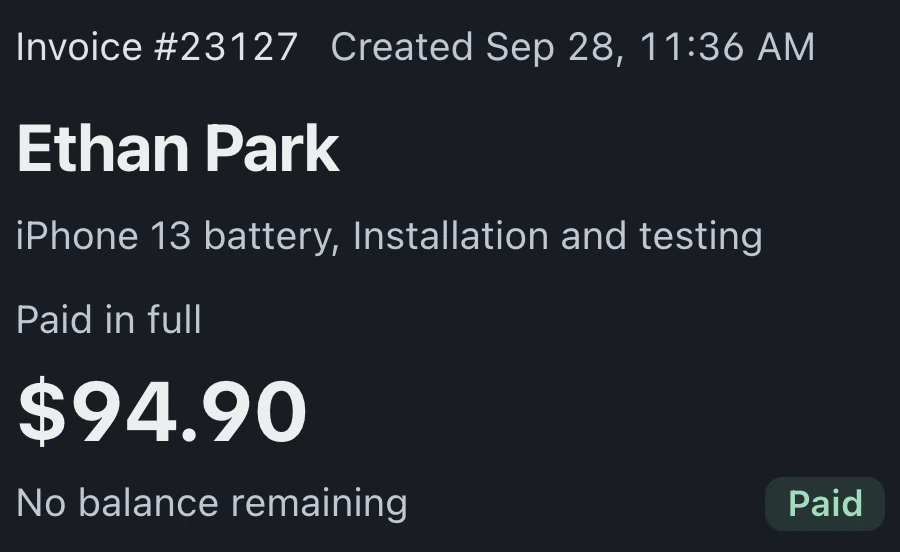
After checking the recorded decision, convert the approved estimate into an invoice in the same ticket. Its line items carry over for review and payment.
Add lines, tax and the total, then send the estimate by text. The customer's decision returns to the ticket; after they accept, convert the same lines into an invoice.
Approval records distinguish the customer's electronic authorization from approval entered by staff.
Customer electronic approval captures their name, drawn signature and acceptance of your terms. The ticket records when the approval was given.
Permitted staff can record authorization received through another channel. It is identified as staff approval and does not create a customer signature.
A discount can be a fixed amount or percentage entered in the estimate editor. Confirm the resulting total before saving the price you intend to offer.
Saved estimates retain the customer's signature, which is also available in the ticket's case file for later review.
Staff see the declined estimate on the ticket and send a new estimate with a revised price. The earlier decision remains visible beside the new proposal.
The customer confirms the decline from the estimate link. The page records that decision and shows how to contact the shop if they change their mind.
Estimates and customer approval are included in Standard, Pro and Business.
Compare plans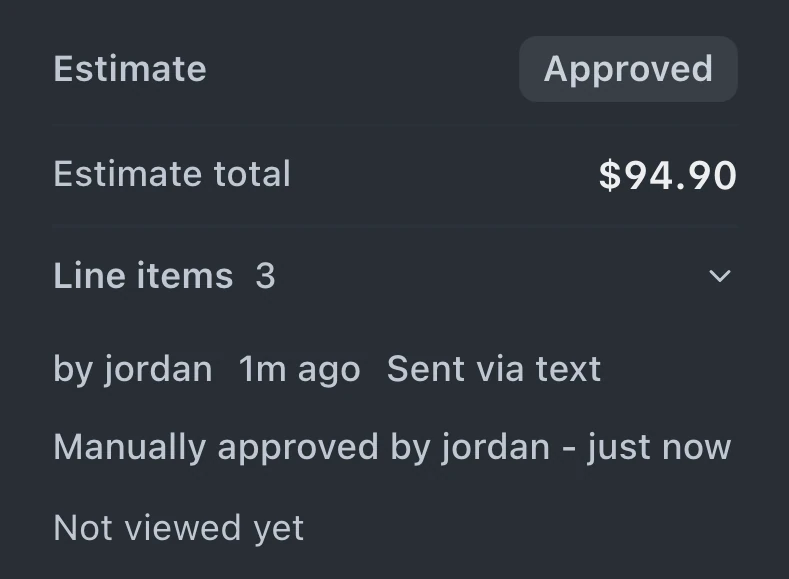
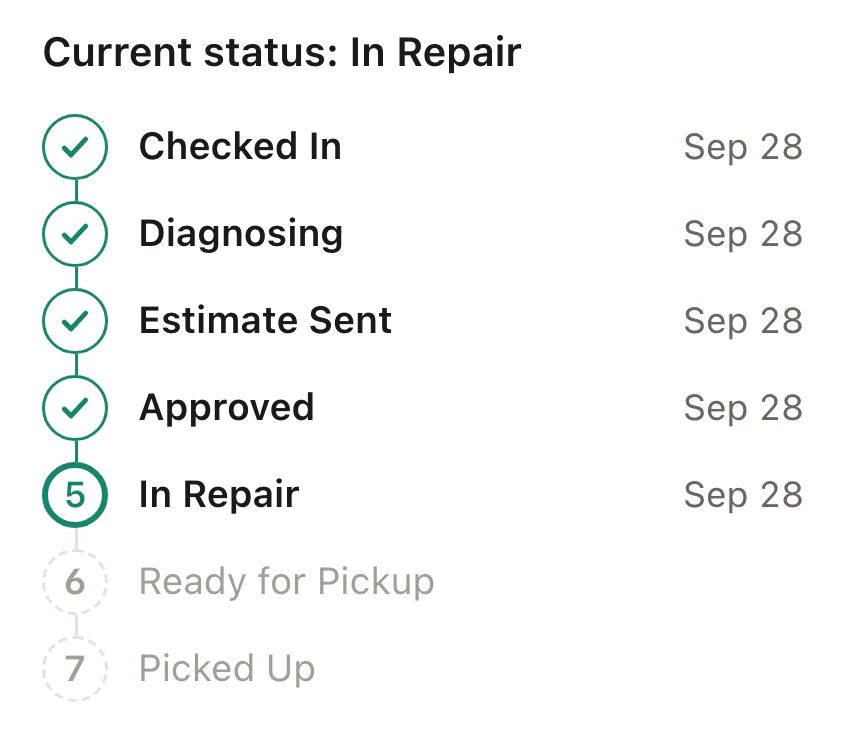
A private repair link opens in the customer's browser without an account. They can review the estimate, enter their name, draw a signature and accept your terms. Approval and its timestamp are saved in the ticket.
Permitted staff can record work the customer has authorized. BenchKey labels it as staff approval on the customer's behalf. Save the supporting conversation or note with the repair; staff approval does not supply a customer signature.
Update the line items and send the revised estimate for review. The customer's portal shows the current version. If the price or scope changes, request approval for that revised work before proceeding.
Leave your email for access updates. Your name and shop name are optional.
 Watch the product tour 3:34 Follow a repair from check-in to pickup in BenchKey