Queue and due date
Move each repair into a shared or personal queue and set its due date. The ticket shows where the work belongs.
Device details, diagnosis and the estimate share a repair record. Approval, invoices and payments are saved alongside the work, ready for the counter to review before collecting the balance.
Watch it work 1:05Included in StandardProBusiness
Repair tickets guideFind the returning customer or create their record. Device identifiers and the reported problem give the repair its own ticket.
At the bench, record what you find in the ticket. Diagnosis notes and photos remain beside the device details as work progresses.
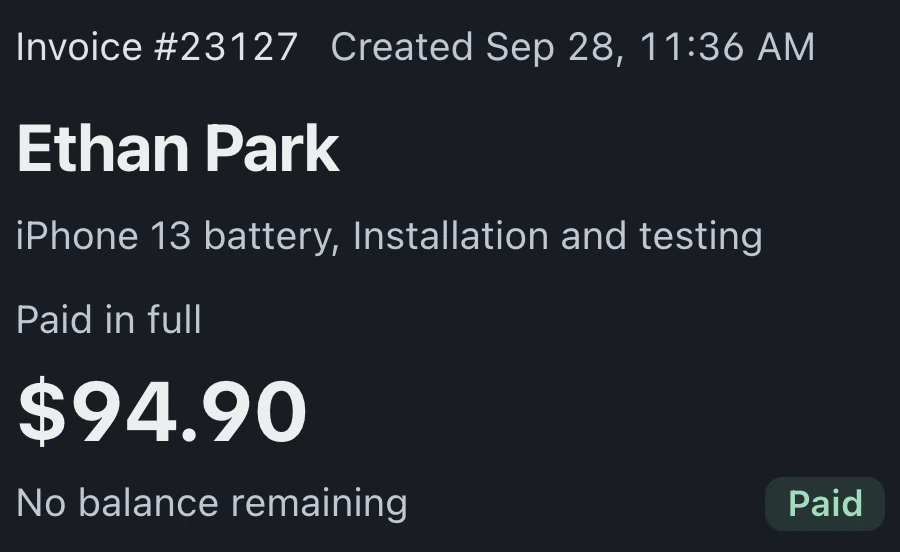
The ticket holds the estimate for customer approval. Once approved, its work carries into an invoice. Apply eligible previous payments before collecting the balance.
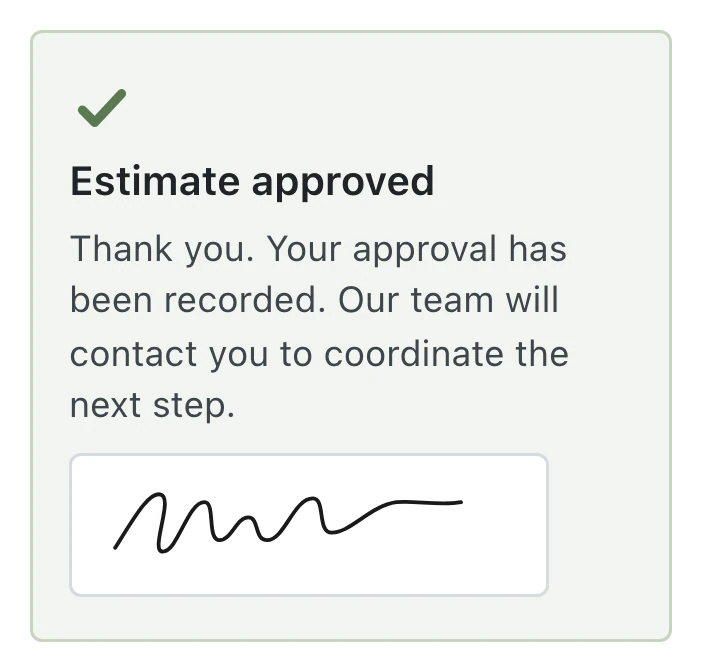
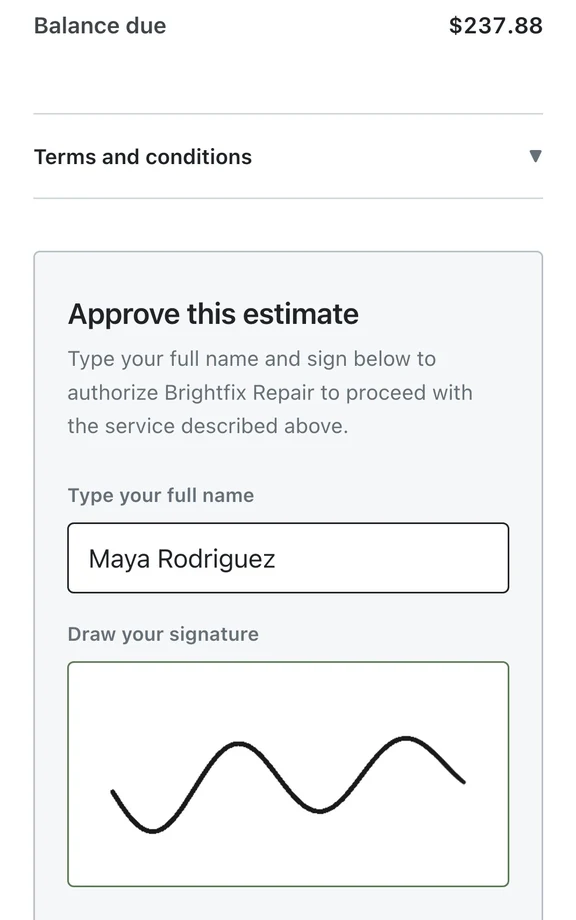
The customer's approval appears on the saved estimate, with its line items and total ready for staff to review before starting repairs.
Your queue leads to the next job; its ticket shows who owns the work.
Move each repair into a shared or personal queue and set its due date. The ticket shows where the work belongs.
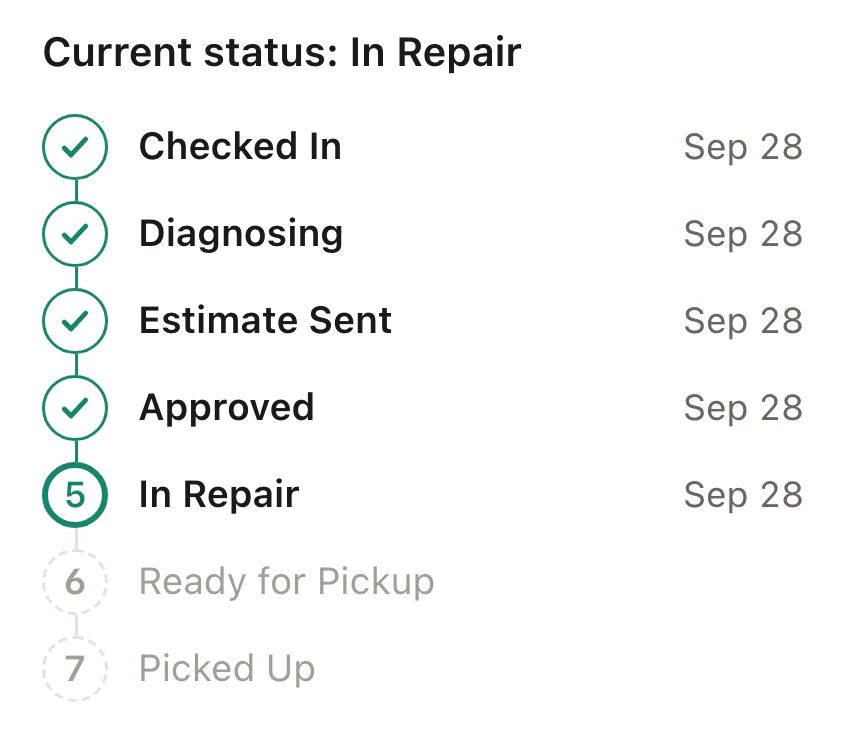
Status names and order can be set to fit your work. Board columns follow those statuses, and moving a card changes the ticket.
Find a repair by customer, phone, email, device or ticket number. Save the filters you use regularly to return to that view.
Internal notes never appear on the customer's status page. Mention a teammate with @ to notify them.
Staff work from the ticket's device history, notes and billing record. At a call or return visit, the counter can consult the estimate and payment status.
The customer opens a private status link to follow the repair and approve the estimate. With online payments connected, they can also pay the invoice there.
Repair tickets, estimates and invoices are included in Standard, Pro and Business.
Compare plans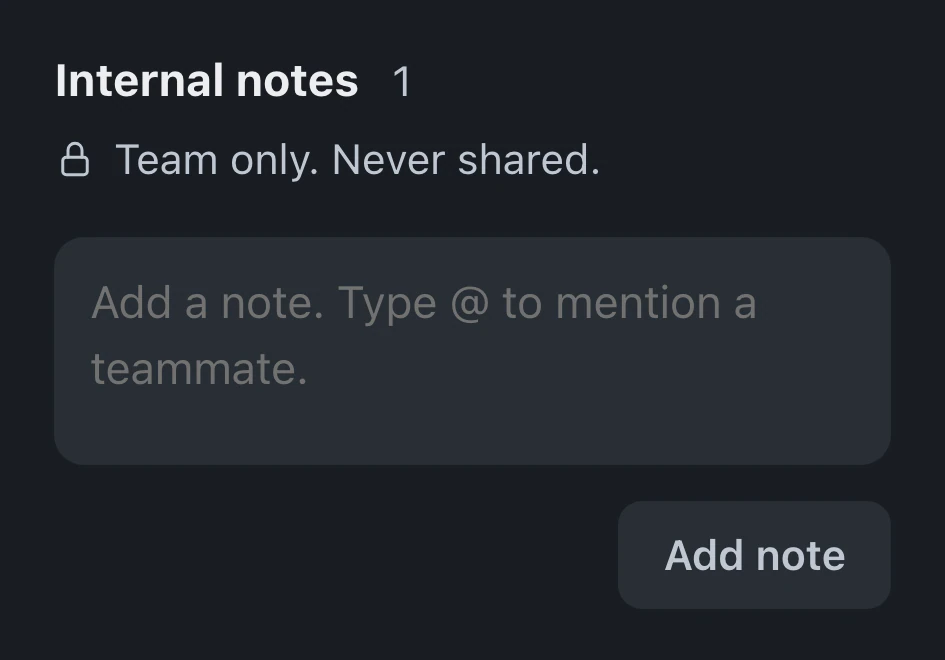
Standard includes 75 new tickets a month, and imported tickets never count toward that limit. Pro and Business include unlimited tickets. Standard is for one person and one store; Pro supports up to eight people at one store.
Appointments convert at check-in, and converted website leads carry their conversation into the ticket. Staff booking is on every plan; online booking and leads require Pro or Business. Business mail-in forms create tickets before arrival.
Internal notes never appear on the customer's status page. Staff can share attachments one at a time. Customers use the page to follow progress, approve estimates and pay invoices when online payments are connected.
Leave your email for access updates. Your name and shop name are optional.
 Watch the product tour 3:34 Follow a repair from check-in to pickup in BenchKey