Connect shop services to the repair ticket

Your own payment, texting and accounting accounts connect to BenchKey. Printers and shipping also connect, so counter staff and technicians can work from the ticket.

Settings shows Stripe under Billing and Payments, then the integrations directory and QuickBooks Online setup. After successful initial setup, the card shows the connected company, sales item and mapped taxes, with sync and automatic posting on.

Service connections through your own accounts

  1. 1

    Service selection

    Provider setup pages appear in the integration directory, except for payments and Affirm under Billing and Payments, and shipping in its own settings.

  2. 2

    Link your business account

    Follow the provider's instructions to authorize your account or enter connection keys. Confirm the account details and resolve any setup warnings before using the service.

  3. 3

    Finish the provider settings

    Setup can include selecting a texting number, mapping QuickBooks Online sales or assigning printers. US carrier registration must be complete before you rely on business texting.

Connected services in the repair record

Connections included in your plan put payments, messages and shipping records alongside the repair.

Calls and customer texts

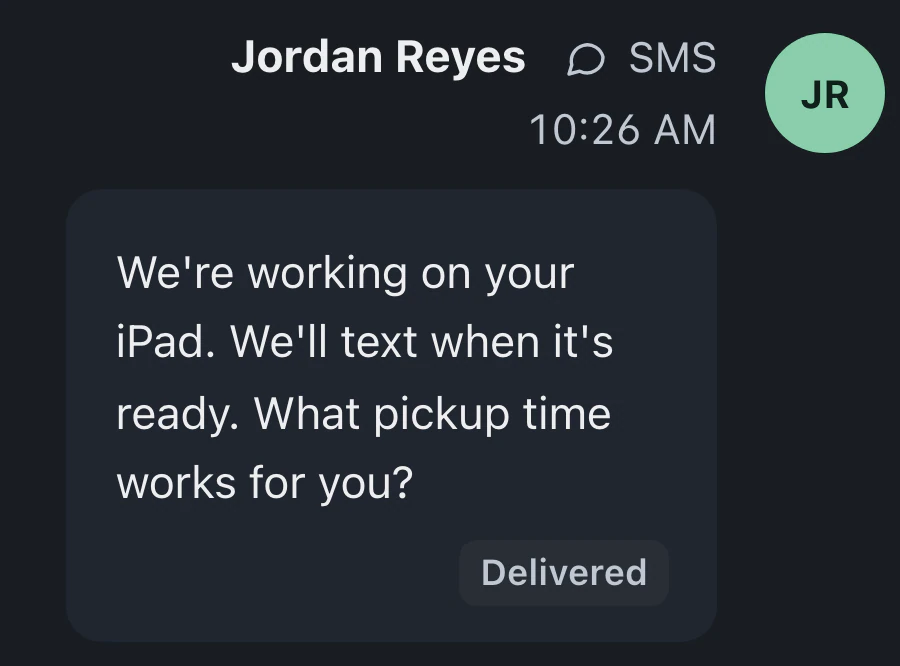
Quo and RingCentral link texts, call cards, call recordings and voicemail to tickets. Quo includes full-call transcripts; RingCentral includes voicemail transcripts. Twilio supports texts without calls. Your provider's normal charges apply.

QuickBooks Online records

QuickBooks Online receives eligible paid invoices with their customers and payments, customer deposits and supported refund adjustments. Repeated sync attempts don't create duplicate entries, and records edited after syncing wait for review.

Labels and receipts

Where available, Settings guides BenchKey Printing through the PrintNode app or BenchKey Print Connector. Existing PrintNode connections keep legacy settings. Choose device label sizes in Documents & Labels → Printed Labels.

MobileSentrix tracking is unavailable

MobileSentrix order tracking isn't available for your shop yet. We're waiting on MobileSentrix to approve connections for more shops.

Payments through your accounts
Stripe and Square handle counter, link and portal payments through your account. Affirm offers monthly payments on qualifying invoices for shops in the US and Canada.
Shipping labels with Shippo
On Business, buy and print shipping labels from tickets through your Shippo or Direct UPS account. Tracking numbers and carrier links stay with the shipment. For US shops, "Generate shipping label" on a mail-in lead uses Direct UPS.

Provider accounts and connection requirements

Every plan includes payments. Pro and Business add connected texting and calls, QuickBooks Online and label printing. Business adds shipping labels.

Compare plans
Which services can I connect now?

Connect Stripe, Square, Affirm, Quo, RingCentral, Twilio, QuickBooks Online, Shippo and Direct UPS. Use BenchKey Printing where enabled or your own PrintNode account, or print labels from your browser. MobileSentrix isn't available yet. Each provider has setup requirements; some connections need Pro or Business.

Will QuickBooks Online post the same invoice twice?

Retrying a QuickBooks Online sync does not create another entry. Edited records wait for review. Successful initial setup turns automatic posting on. Review the mappings and saved preference; turn posting off to send records manually.

Can I connect MobileSentrix to BenchKey?

Not yet. MobileSentrix order tracking isn't available to shops. We're waiting on MobileSentrix to approve connections for more shops. You place and pay for parts orders on mobilesentrix.com; BenchKey does not place orders.

Are provider charges included in my plan?

You use your own Stripe or Square account at the processor's normal rates, with no BenchKey markup. Texts and calls use your own provider account and carry that provider's normal charges.

Do all texting providers support calls?

No. Quo adds calls, texts, voicemail and full-call transcripts to tickets. RingCentral adds texts, incoming call cards, voicemail with transcripts, and call recordings. Twilio supports texts without calls. Texting and calls through your provider require Pro or Business; US business texting needs carrier registration for your number.

The waitlist is open for repair shops

Leave your email for access updates. Your name and shop name are optional.

Watch the product tour 3:34 Follow a repair from check-in to pickup in BenchKey