Help customers check their repair status
Use status messages and a customer portal to share repair progress, set expectations, and give customers a place to check before calling.
Joe Montanti
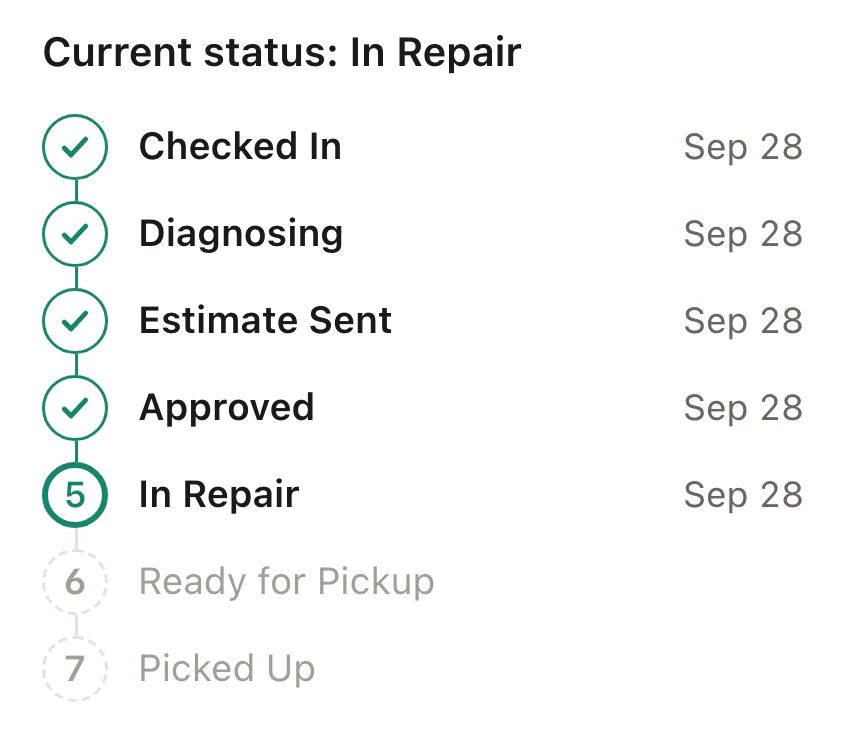
Every repair shop knows the rhythm. The phone rings at 11:40. “Hi, I dropped off a MacBook on Tuesday? Just checking if there’s any update.”
The tech pulls off their gloves. Someone finds the ticket. The update is “it’s in the queue, like we said.” The interruption takes someone away from the repair. Repeated status checks can add up across a busy day.
A customer who has not heard from the shop may reasonably want reassurance. Make the next step and expected update clear at drop-off, then keep that promise as the work moves.
A status link gives them somewhere to check. Configured messages can also tell them when something changes, while your team remains available for questions the timeline cannot answer.
The fix has two parts
Part one: a place to look
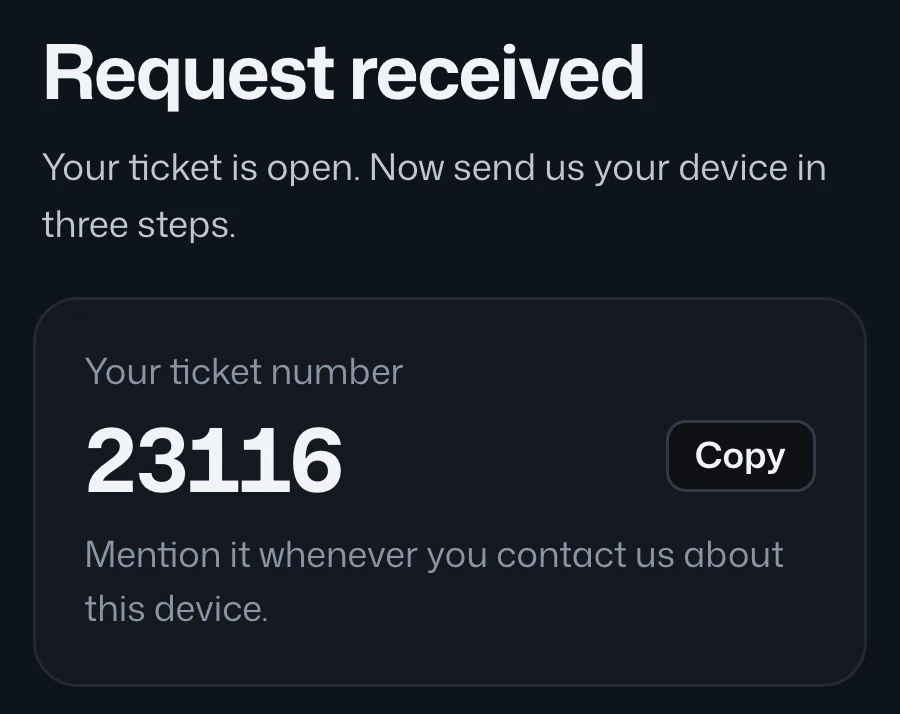
Give every ticket a live status portal, a private link the customer gets at drop-off. It shows the repair as a timeline: received, diagnosed, approved, in repair, ready. When the curiosity hits on day 2, they check the link instead of calling. The link answers the 2 a.m. worry the phone never could.
This works precisely because it’s self-serve. The customer doesn’t have to decide whether their question is worth bothering you. They just look, the way they’d track a package.
Part two: signals that send themselves
The portal handles pull; you also need push. Configure messages for ticket statuses that match your workflow. These are example messages to set up, rather than guaranteed defaults:
- Move to In Diagnosis → email the customer that a technician is evaluating the device.
- Move to Waiting for Parts → tell the customer a part is on order.
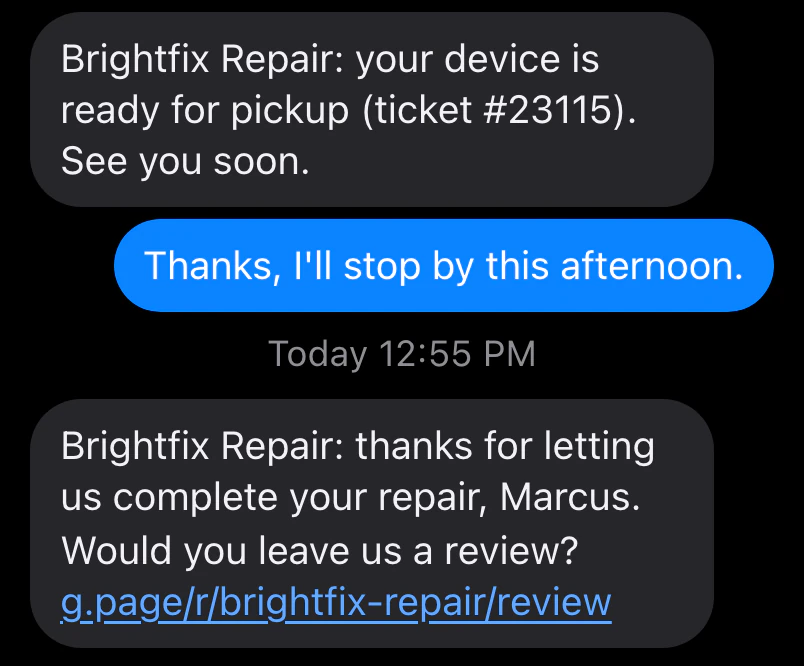
- Move to Ready for Pickup → send a message saying the device is ready, with pickup instructions.
The tech changes the status because that’s how the queue works. The customer gets informed because the system rides along. Nobody “did communication.” It just happened.

What changes when you do this
Track the result in your own shop. Note how many calls ask only for status, whether messages arrive, and whether customers can find the portal link. Use that evidence to adjust your timing and wording.
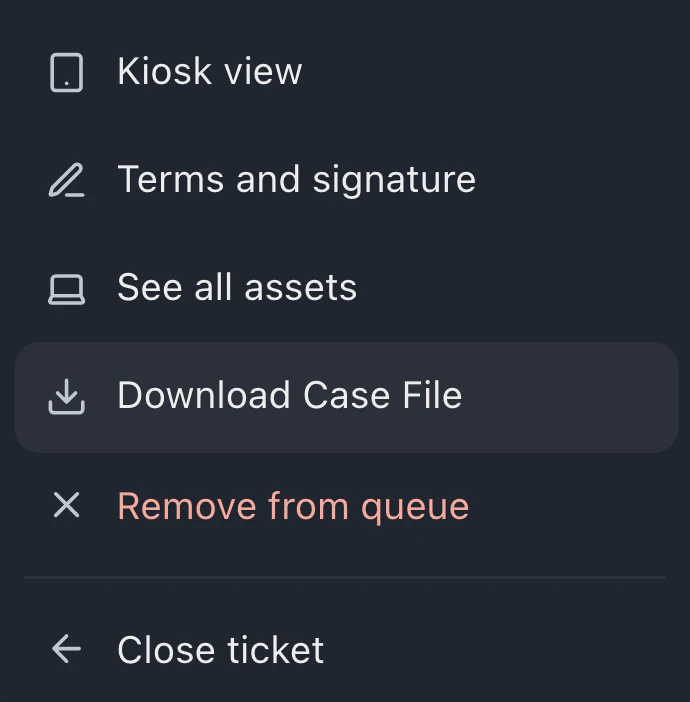
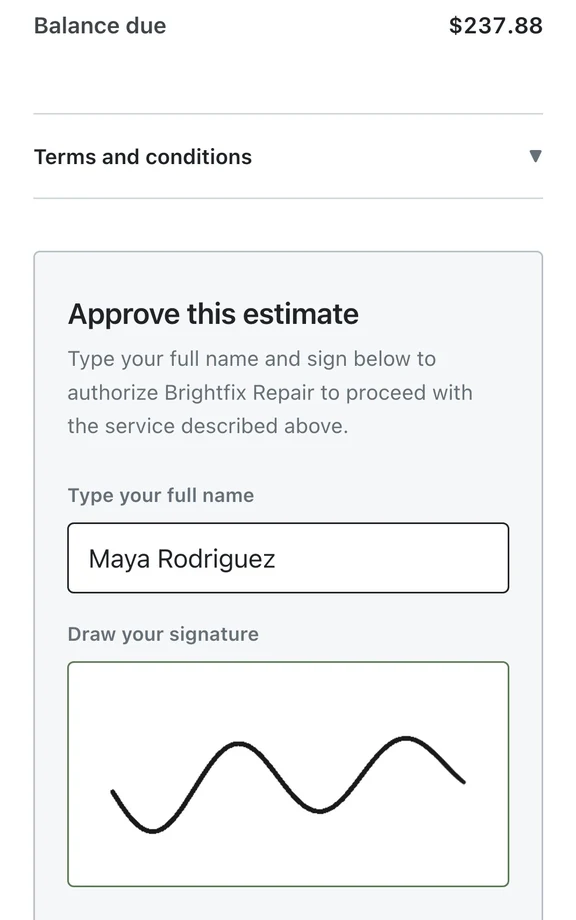
Recorded approvals and messages also help your team answer questions later. A case file can gather the relevant records for a dispute response, but it does not determine the outcome.
The AI assistant can help configure supported settings when a provider is available. Review the proposed request and the resulting configuration before relying on it.
The mail-in multiplier
If you do mail-in repair, all of this matters double. A mail-in customer can’t drive by your shop to feel reassured. Between “I shipped it” and “it’s arrived,” their imagination is the only thing talking, and imagination is a terrible communicator.
A mail-in flow needs transit follow-ups (“haven’t seen the package yet, here’s the address again”), an arrival confirmation the second the box is scanned in, and a longer portal timeline that includes return shipping. Done right, a remote customer feels more informed than a local one.
Start tomorrow, with one status
You don’t need to redesign everything. Pick the single highest-anxiety moment in your flow, for most shops it’s the gap between drop-off and diagnosis, and automate one message there. “We’ve started looking at your device” sent automatically when the status changes gives the customer a concrete update. Measure whether it reduces status calls in your shop.
Add the ready-for-pickup text and the portal link at drop-off, then check whether repeated status inquiries decline. Keep a way for customers to ask about anything the update does not explain.
Recorded status updates can answer routine progress questions. Customers may still need to call about the repair, the estimate or pickup arrangements.
Set up the message channels and automations included in your plan, then check a delivery before using the workflow with customers. See how the portal works or request access.