How to run a mail-in repair business
Plan a mail-in repair workflow with intake forms, shipping both directions, recorded approvals, customer updates and configured follow-ups.
Joe Montanti
Mail-in work lets a shop take repairs from beyond its local counter. Customers considering data recovery, board repairs or other specialist work need to understand how to send the device, approve the work and arrange its return. Put those steps in place before asking them to ship.
We run a mail-in data recovery lab, so this is the operating playbook from inside one, including the parts that only hurt at volume.
The economics, briefly
Mail-in work skews toward higher-ticket jobs, shipping can make a low-value repair less attractive, and toward specialties with thin local competition. The trade is that every customer interaction happens at distance: intake, diagnosis, approval, payment, and return all run over messages instead of a counter. Which means the business lives or dies on process, not on bench skill. Bench skill gets you the work; process lets you survive having it.
What breaks first: untracked inboxes
One failure to avoid is scattered intake: orders arrive by email, context lives in threads, and by box twenty nobody knows which Seagate belongs to which customer. The fix is structural, an order exists before the box ships:
- A real intake form on your site, not an email address. Ask what the device is, what happened, and what outcome they want, in a form you control, with conditional questions per device type.
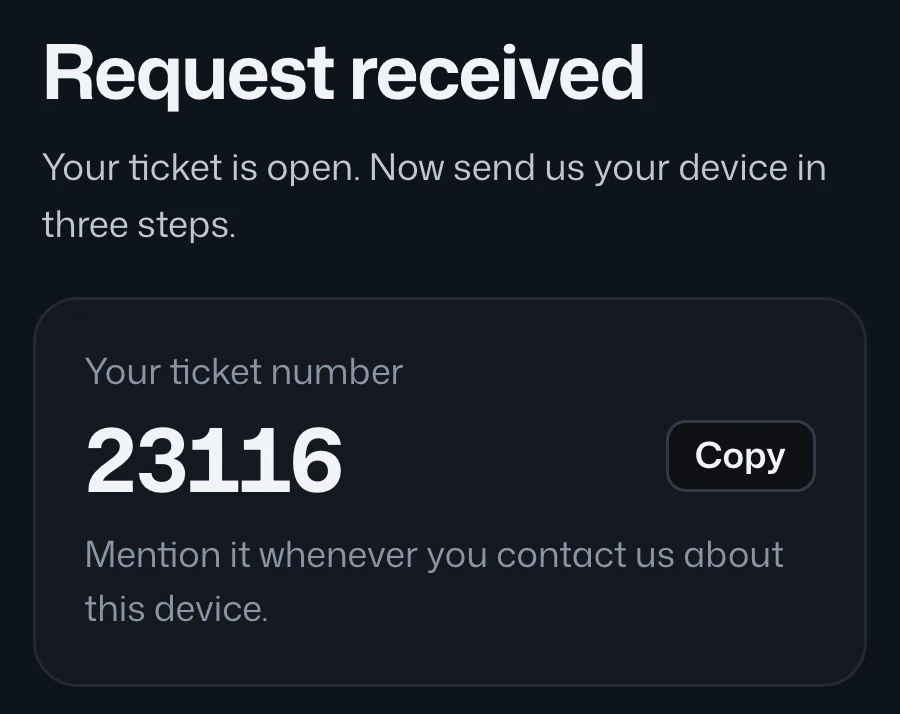
- The ticket is created at submission. When the box arrives, it gets matched to a waiting ticket, scanned in, and labeled, no detective work.
- Inbound tracking on the ticket. “Did it arrive?” answers itself when the label is generated through the system and the tracking number lives on the order.
Make nervous customers comfortable
Someone shipping a dead drive full of family photos needs a way to follow the work. Make the recorded progress and approval steps easy to find:
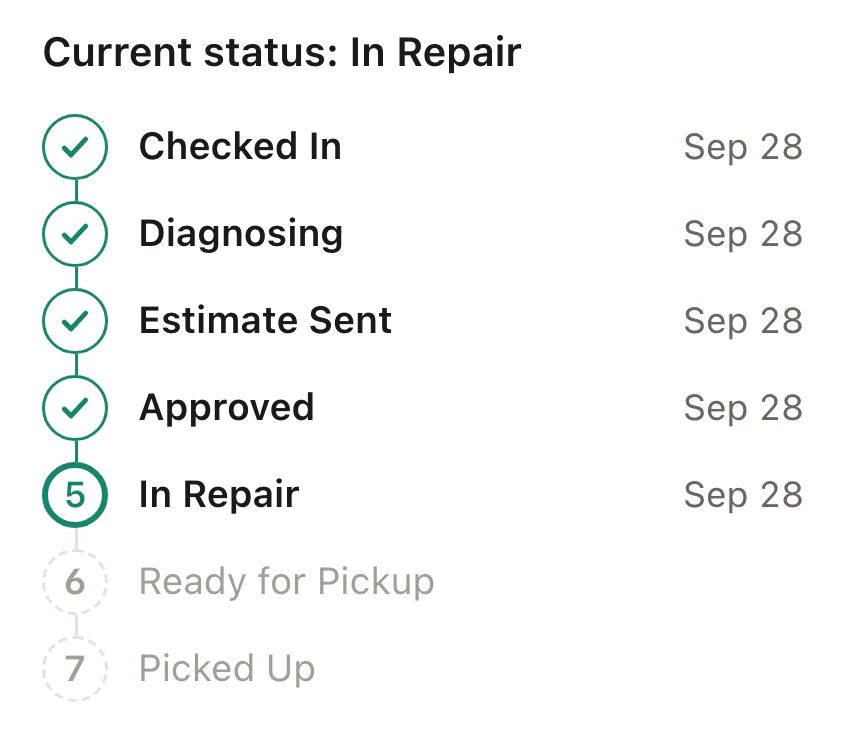
- A live status page. A BenchKey ticket’s customer portal shows recorded repair and shipping progress, giving customers a place to check before contacting the shop.
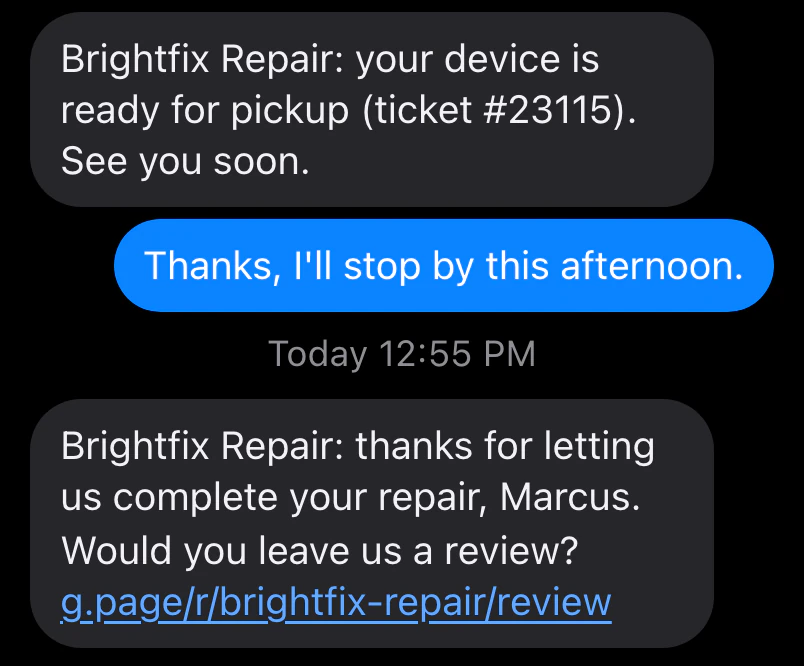
- Configured milestones. Set up status messages for arrival, estimate readiness and return shipping. Check the sending channels and delivery results.
- Approvals in writing. Send a line-item estimate the customer can approve from their phone, with the approval recorded for later review. (How that looks.)
Shipping, both directions
- Generate inbound labels through a connected shipping provider for customers who need a label from the shop.
- Photograph the box and device at arrival. Carrier damage claims and “it was scratched when it came back” disputes are photo arguments, have photos.
- Return tracking posts to the portal, so customers can follow the carrier’s updates. Staff still need to review delivery problems and respond to questions.

Money at distance
Card-not-present work needs discipline: recorded approval before work, payment before return shipping, and recorded repair evidence for a dispute response. With Affirm connected, qualifying invoices can offer a monthly-payments option. The customer still decides whether to proceed, subject to the provider’s approval.
The follow-ups nobody has time for
Review unfinished work: the customer who submitted but never shipped, the approved estimate that remains unpaid. Configure day-based follow-up messages for those cases. Staff still review replies, delivery failures and the work that needs a personal response; a reminder does not guarantee a payment.
The short version
The BenchKey mail-in tools on Business support intake before the box arrives, recorded approvals, customer status and shipping updates, and configured follow-ups. Set up forms, service terms, messages and provider connections before sharing the intake link. Then check a saved ticket, its tracking and the customer’s view before relying on the workflow.